
Try these video creation tools

AI Video Generator for Every Idea

Whether it’s a quick thought or a detailed script, create polished videos with visuals, voice, and structure using the Steve AI video generator.

No Idea Is Too Big

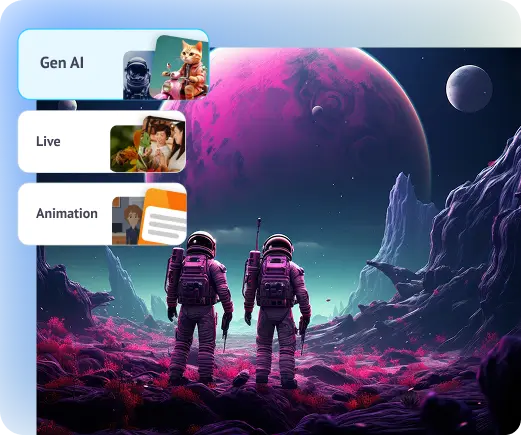
Pick a Style for Your AI Video

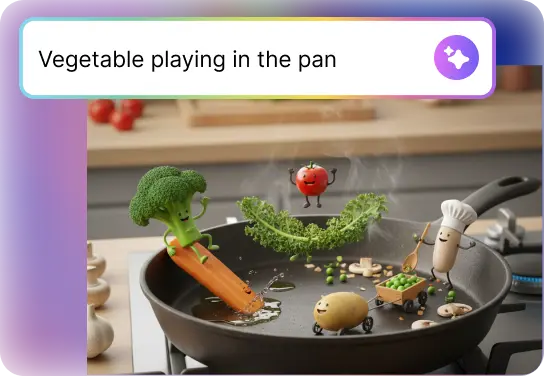
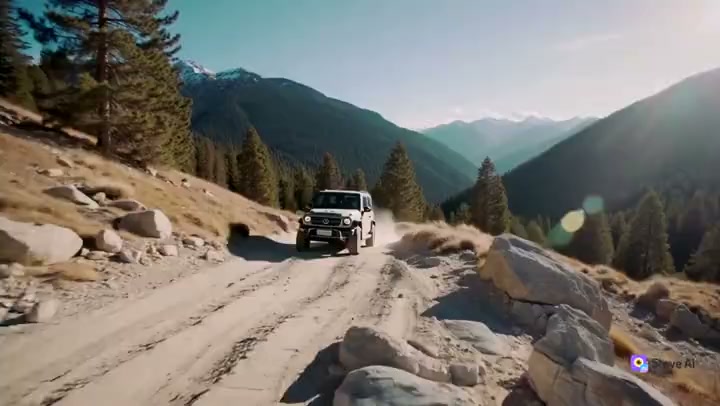
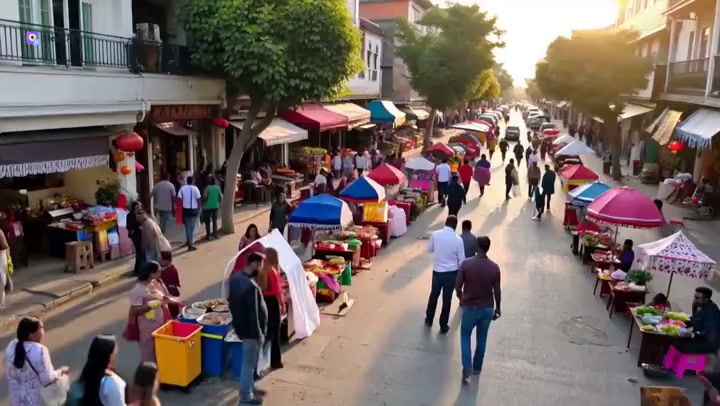
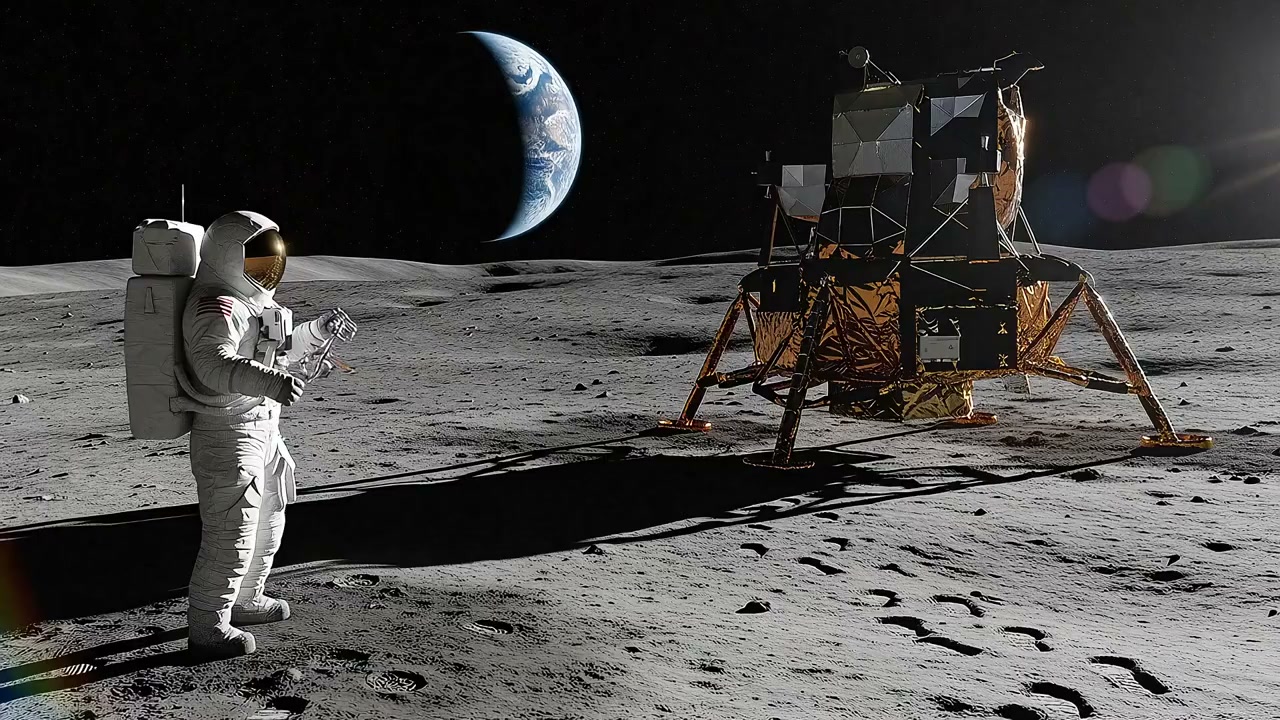
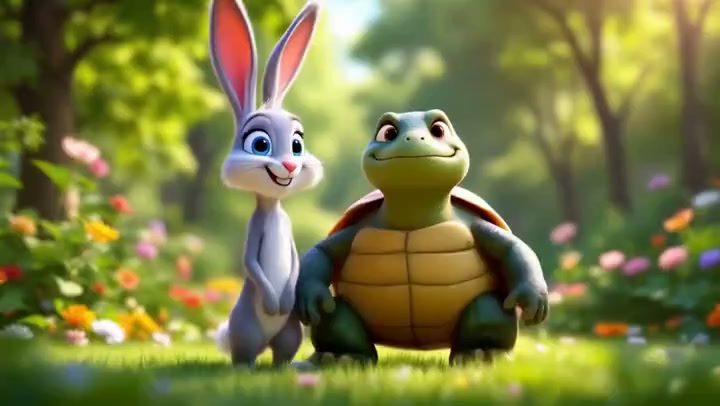
Choose cinematic generative AI visuals, high‑quality stock footage, or clean 2D animation. Steve AI adapts to your creative vision so every video feels unique and tailored to your audience.

Create without being on camera

If you’re not a fan of filming yourself, Steve AI’s free AI video generator lets you create videos without being on camera. Use AI avatars or voiceovers to deliver your message clearly and confidently, so your video still feels personal and polished without ever needing to hit record.

Create without being on camera

AI Video Generator That Stands Out

Steve AI uses an AI-powered video generator to create scenes based on your prompt, not recycled stock, so every video feels original, relevant, and built for attention.

How to Generate an AI Video in 3 Easy Steps with Steve AI

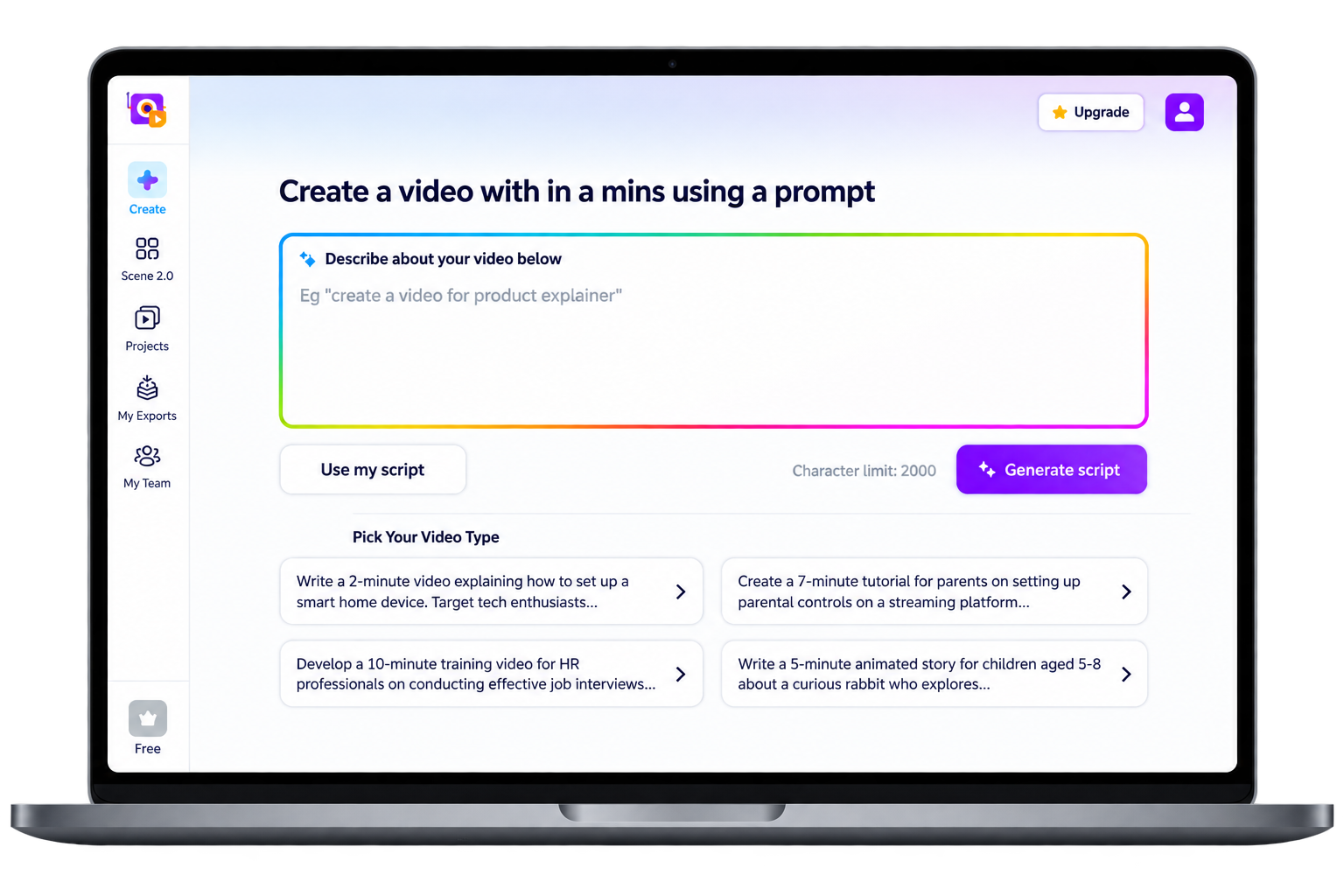
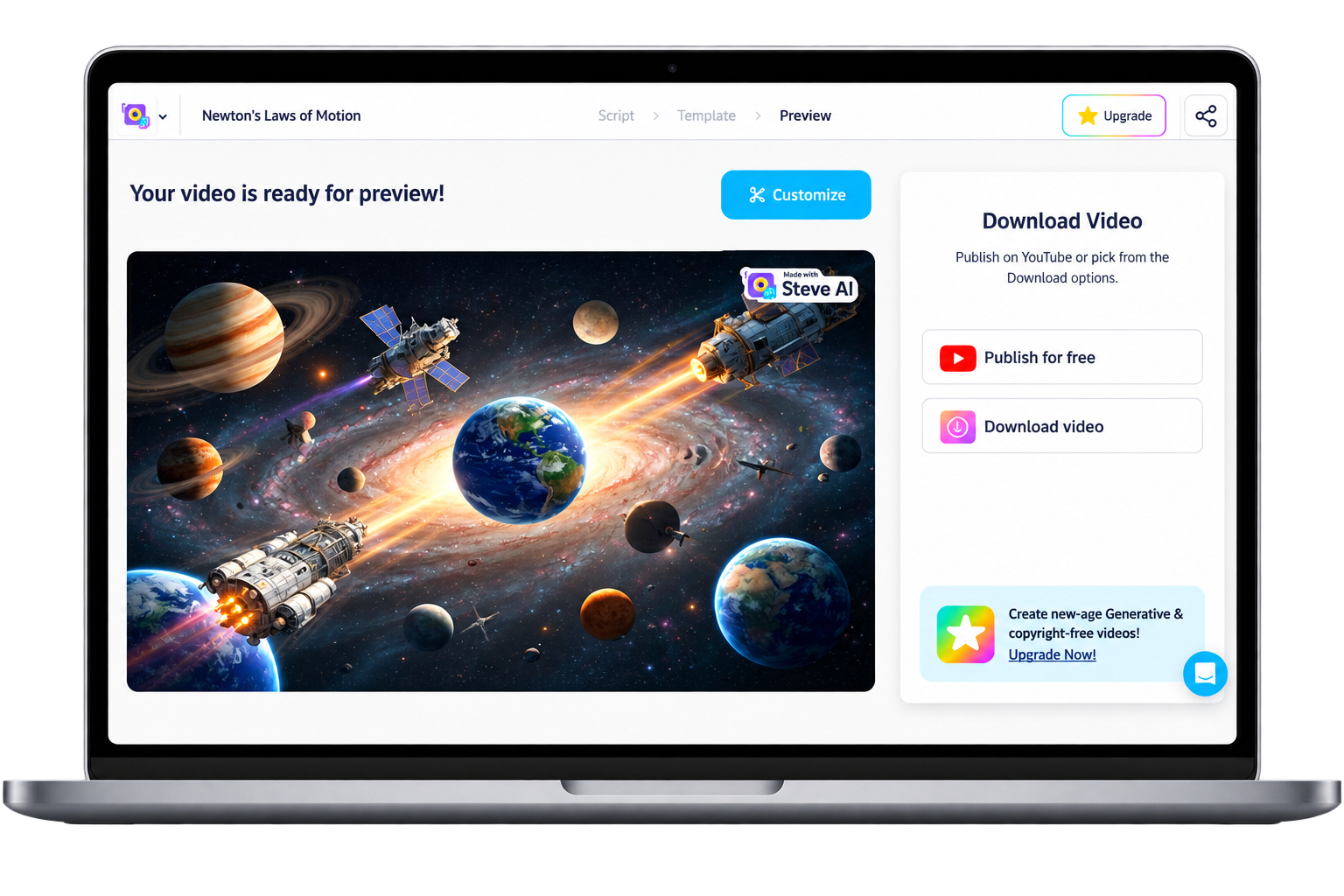
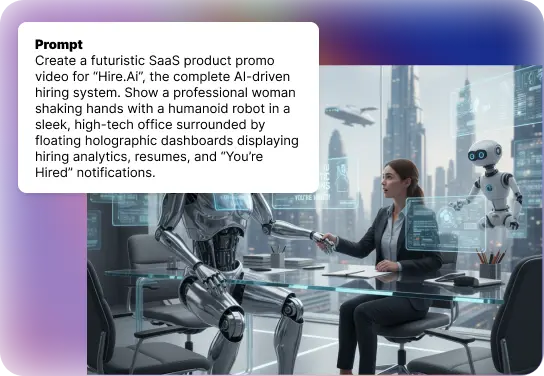
Step 1: Type Your Prompt

Enter your prompt into Steve AI’s prompt dashboard.

Step 2: Pick Your Style & Format

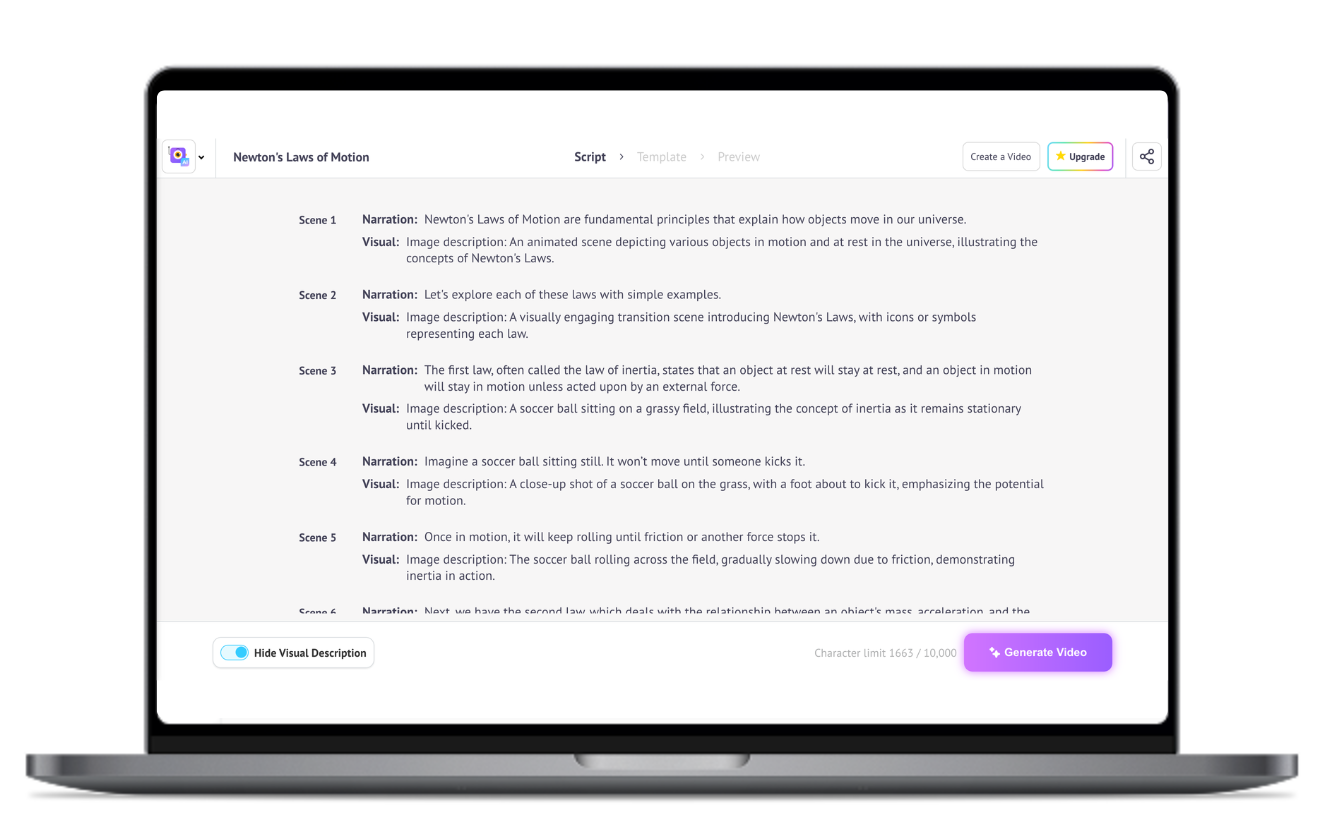
Choose the style, tone, video type, duration, voice, and language, and our AI will generate a script instantly.

Step 3: Download & Share

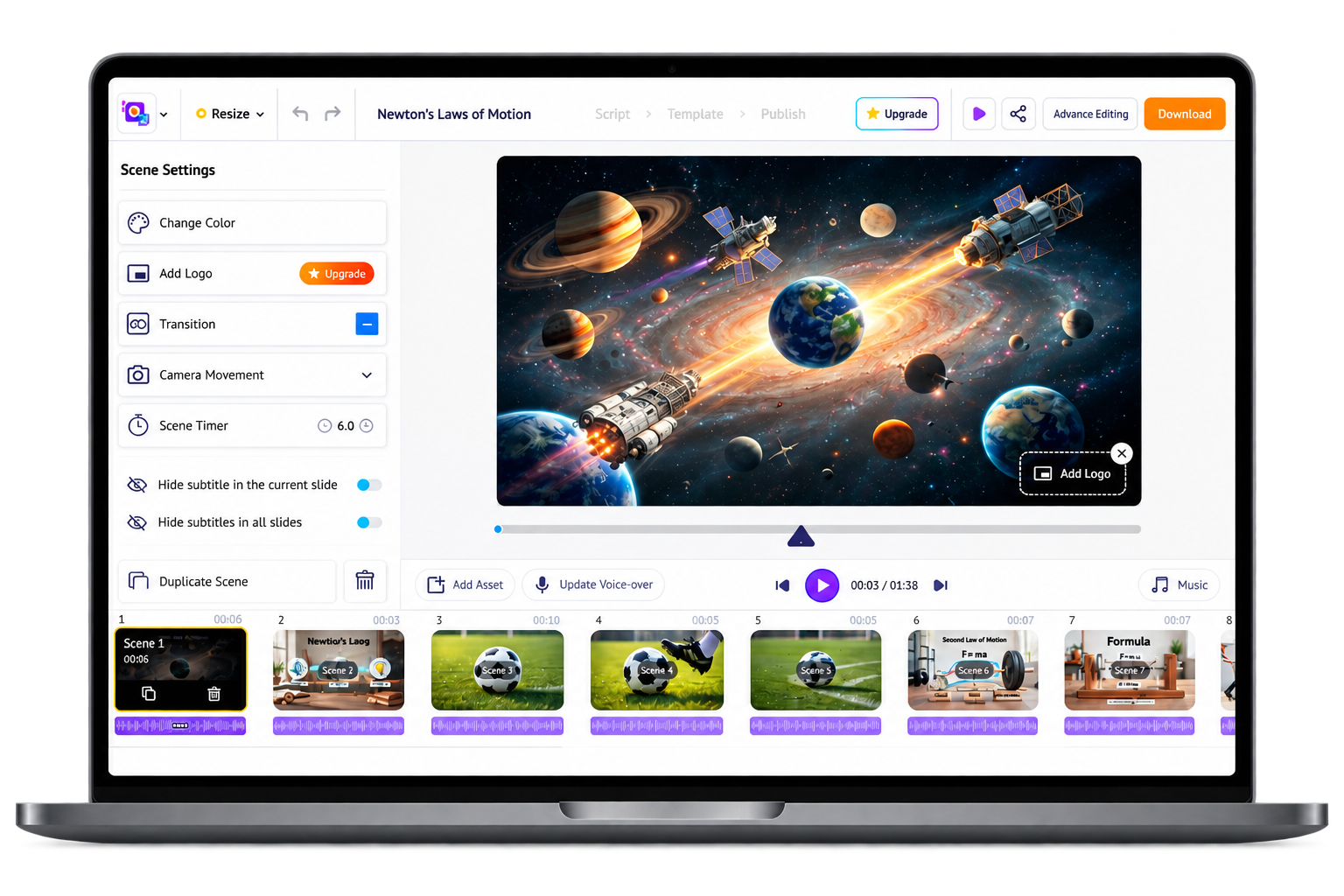
Download in high quality, and share it anywhere.

Trusted by 7+ Million Creators for Fast AI Video Creation!

top-user-logo
brand-assets.softwareadvice
brand-assets.capterra
brand-img-5
brand-img-4
brand-img-3
brand-img-1
brand-img-2

Trusted by leading brands across the world

brand-logo

Frequently Asked Questions about our Generative AI Video Maker

How does AI video generation work?
It turns your script or idea into a video using AI-powered visuals, voice, and scenes—all automatically.
Steve AI is a great place to start if you are looking for a free and the best AI video generator. It’s easy to use and lets you create videos in multiple styles such as live action, Gen AI, and 2D and 3D animation.
Yes, you can make vertical videos for Shorts, Reels, and TikTok directly in Steve AI.
Steve AI offers realistic AI avatars that deliver your script in different voices and languages.
Not at all. Steve AI has a free plan, and paid options are much cheaper than traditional video production.
You can make AI-generated videos in Steve AI by entering a prompt or script, and the platform automatically creates scenes, visuals, and voiceovers for you. Then you simply customize the style, timing, and assets before exporting your finished video.
Yes. Steve AI is one of the few platforms offering both animation and live video generation along with Generative AI video generation.
Steve AI is diverse and offers starting from a prompt, upload text or images, choose your style (animation, Gen AI, or live), generate your video, and refine scenes, voice, and pacing.
With Steve AI most videos are generated in under a minute, with full 4K exports available shortly after. Unless if you want to create a 20 minute or long video, it would take a couple of minutes to render.

Hear it from our happy users

It’s is an amazing AI website that helps you share your imagination with the rest of the world.

Brandi M.

Business Developer

I enjoy creating videos ,and I mean like any story video I want to create.

Mahlatse V.

Stock taker and till Operator

Everything everyone else does - in one place for one price. What else do you need to know? Buy it?

Peter A.

Digital Marketing Manager

Try these video creation tools

Tips, Trends & Tutorials
Worth Reading

end section

Free AI Video Generator for Creators

Whether it’s a story you want to tell, a message you need to share, or just a creative spark you’re exploring, Steve AI helps you turn it into an AI video using the AI video generator.