
Uploaded Audio
Generated Videos
Uploaded Audio
Generated Videos









Convert your voice files into videos with visuals and animations. Keep your audience engaged with easy-to-create content.

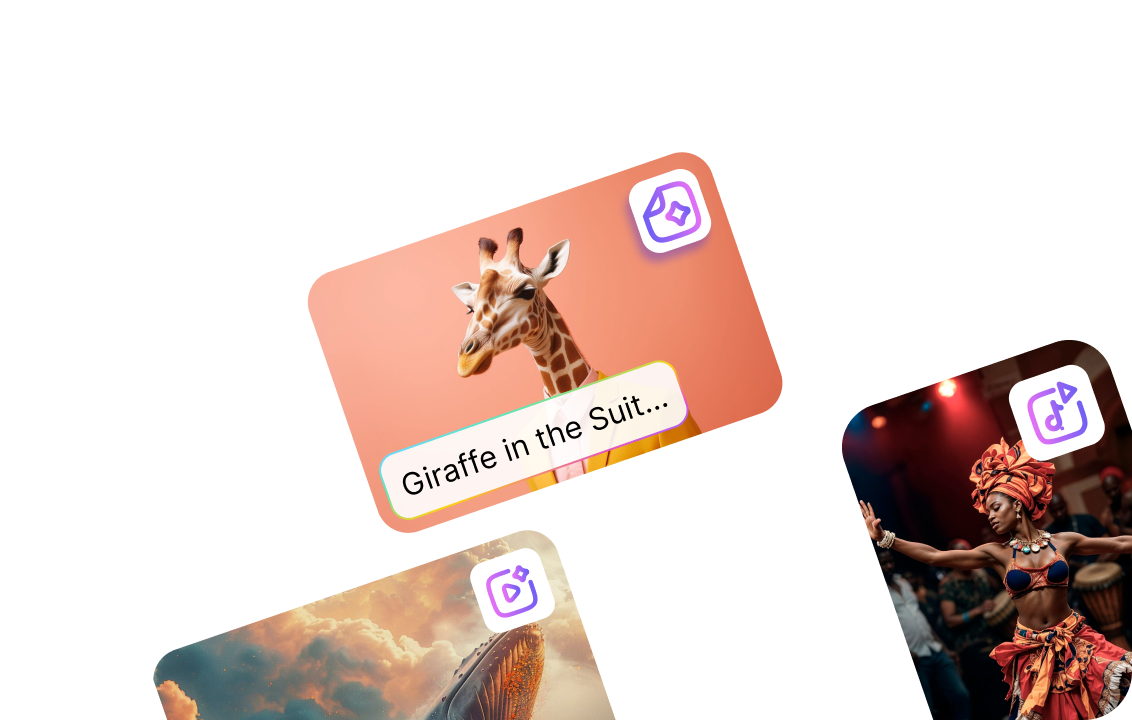
Pick from video styles like animation, live-action, and GenAI. Create videos for podcasts or promos that fit your brand.

Produce various video types—talking heads, text-to-speech, text-to-animation, and live action with one AI video tool.

Add text as captions to your videos. Choose a theme and animate your text with 11 different options.

Let Steve AI automatically generate visuals to match your voice, making video creation simple, fast, and stress-free.

Automated video creation with full control. Swap images, adjust elements, and refine videos to match your vision.

Incorporate your brand’s colors, logos, and fonts to keep your video content consistent and professional-looking.

Customize videos for Instagram, YouTube, Facebook, LinkedIn, and more. Easily adjust sizes and aspect ratios for each platform.

Save time and bring ideas to life by collaborating with your team on Audio to Video AI projects, all in one convenient place.
Log in to Steve AI and select the Voice to Video from the left menu. Upload your audio file in MP3 or WAV format.
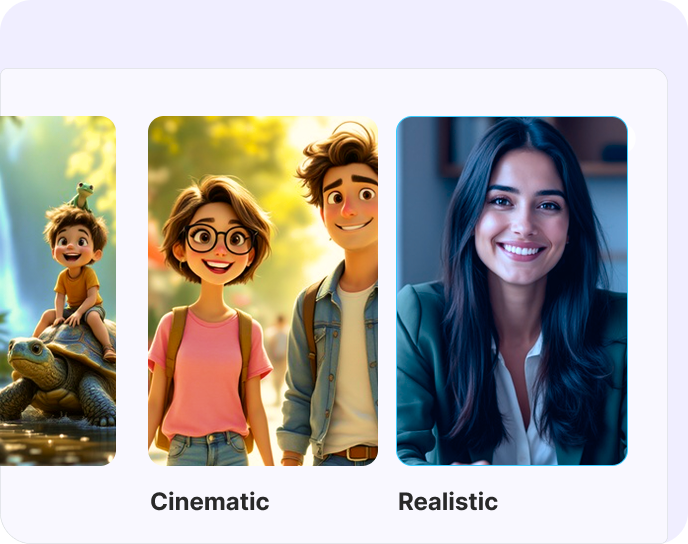
Choose a video style and template. Review the script, clean it up, and set how your subtitles and visuals appear by selecting a template.

Hit preview, make final tweaks, then download and share your video anywhere.
Join 5+ Million Creators Making Videos in Minutes!
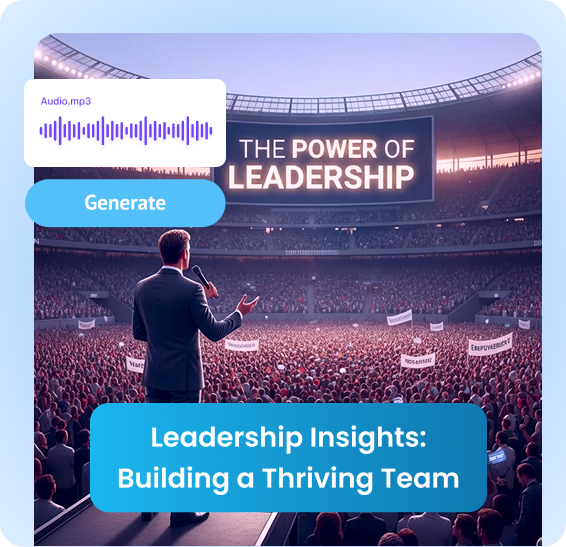
Turn podcasts, talks, voice notes, and lectures into videos you can publish, promote, and monetize across video-first platforms.
One audio file becomes content for YouTube, Instagram, TikTok, LinkedIn, courses, and webpages, without extra recording.
Visuals, captions, and motion help explain concepts faster than audio alone could and also keep viewers engaged longer.
Video adds tone, context, and personality, helping your message feel more human and memorable.
Well-structured videos instantly elevate your brand and make your content feel polished, trustworthy, and shareable.
Independent Creator, US
Marketing Lead and Podcaster, US
Andrew Collins
Coach and Educator, US
Yes, Steve AI can transform your podcast audio into a professional-looking video with minimal effort.
A video podcast is a podcast with a visual component, often featuring visuals that support the audio content. Video podcasts are often more engaging than audio podcasts.
Simply upload your audio file to Steve AI platform, choose your preferred video format and template, and convert your voice to video in minutes. The process is quick and easy.
Yes, you can convert your audio files to video for free. However, if you want to download them, you will need to subscribe to one of our paid plans.
We support all popular audio formats like MP3 and WAV.