Why Pick Steve AI Faceless Video Generator?

Monetise AI Faceless YouTube Channels

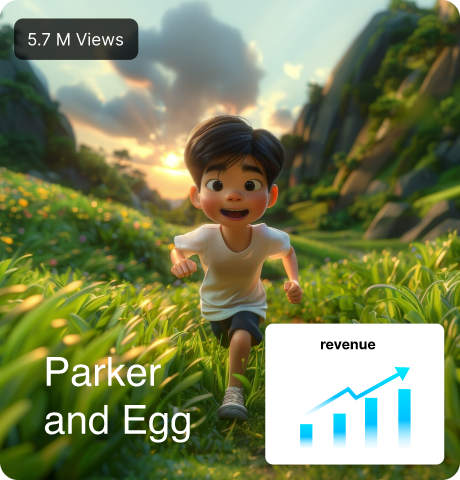
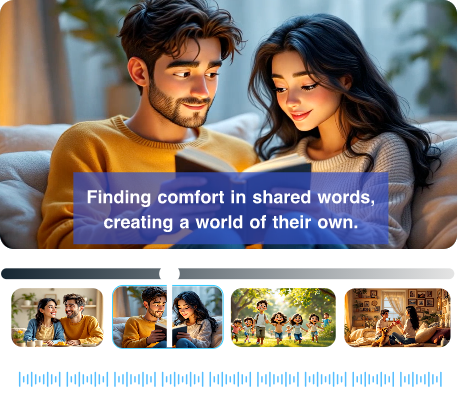
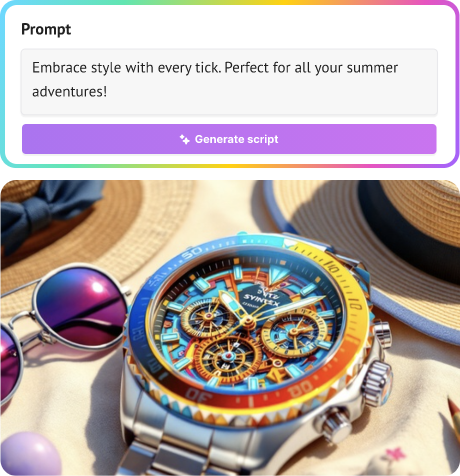
Use a Faceless Video Creator AI to start a YouTube channel without showing your face. Just type your idea, and our AI tool adds voice, pictures, and subtitles for you.

Make Cash Cow Videos with AI

An AI faceless video maker helps you make videos about finance, facts, tech, or motivation. With AI Faceless Video Creation from text, you write words and the video is made for you without camera or team.

Faceless Video Generator for Niche Channels

Turn your ideas into YouTube Shorts, Instagram Reels, or TikToks for any niche or industry. The Steve AI faceless video generator help you post faster and grow niche channels without filming yourself.
Build Profitable Channels with
the Best Faceless Video Generator

Build Profitable Channels with the Best Faceless Video Generator

The Ai Historian

The Ai Historian

Image 1
Image 2
Image 3
Subscribers

335,000

Total Subscribers

$182,180

Earnings Monthly

99,010,774

Total Views

And You Can Do It Too.

Create Without Limits

Turn Audio into Engaging Videos in Minutes

AI Script Generator

Turn ideas into ready-to-go scripts.

Multiple Video Styles

High-Resolution Output

Export your videos in crisp 4K quality.

Multiple Use Cases

Total Creative Control

Customize every detail from script to final video to match your brand.

Animated Text Highlights

100% Human-Sounding Voiceovers

Choose natural AI voices in 8+ languages.

Auto-Generated Visuals

16M+ Premium Assets

Access massive libraries of royalty-free visuals, music, and more.

AI Video Editor with Human Control

One-Click YouTube Uploads

Publish directly. No downloads, no delay.

Custom Branding Options

Made for Every Platform

Create content for Shorts, Reels, YouTube & more.

Auto-Generated Visuals

Create in Different Styles

Choose between Animated, Gen AI, or Stock.

How to the Use AI Faceless Video Generator in 3 Simple Steps?

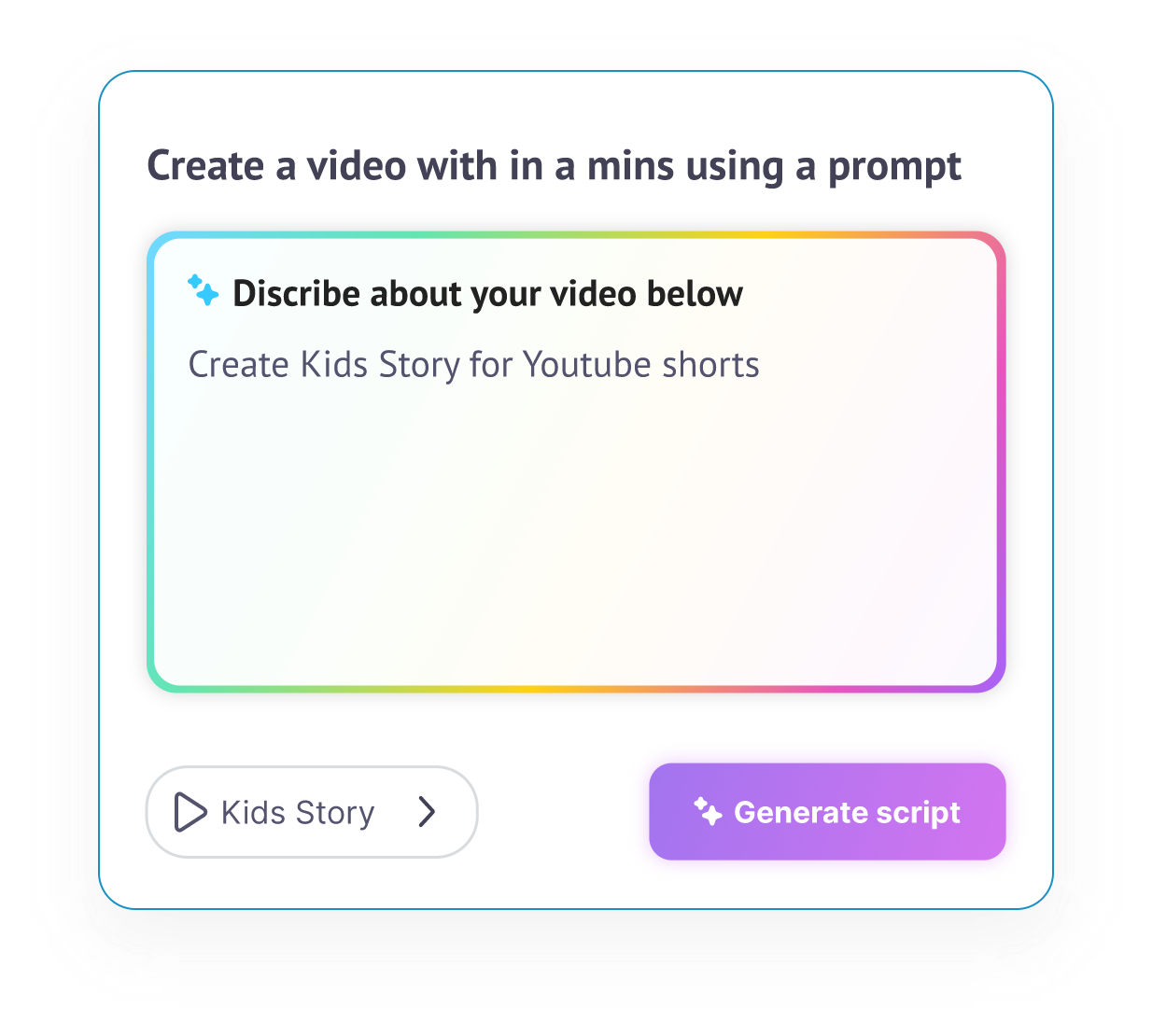
1. Type Your Idea

Enter your prompt, and our AI instantly turns it into a ready-to-use script.

2. Pick Your Style & Format

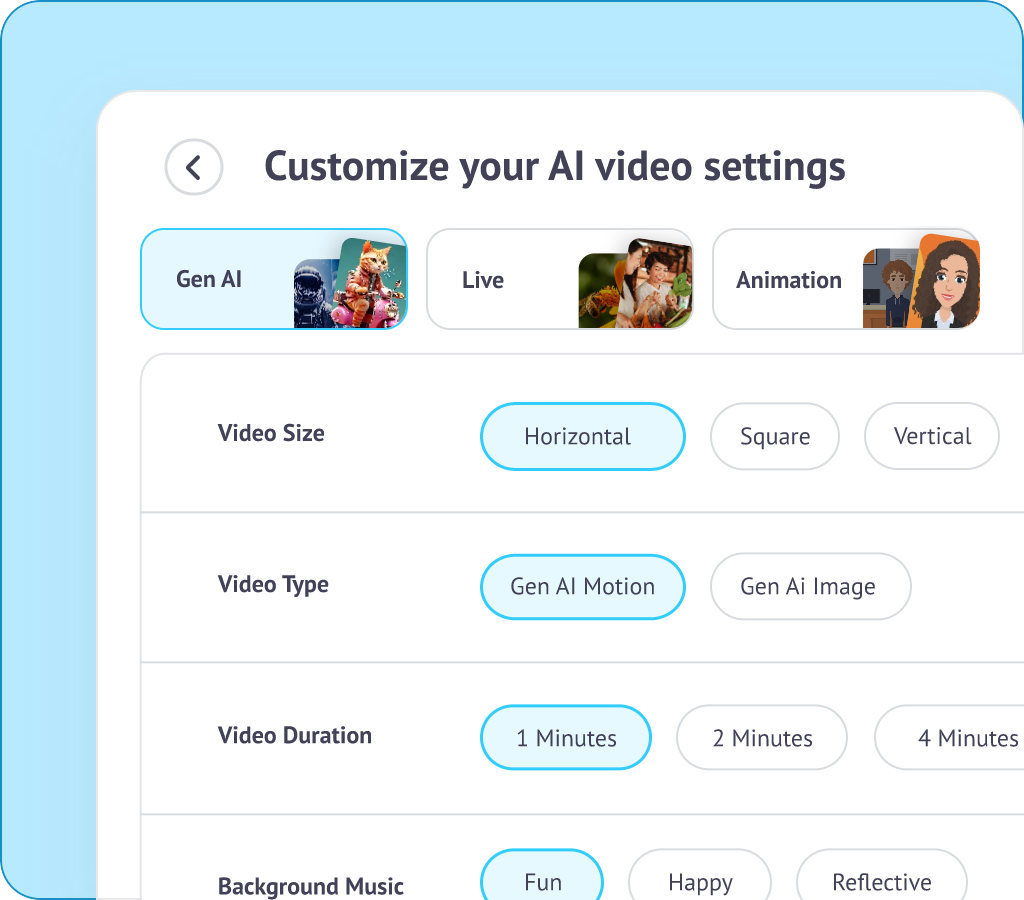
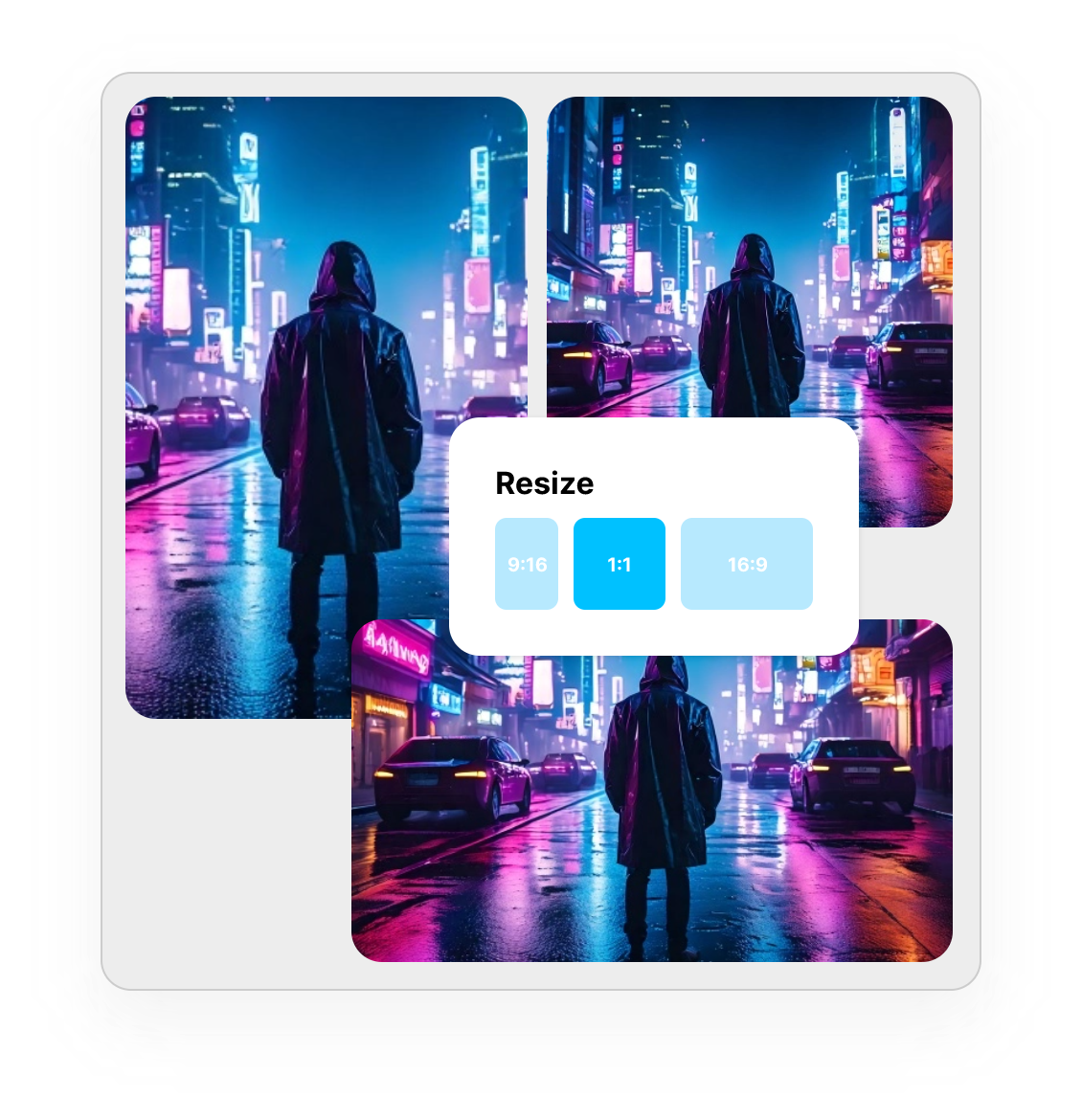
Choose from Generative AI or Live Video Styles, then select your format: YouTube, Shorts, Reels, and more.

3. Download & Share

Customize your final touches, download in high quality, and share it anywhere.
Need Content Ideas? Get Inspired.

ChatGPT Video Templates
The Weird Psychology Trick That Makes People Like You Instantly
ChatGPT Video Templates
7 Bizarre Laws That Still Exist Around the World
ChatGPT Video Templates
The 3-Minute Rule That Changed Billionaires’ Routines
ChatGPT Video Templates
Top 5 Creepiest Unexplained Signals from Space
ChatGPT Video Templates
Why the Moon Follows You at Night: Explained for Kids
ChatGPT Video Templates
Top 10 Unbelievable Facts About the Human Brain
ChatGPT Video Templates
5 Passive Income Ideas You Can Start Today
ChatGPT Video Templates
How Small Habits Create Massive Results

Pro Tips for Creating Viral Faceless Videos

explain_your_videos

Keep Your Script Tight & Relatable

Short, punchy sentences work best. Speak directly to your audience and keep them hooked within the first 5 seconds.

boost_engagement

Use The Right Voiceovers

Even if it’s AI, tone matters. Choose a voice that matches the vibe, whether it’s inspiring, educational, or entertaining.

connect_your_audience

Match Visuals to the Message

Don’t just add clips, add meaning. Use visuals that support your words and keep the story flowing.

increase_conversions

Optimize for Your Platform

YouTube loves long-form. Reels and Shorts love punchy cuts. Pick your format before you build your video.

Try these video creation tools

Turn Your Faceless Videos into Income

Make Money on YouTube

Post faceless videos, grow your views, and start earning ad revenue.

Try Affiliate Marketing

Share the products you love, and get paid when people click.

Sell Digital Products

Use videos to market eBooks, courses & more.

Work With Brands

Build an audience, and get paid by brands for your content.

Go Viral with Shorts & Reels

Quick, faceless videos that rack up views—and payouts.

Insights, Strategies & Tips for Faceless Creators

top-user-logo
brand-assets.softwareadvice
brand-assets.capterra
brand-img-5
brand-img-4
brand-img-3
brand-img-1
brand-img-2

Trusted by leading brands across the world

brand-logo

Hear it from our happy users

I run two faceless YouTube channels in the finance niche, and this tool saves me hours every week. I just paste my script, choose a style, and the video is ready with voiceover and visuals. Steve AI gives attention to detail, even when you have just an idea to explore.

Arjun M.

YouTube Automation Creator

I used to outsource everything for my cash cow channel. Now I create faceless videos myself in minutes without depending on anyone else. It’s simple, scalable, and perfect for niche content like facts and tech. If I end up not liking some section, I can easily edit and experiment with existing footage.

Daniel K.

Niche Channel Owner

Steve AI's faceless video generator helped me post consistently. The videos look clean, professional, and actually get views. Even as a beginner, I feel confident that I’ll be able to monetize my channel soon.

Neha R.

Content Creator

Frequently Asked Questions about
AI Faceless Video Maker

What is an AI Faceless Video Generator?
It’s a tool that lets you create videos without filming yourself. With Steve AI's faceless video maker tool you can paste an idea or prompt, and then you can customise your video with a few clicks.
Yes, you can! The Steve AI faceless video generator can turn your script or prompt into a complete video, add suitable visuals, voiceovers, and music in a matter of minutes.
Just input your idea, choose a format (like YouTube or Shorts), and use AI tools to create high-quality, faceless videos in minutes.
Look for platforms that offer easy script input, visual templates, and automated voiceovers. Steve AI is perfect for both first-time creators and pros alike making it one of the best AI video creation tool available in the market.
Yes, as long as your content is original and follows YouTube’s monetization guidelines. Many creators use an AI faceless video generator to produce consistent, niche-based content and earn through ads, affiliates, and sponsorships.
Choose a niche, write engaging scripts, and use Steve AI to generate videos automatically. Upload consistently and optimize your titles, thumbnails, and descriptions to grow your channel.
Yes. AI tools can generate natural-sounding voiceovers directly from your script. Steve AI’s faceless video generator includes multiple voice styles and language options.
No. With Steve AI's faceless video generator you can create complete videos without recording anything. You simply add your script and the AI handles visuals, voice, and editing.
Steve AI's faceless video generator offers multilingual voiceovers and captions. You can create AI videos in various languages to cater to your global audiences.
Steve AI’s faceless video generator includes a built-in library of stock clips, images, and music. You can also upload your own assets with a single click.
No downloads are required. Our AI video generators work entirely online. You can create, edit, and export videos directly from your browser.