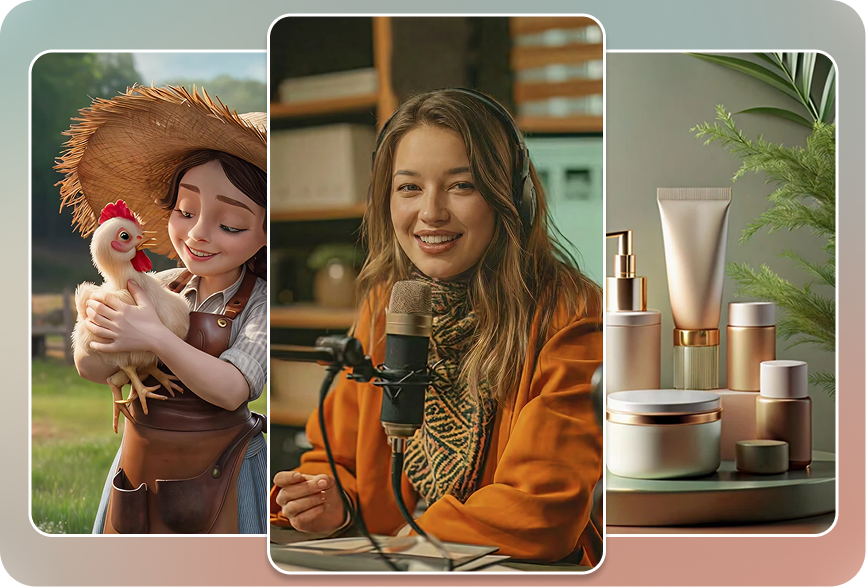
Two Ways to Go Vertical — Pick What Fits Your Workflow

Create New

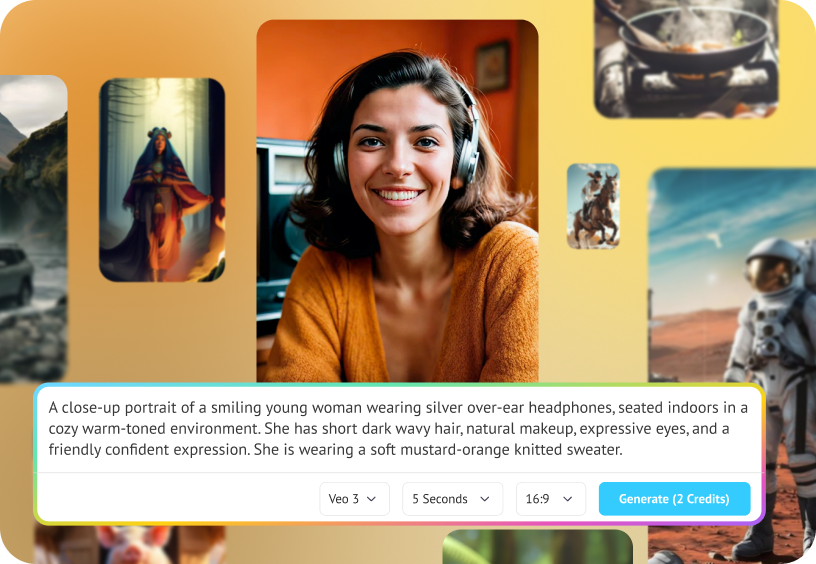
Start From a Prompt

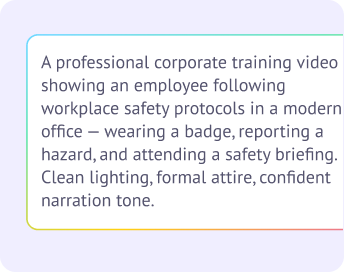
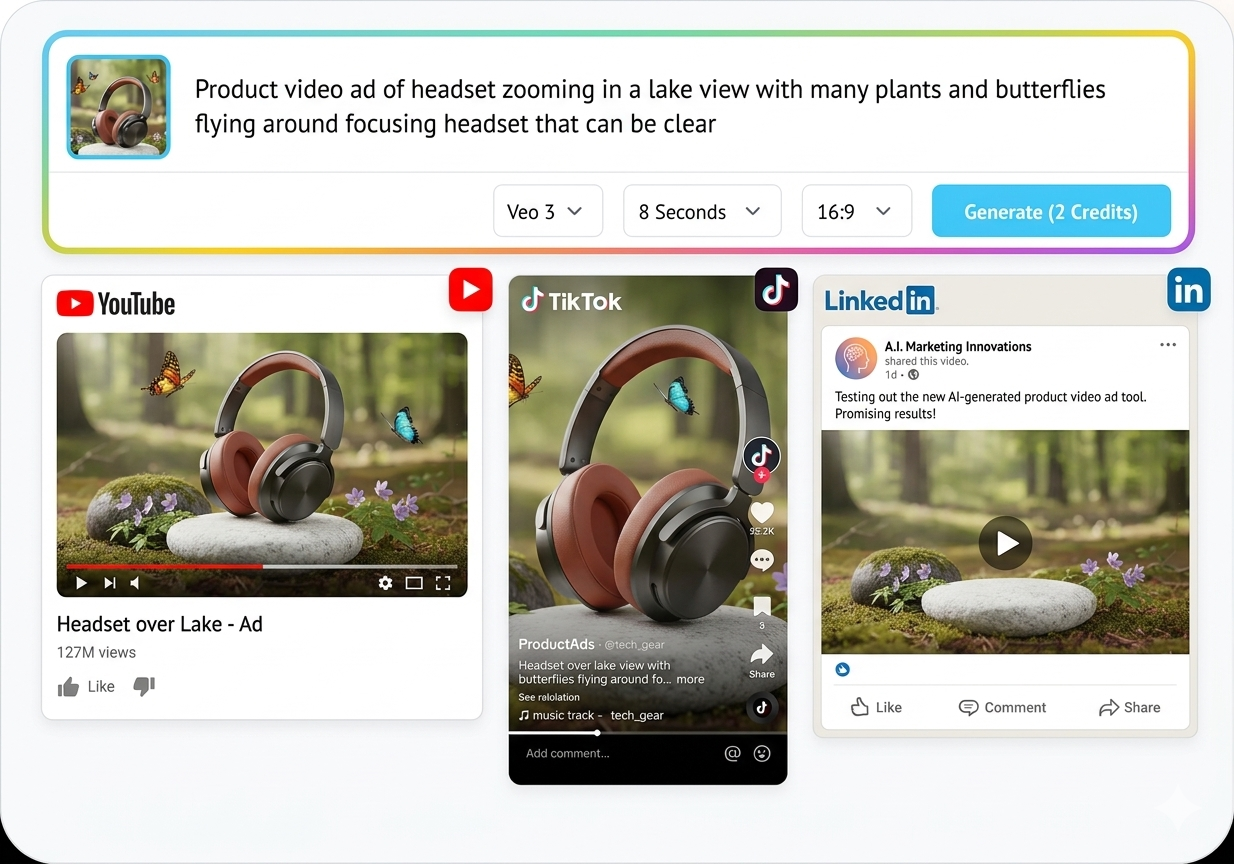
Have an idea but no footage? Type it out and Steve AI generates a brand-new vertical video with script, visuals, voiceover, and captions, all sized for 9:16 from the start. No reformatting needed because it's built vertical.

Convert Existing

Reframe What You Have

Already shot in landscape or square? Upload it and Steve AI automatically reframes to 9:16, keeping the subject centered and in focus whether that's a face, a product, or on-screen text.

Generate Vertical Videos from a Prompt

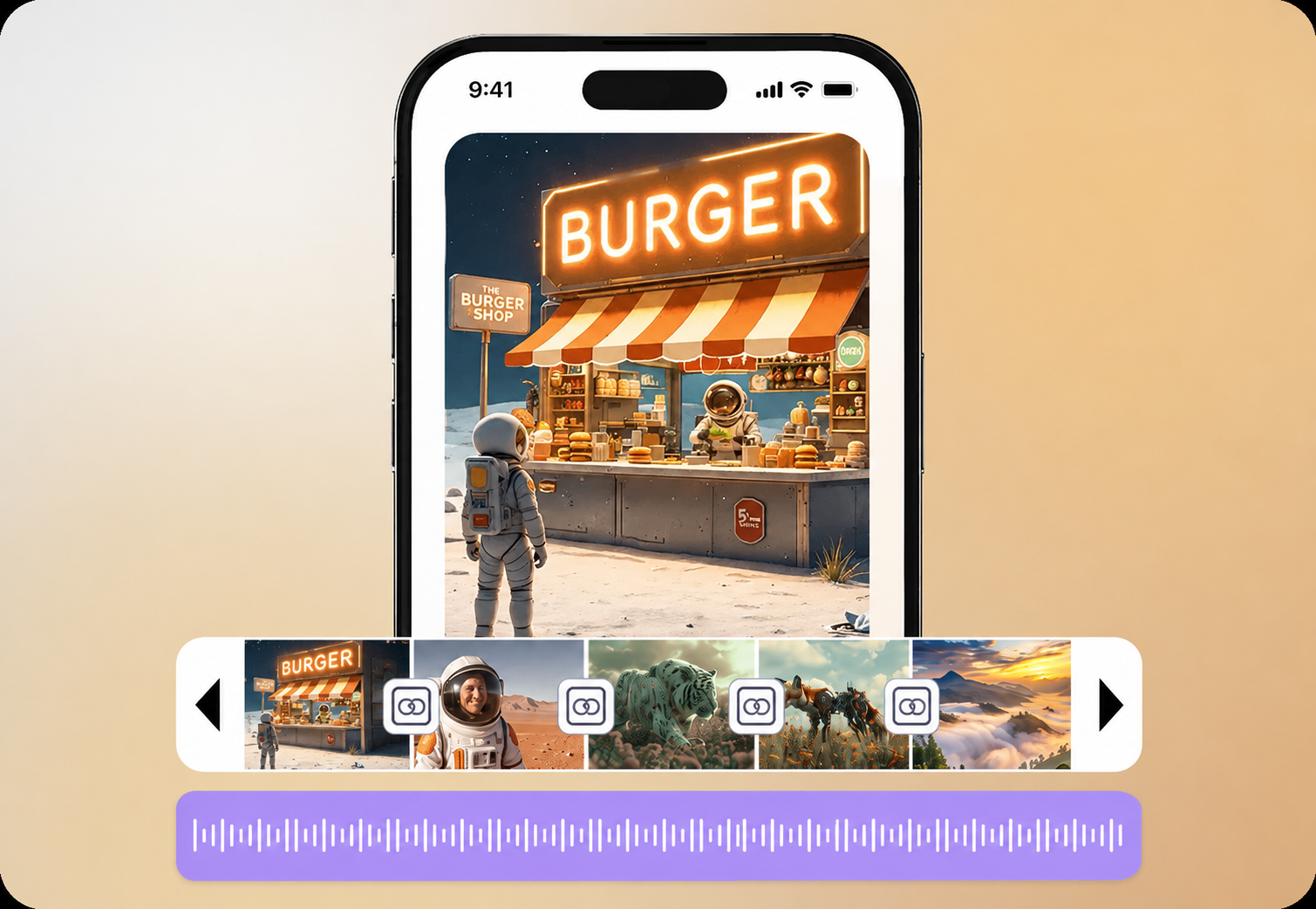
Skip the blank timeline. Type your idea and Steve AI builds a complete 9:16 video with visuals, captions, music, and voiceover, sized and formatted for mobile screens from the very first frame.

Generate Vertical Videos from a Prompt

Convert Any Video to Vertical in One Click

Already have a horizontal or square video? Drop it into Steve AI and reframe it to 9:16 instantly. Our AI detects the key subjects like faces, action, text and keeps it in frame, so nothing important gets cropped out. No manual dragging, no guesswork.

Convert Any Video to Vertical in One Click

AI That Knows What to Keep in Frame

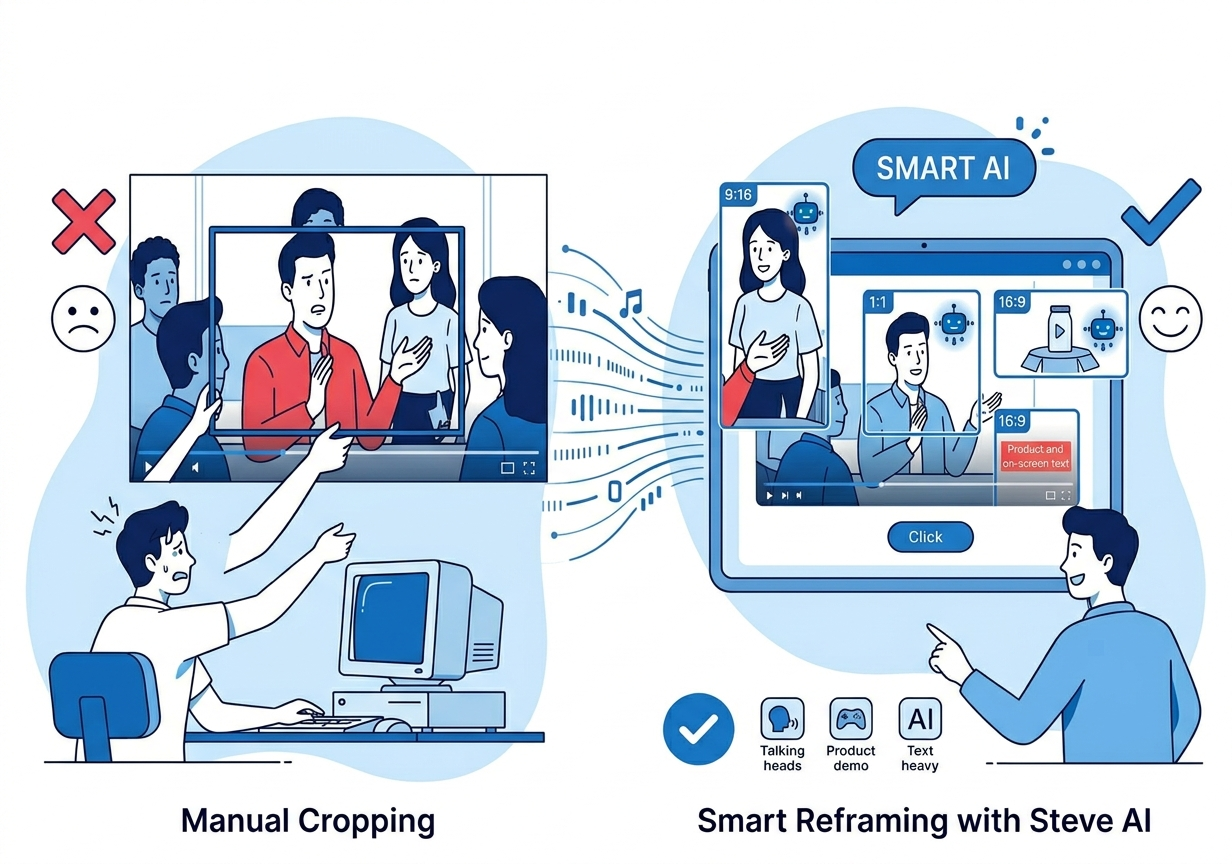
Manual cropping means hours of dragging, zooming, and second-guessing and still cutting someone's head off mid-sentence. Steve AI's smart reframing detects the focal point of every scene, a speaker's face, a product demo, on-screen text and automatically keeps it centered as the frame shifts from landscape to portrait.

Works on talking-head videos, product demos, gameplay footage, and text-heavy content alike. Switch between 9:16, 1:1, and 16:9 without re-editing your video from scratch.

No Idea Is Too Big

Built for TikTok, Reels, and YouTube Shorts

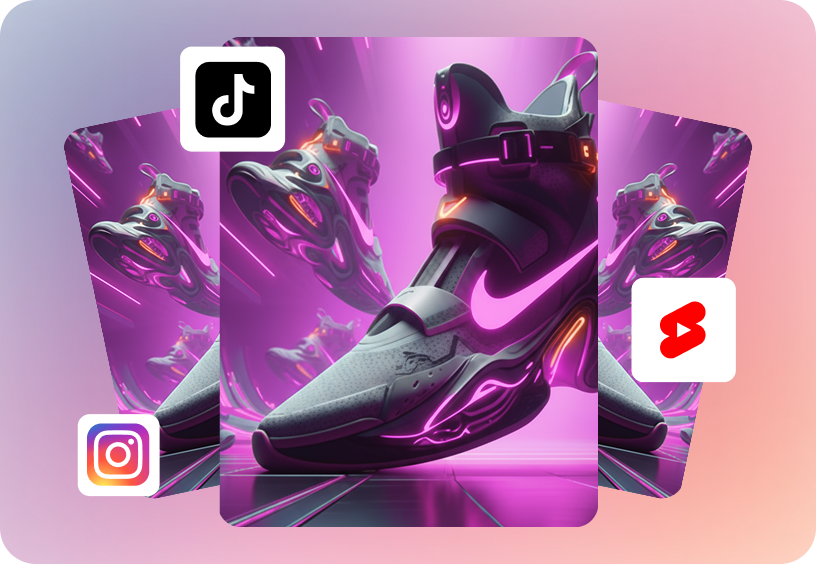
Every vertical video from Steve AI is sized and formatted for the platforms that matter most. Choose your target platform and get content that looks native, not stretched, not cropped, not awkward.

Built for TikTok, Reels, and YouTube Shorts

10M+ Vertical Stock Clips, Ready to Use

Access a massive library of vertical-format stock footage, images, and templates pre-cropped for 9:16 so you never have to fight with aspect ratios. Drop clips straight into your timeline and customize freely.

10M+ Vertical Stock Clips, Ready to Use

Create Vertical Videos On the Go

Vertical content is mobile content, so creating it should be too. The Steve AI mobile app lets you generate, convert, and edit 9:16 videos straight from your phone, whenever inspiration strikes.

Create Vertical Videos On the Go

One Video, Every Aspect Ratio

Stop making separate edits for every platform. Create or upload one video, then export it in the formats each platform actually wants - vertical for TikTok and Shorts, square for Instagram feed, widescreen for YouTube. Steve AI handles the reframing for each.
  • 9:16 - TikTok, Reels, YouTube Shorts, Stories
  • 1:1 - Instagram Feed, Facebook
  • 4:5 - Instagram Feed (portrait)
  • 16:9 - YouTube, websites, presentations
No Idea Is Too Big

A Vertical Video Maker That Does More

FeatureSteve AIReframe-only tools
Create new vertical videos from a promptYesNo
Convert horizontal/square to verticalYesYes
AI smart subject detection while reframingYesYes
10M+ vertical stock footage libraryYesLimited
Built-in AI voiceover & script generationYesNo
Multi-platform export (9:16, 1:1, 16:9)YesPartial
Mobile app for on-the-go editingYesVaries

How to Make a Vertical Video with AI

Start with a Prompt

Step 1: Start with a Prompt

Type your idea to generate a new video from scratch or open an existing project of any format.

Choose Your Format

Step 2: Choose Your Format

Select 9:16 for TikTok, Reels, and Shorts. Steve AI applies smart reframing automatically if you're converting, or builds vertical-native if you're generating fresh.
Customize and Resize

Step 3: Customize and Resize

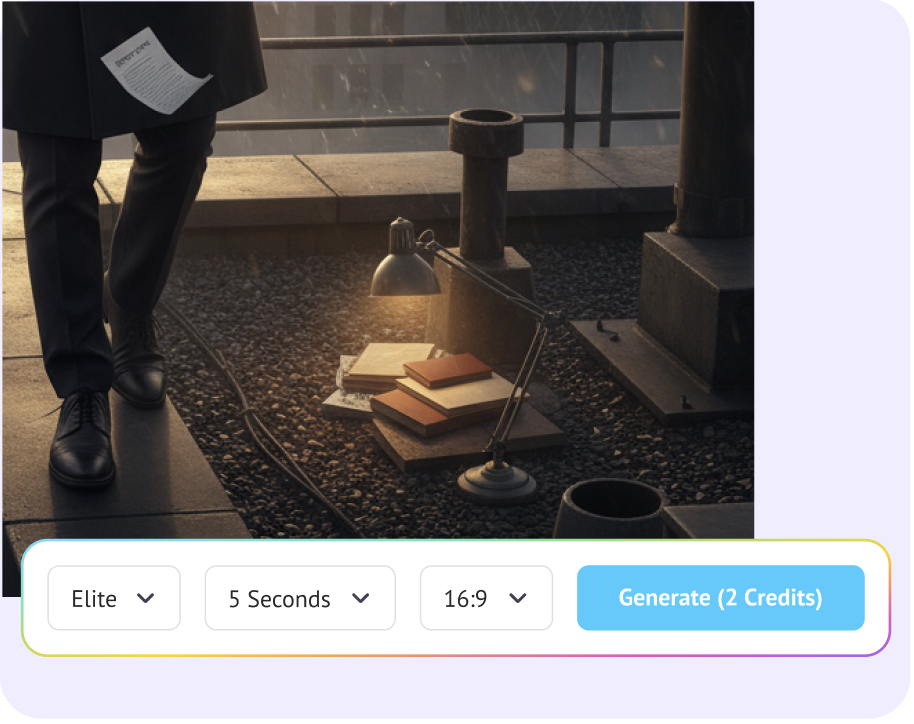
Make any changes from our vast library of vertical stock or generate with AI. If it's an existing project, use the Resize option to change format.

Preview and Export

Step 4: Preview and Export

Preview your video, make final tweaks, and export directly ready to post on any platform.

Vertical Video for Every Goal

Repurpose Long-Form Content

Turn YouTube videos, webinars, or podcasts into vertical clips for TikTok and Shorts without losing the moment that matters.

Social Media Ads

Create scroll-stopping vertical ad creatives for Instagram and TikTok feeds, sized correctly the first time.

Product Demos & E-commerce

Show off products in the format shoppers actually scroll through - vertical, fast, mobile-first.

Personal Branding & Influencers

Build a consistent vertical content library across TikTok, Reels, and Shorts from a single workflow.

Educational Content & Tutorials

Convert screen recordings or widescreen tutorials into bite-sized vertical lessons.
Vertical Video for Every Goal

Join 7+ Million Creators Using Steve AI keyword

Try these video editing tools

top-user-logo
brand-assets.softwareadvice
brand-assets.capterra
brand-img-5
brand-img-4
brand-img-3
brand-img-1
brand-img-2

Trusted by leading brands across the world

brand-logo

Hear it from our happy users

With Steve AI we were able to boost our online presence with quick and easy to understand videos of our products and new features while keep our cooperate identity and the cartoon charme.

Marvin A

Consultant

Steve AI Video Maker has been a delight. I enjoyed the experience and would recommend to others too. Prices are reasonable than many other competitors.

Asim R

Animator

Steve AI is totally good tool for everyone. Everyone inside Steve AI is so helpful. I like creating videos by using real photos and videos. After seeing Steve AI, I decided to create YouTube channel.

Ali Riza O

Social Media Manager

Questions About Vertical Video Maker

What is a vertical video maker?
A vertical video maker is a tool that creates or formats videos in portrait orientation (9:16), the format used by TikTok, Instagram Reels, YouTube Shorts, and Stories. Steve AI lets you both generate new vertical videos from a prompt and convert existing horizontal videos to vertical.
Open the project to be resized on Steve AI. In the workspace click the Resize button and select the 9:16 format. The AI automatically reframes the footage, keeping the main subject face, action, or text centered in the new portrait frame. No manual cropping required.
Yes. Type a topic or prompt into Steve AI, and it generates a complete vertical video with visuals, voiceover, captions, and music built natively in 9:16.
9:16 is portrait (vertical), used for TikTok, Reels, and Shorts. 1:1 is square, common on Instagram feed. 16:9 is widescreen/landscape, used for YouTube and most traditional video. Steve AI can export your video in any of these formats from a single source.
No, Steve AI's smart reframing detects the key subject in each scene (a face, product, or on-screen text) and keeps it in frame as it reframes from landscape to portrait, instead of applying a fixed center crop.
Yes. You can generate and convert vertical videos with Steve AI without a credit card.
Yes. Steve AI adds animated captions, background music, and voiceover automatically or you can customize each element manually.
No. Steve AI's vertical video maker runs entirely in your browser, with a mobile app available for editing on the go.

Read More on AI Video Creation for Social Media

end section

Go vertical in seconds - not hours.

Create from scratch or convert what you've already got. Either way, Steve AI gets you to 9:16 fast.