Home > Quiz Video Maker
AI Quiz Video Maker for High-retention Learning
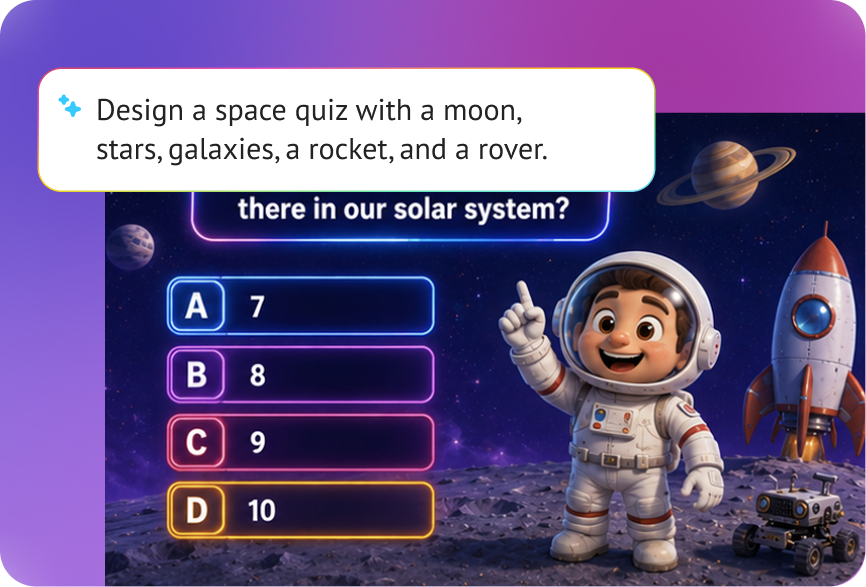
Steve AI creates quiz videos, not hosted interactive quizzes with response tracking or leaderboards. With Steve AI, you generate a complete video where quiz questions, countdowns, and answer reveals appear between scenes, narrated with AI voiceover and animated with generative visuals. Think quiz show, not quiz form. Export it to YouTube, your LMS, a training platform, or social media.
Type out your quiz topic and questions or paste an existing script and Steve AI generates a full video around them. The AI writes the scene flow, selects visuals, adds narration, and inserts animated Q&A sequences between content segments. From blank page to publish-ready quiz video in minutes.
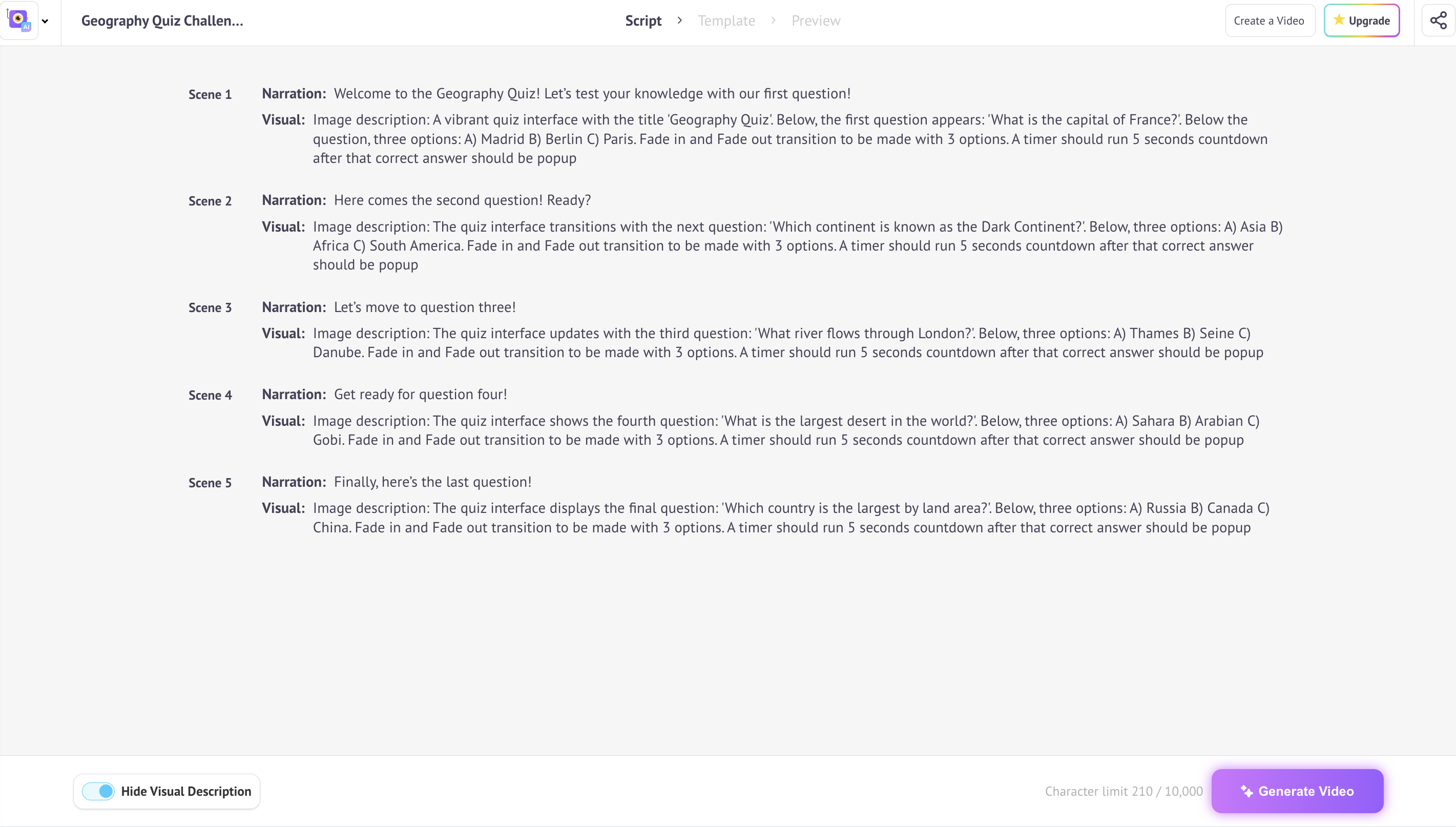
Steve AI uses generative AI to produce animated quiz elements that look polished without a motion designer. Questions appear on-screen with animated text overlays. Countdown timers tick down between the question and reveal. Answer cards animate in correct answers highlighted, wrong ones struck through. It's the visual language of quiz shows, applied to your video content.
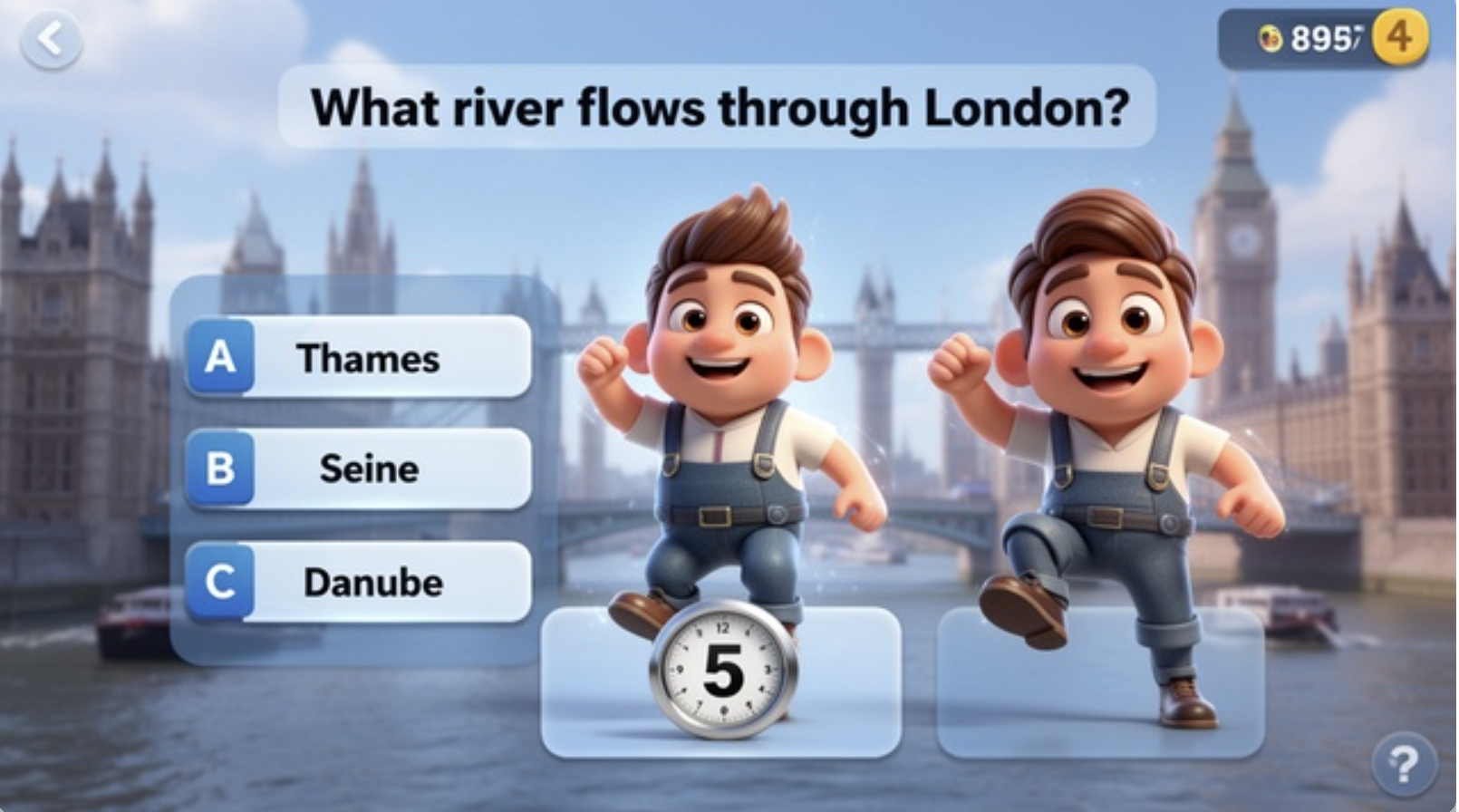
Every quiz needs a host. Steve AI's AI voiceover reads your questions with the right pacing, building tension before a reveal, keeping energy up during countdowns, and delivering answers with clarity. Choose from 100+ voices across accents and styles: authoritative for corporate training, upbeat for social trivia, calm and clear for eLearning modules.
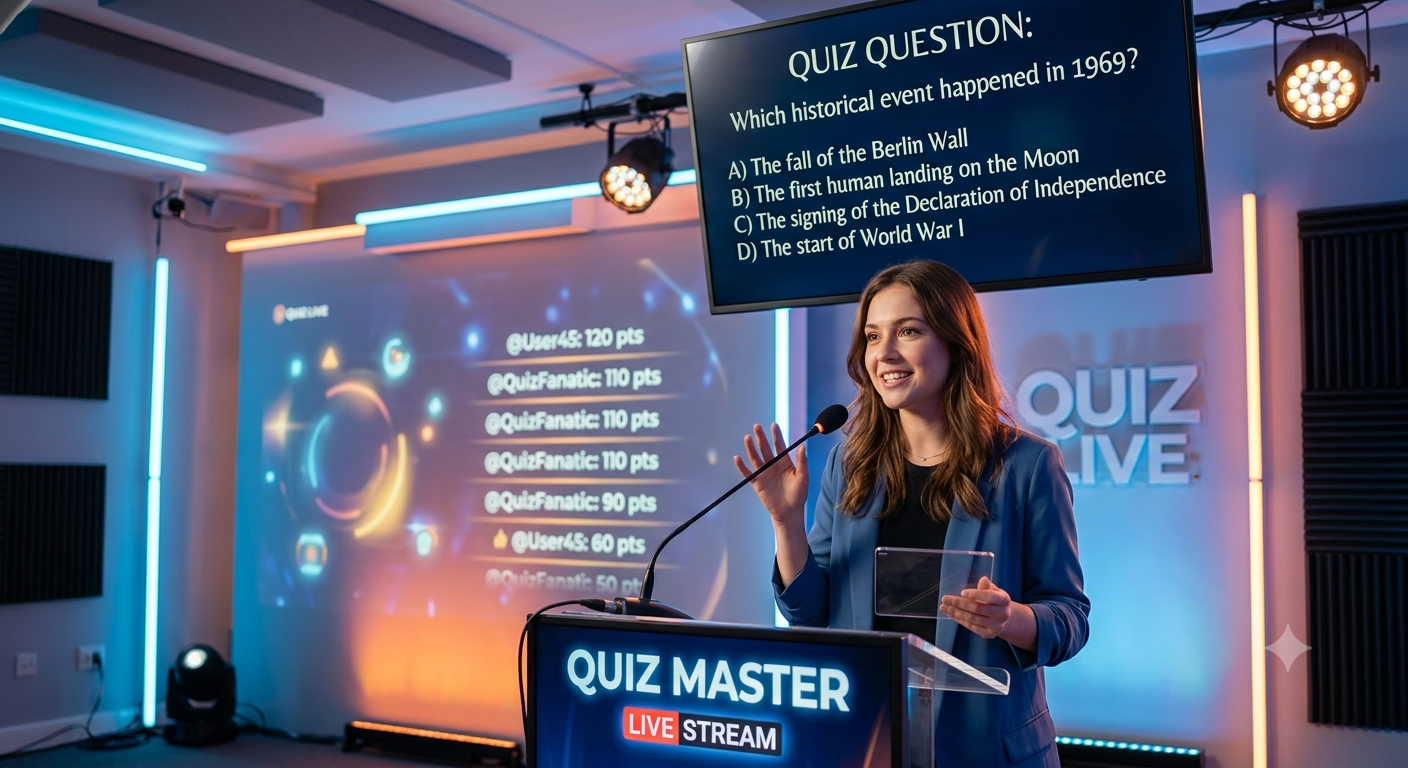
Knowledge checks, compliance assessments, onboarding walkthroughs, Steve AI helps L&D teams turn dry training content into engaging quiz videos. Insert comprehension questions between training segments, add countdown timers that give learners time to think, and deliver answer reveals with clear visual feedback. Distribute to your LMS or share as a standalone training video.
Sports trivia. History quizzes. Pop culture play-alongs. General knowledge face-offs. Quiz videos are one of the highest-engagement formats on YouTube, viewers watch to the end just to see if they got it right. Steve AI generates the questions, the countdown, the reveal, and the full video package so you can publish trivia content consistently without the production grind.
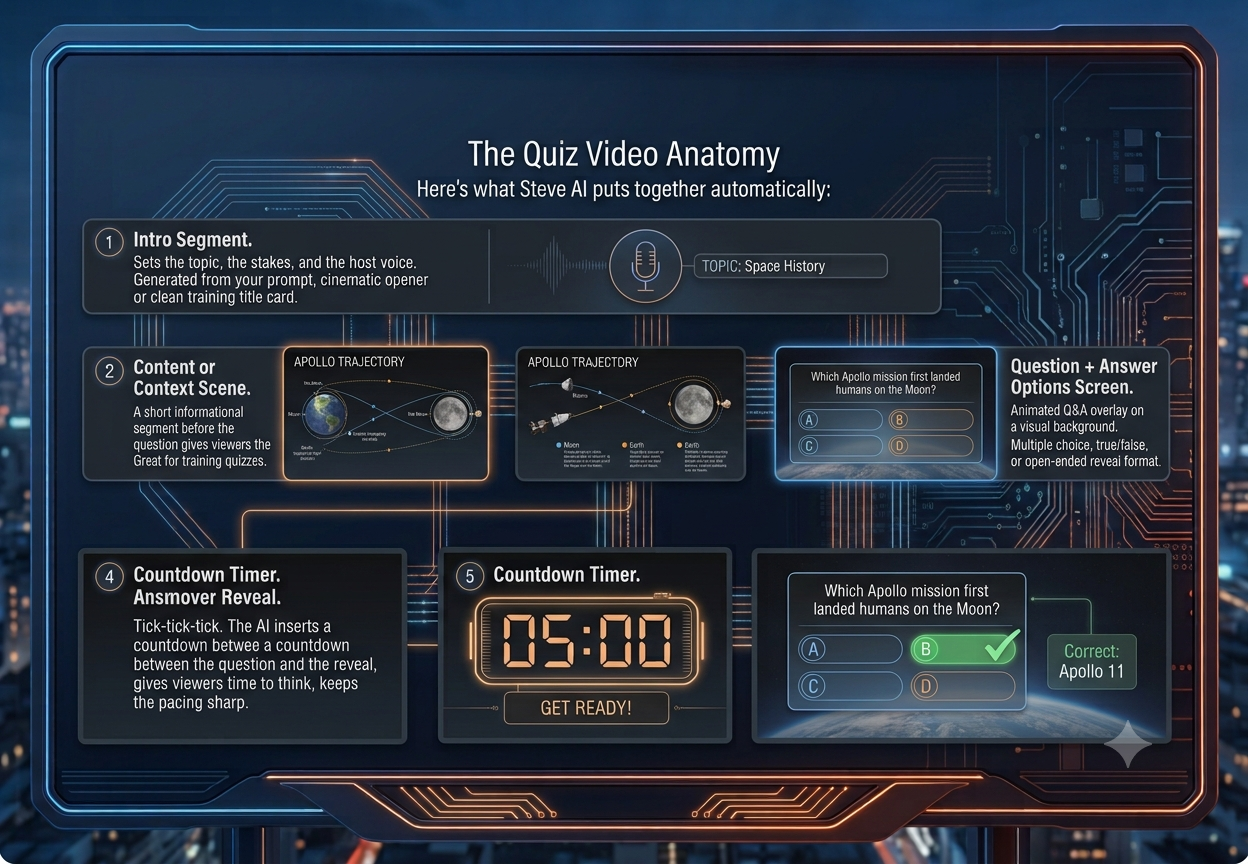
A well-built quiz video follows a rhythm your audience can follow. Here's what Steve AI puts together automatically:
The Quiz Video Anatomy:
Quiz videos built in Steve AI export in every format you need. Drop them into your LMS or training platform (Workday, Cornerstone, TalentLMS), upload to YouTube as a standalone trivia video, or post as a Reel or Short. One video, every distribution channel.
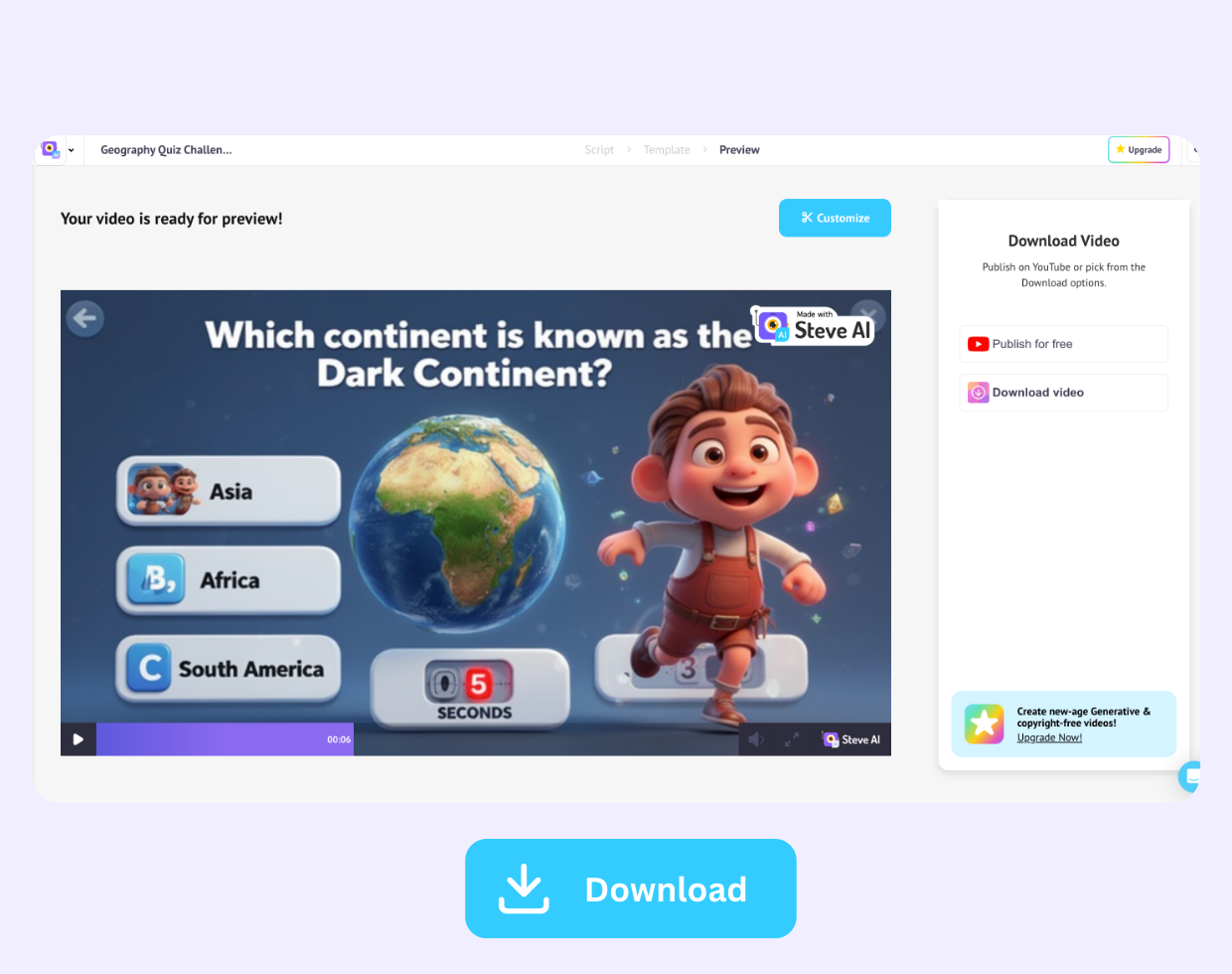
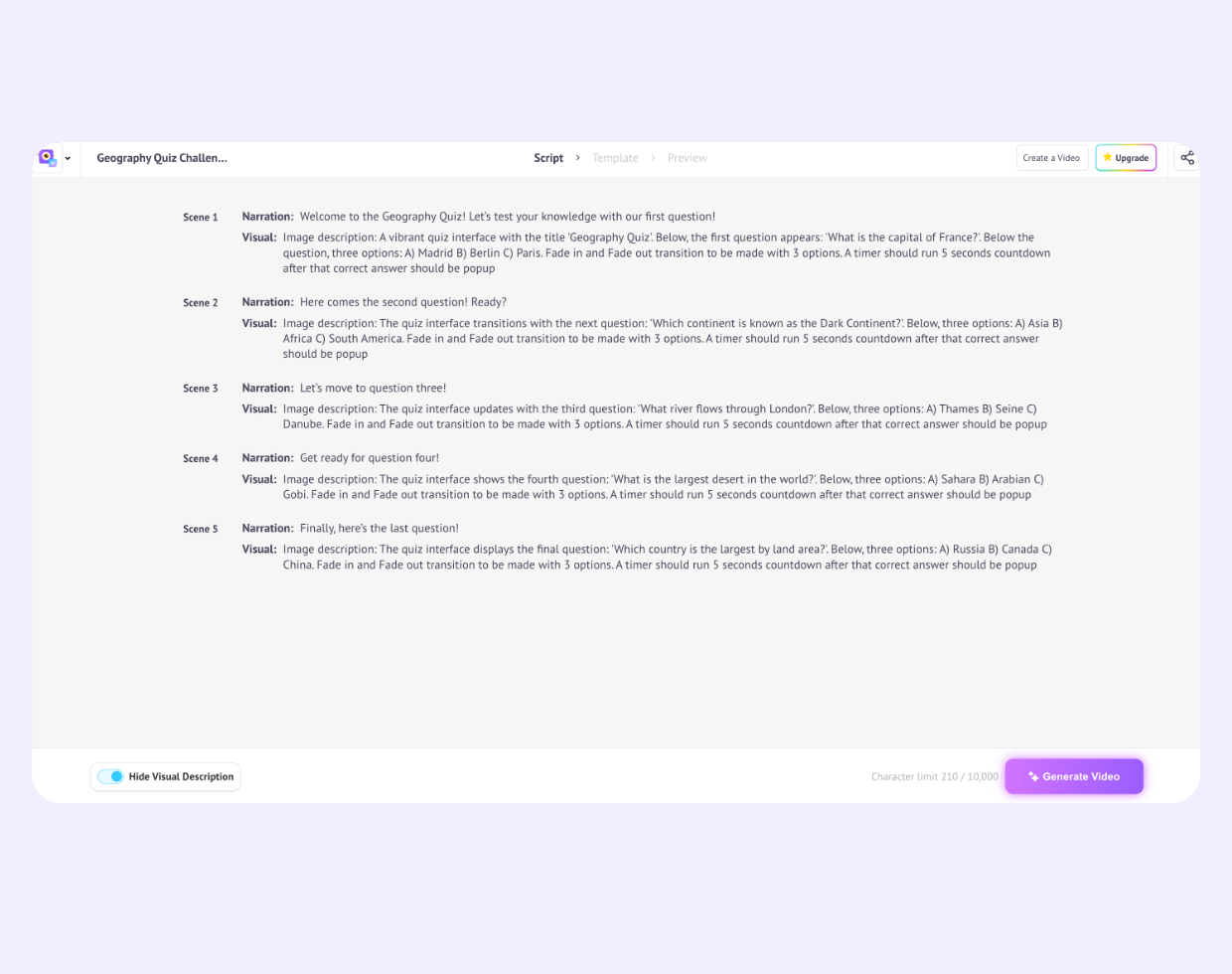
Forget manual video editing. Paste your questions and content into Steve AI's prompt box, describe the quiz format and tone you want, and the AI handles the rest like visuals, narration, question overlays, and transitions. Your entire quiz video is built from text, in the browser, with zero software to download.

HR and L&D teams at mid-size companies are using Steve AI to turn compliance topics like workplace safety, data privacy, and anti-harassment into quiz videos employees actually watch and retain instead of clicking through static slides.

New hire onboarding modules with embedded quiz segments keep new employees engaged and help managers verify comprehension without requiring a live training session.
Sports trivia, US history, science facts, and pop culture creators build entire YouTube channels around AI-generated quiz content, publishing consistently without a camera or editor.

Short-form quiz videos like "Can you name all 50 states in 60 seconds?" drive comments, shares, and engagement on Instagram, TikTok, and YouTube Shorts.

Sales enablement teams use quiz videos to test product knowledge, objection handling, and competitive positioning in a format reps can watch on any device.
Course creators embed Steve AI quiz videos into Teachable, Thinkific, and Kajabi courses as engaging knowledge checks that break up long lecture content.
Type your quiz topic, questions, and answer options into the Steve AI prompt box or paste a full script. Include any context or training content you want between questions.
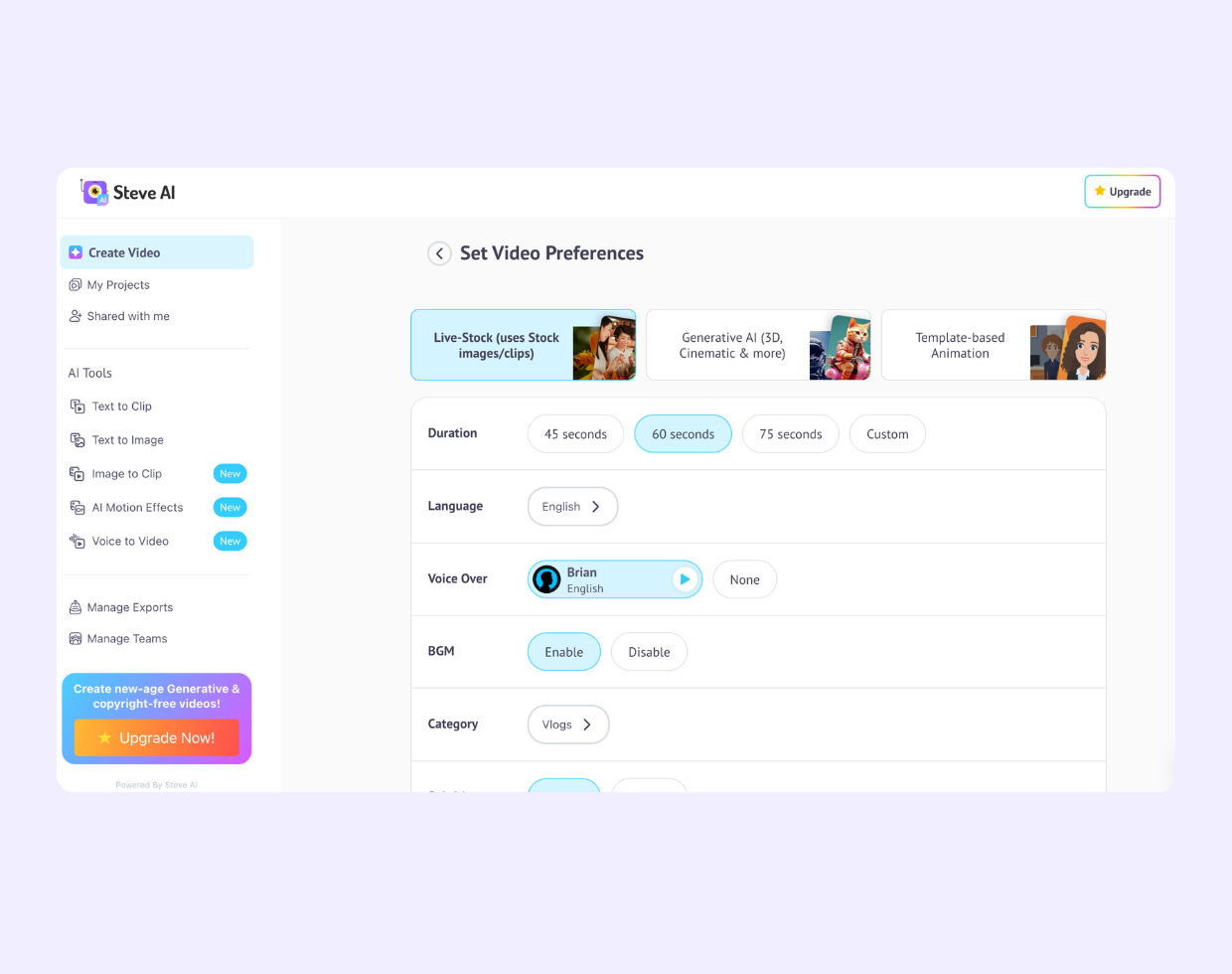
Select a visual style (stock footage, generative AI, or animated). Pick your voiceover host—authoritative trainer, upbeat trivia host, or neutral explainer.
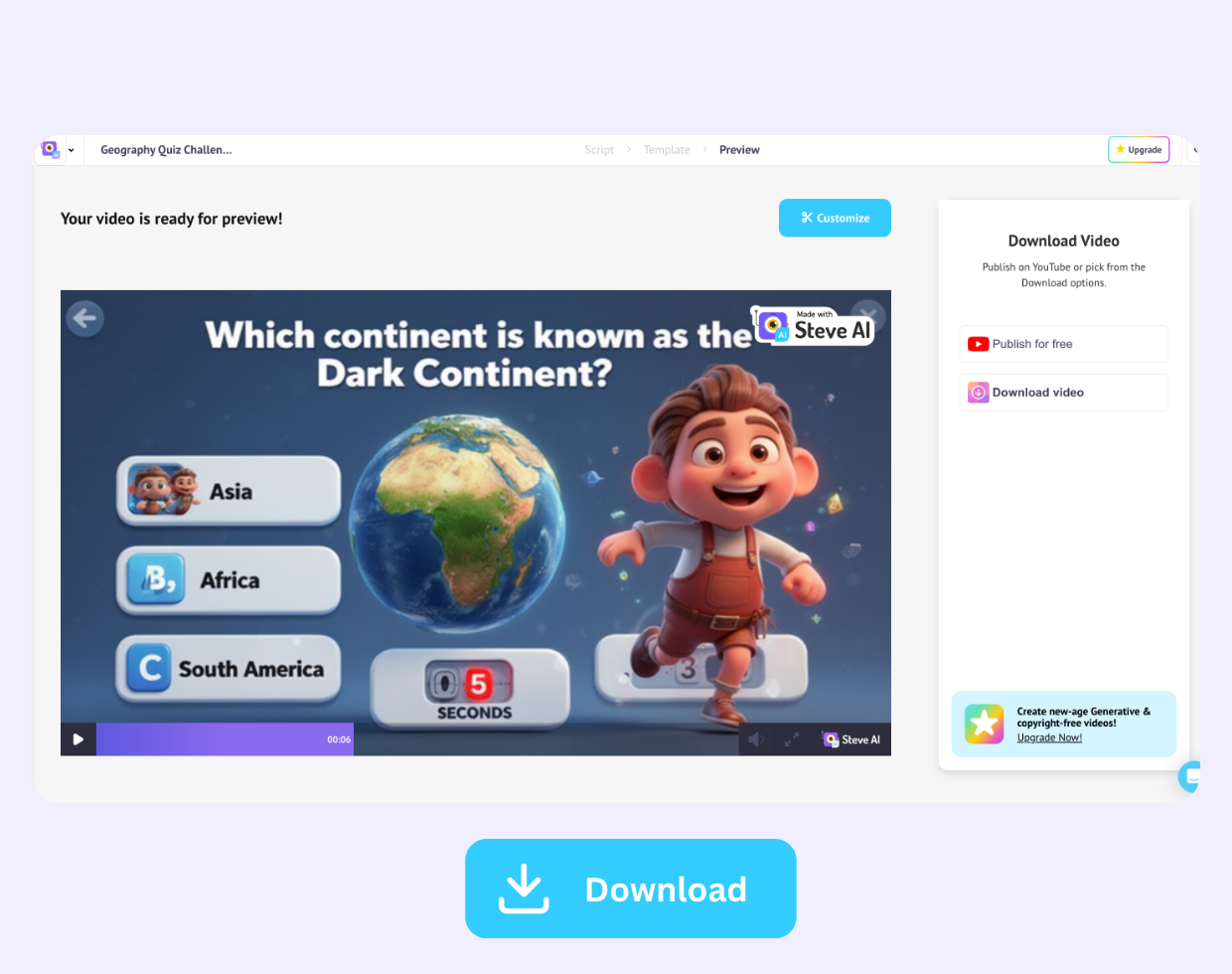
Once Steve AI generates a storyboard automatically, add scenes for countdown timers, questions, and answer reveals if needed.
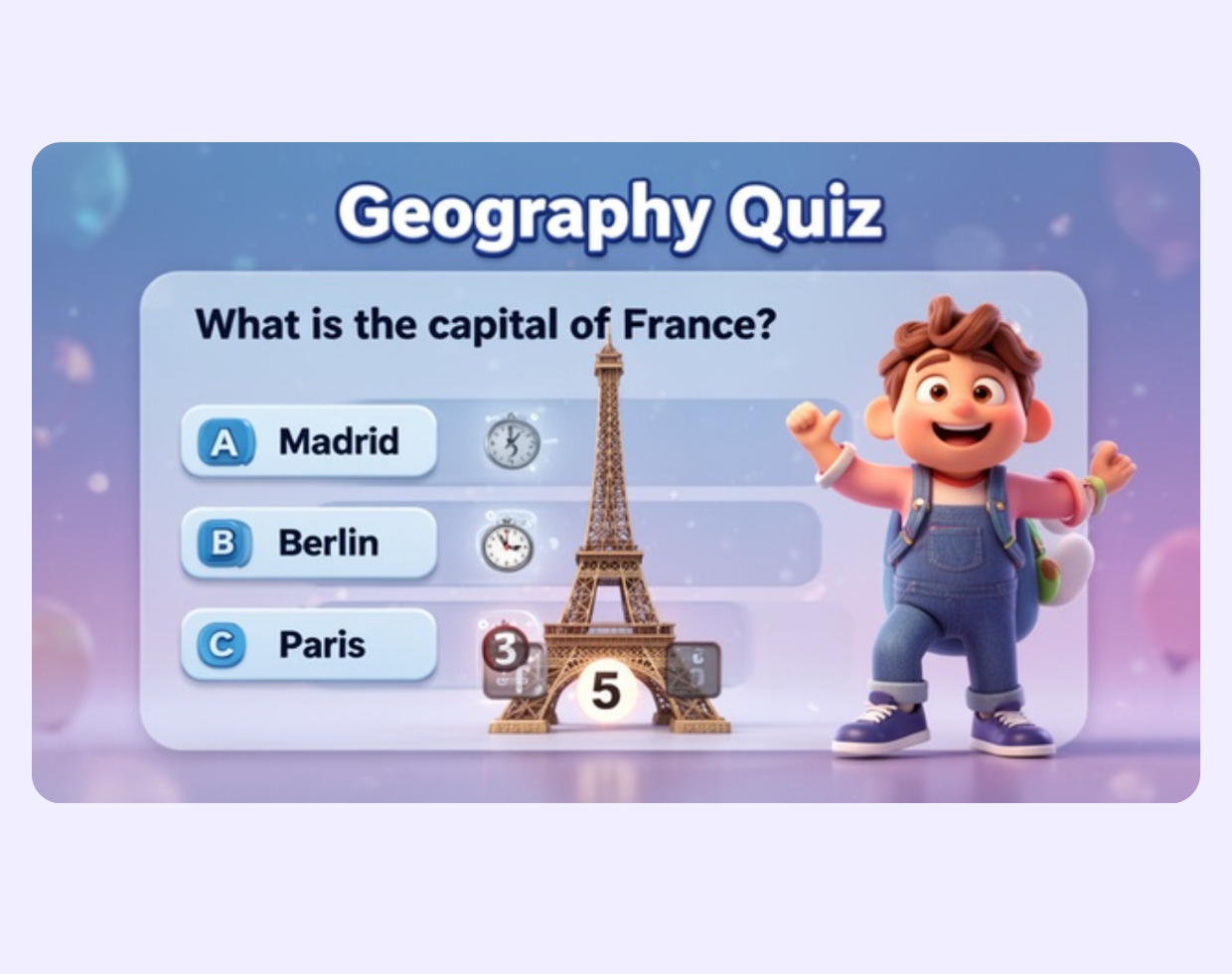
Steve AI assembles the content segments, animated question screens, countdown timers, and answer reveals narrated by your chosen AI voice, timed and paced automatically.
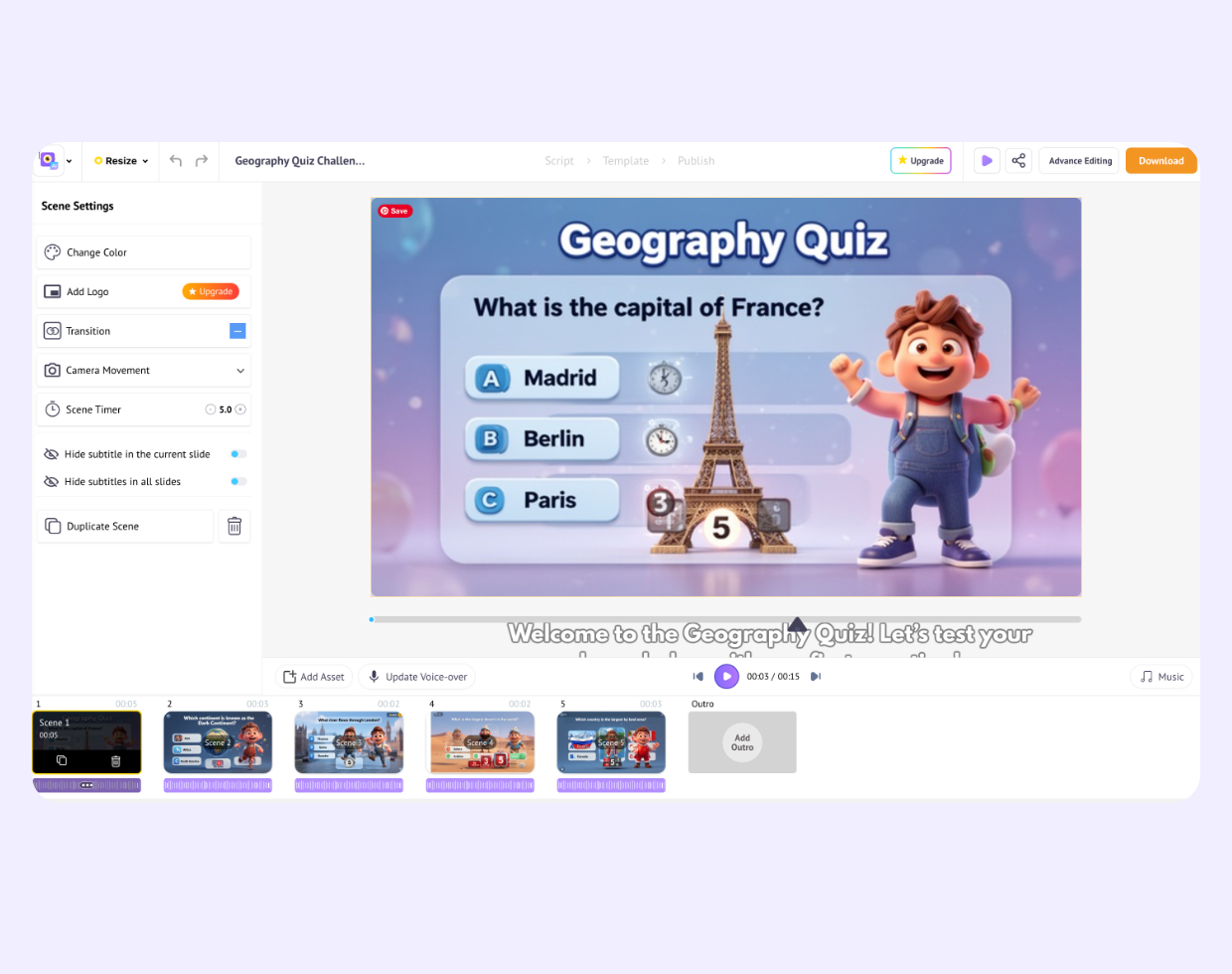
Once the video is generated, you can add more scenes, swap visuals and voices, use multiple AI voices, and fine-tune the experience to make your quiz more engaging.
Download your quiz video and publish it to YouTube, your LMS, a training platform, or social media, or simply share a direct link to the video.
| Feature | Steve AI Quiz Videos | Interactive quiz platforms (Kahoot, Typeform, etc.) |
|---|---|---|
| AI-generated quiz video from a prompt |  |  |
| Animated question + countdown + reveal | | |
| AI voiceover narration | | |
| Publish to YouTube / LMS / social | | Limited |
| Live audience response tracking | |  |
| Graded assessments with score reports | | |
| Generative AI visuals | | |
| No software to download | | |








Educator and YouTuber
Educator and YouTuber
Education & Marketing Professional