Create Studio-quality Clips in Seconds

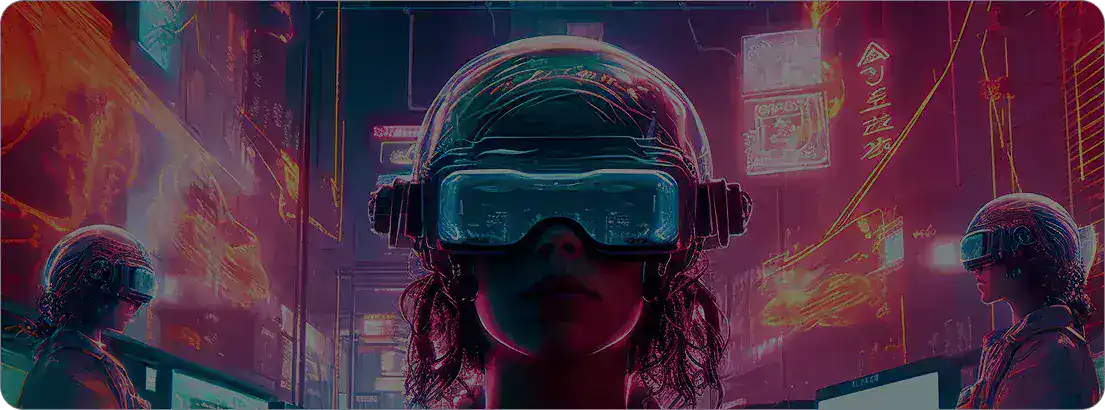
Now you can make cinematic short videos powered by advanced Models like Veo 3, right inside Steve AI. The AI Clip Maker transforms your ideas into short, high-quality videos that look sleek and social-media ready.

More Control, Less Regeneration

Editing a generative AI video used to mean starting from scratch. With Steve AI's AI Clip Maker, you can now regenerate only the parts you want. Replace a scene, swap visuals, or upload new footage while keeping the rest intact. Fine-tuning your clips has never been faster.

More Control, Less Regeneration

Add Hooks, Intros, and Quick Visuals That Stick

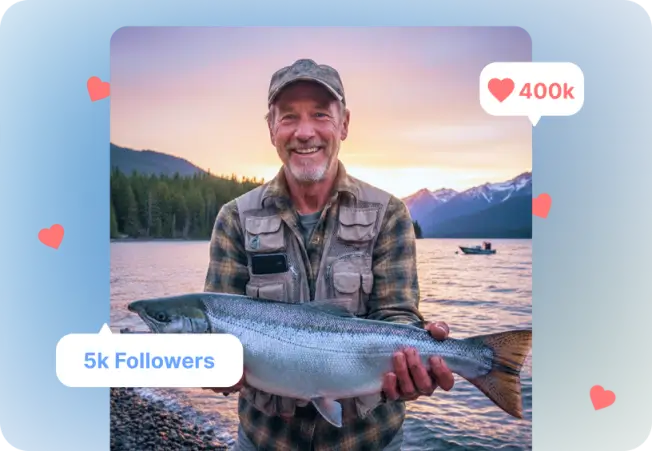
Make every second count. Use AI to add hooks, intros, and micro-clips that capture attention instantly. Whether it’s a fun social edit or a training clip, you can boost engagement and keep viewers watching from start to finish.

Add Hooks, Intros, and Quick Visuals

Save Hours and Keep Engagement High

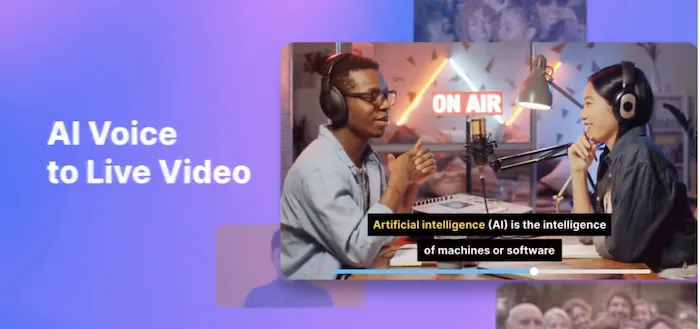
The AI video clip maker helps you create more content in less time. Add dynamic intros, upgrade older videos, and generate quick highlights that increase watch time. You get more creativity, less manual editing, and better engagement on your social channels.

Save Hours and Keep Engagement High

How to Create a Cinematic Clip for Your Video with AI

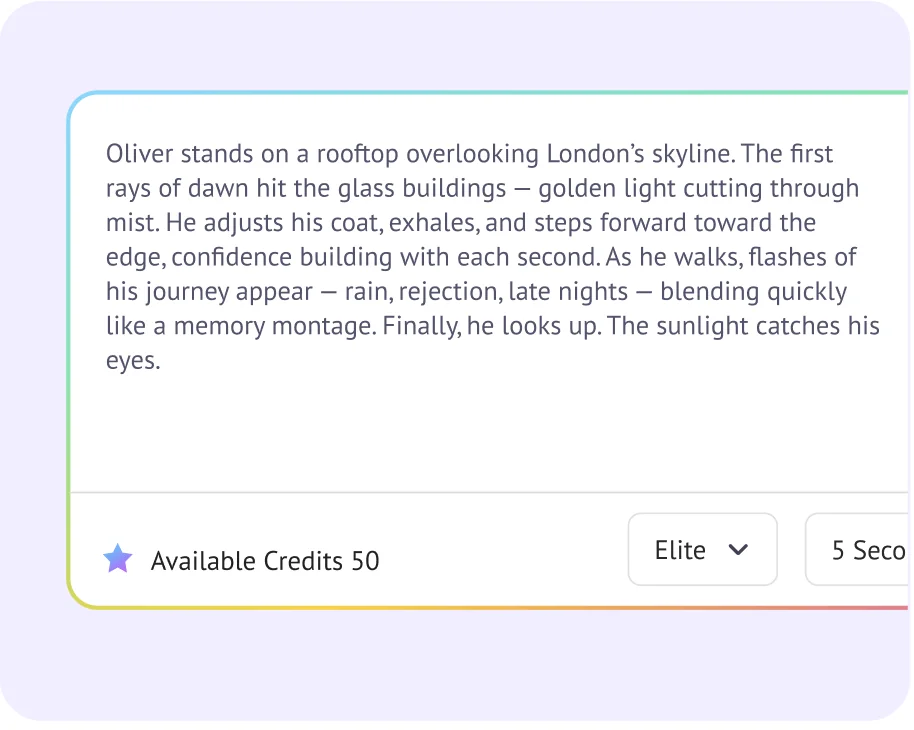
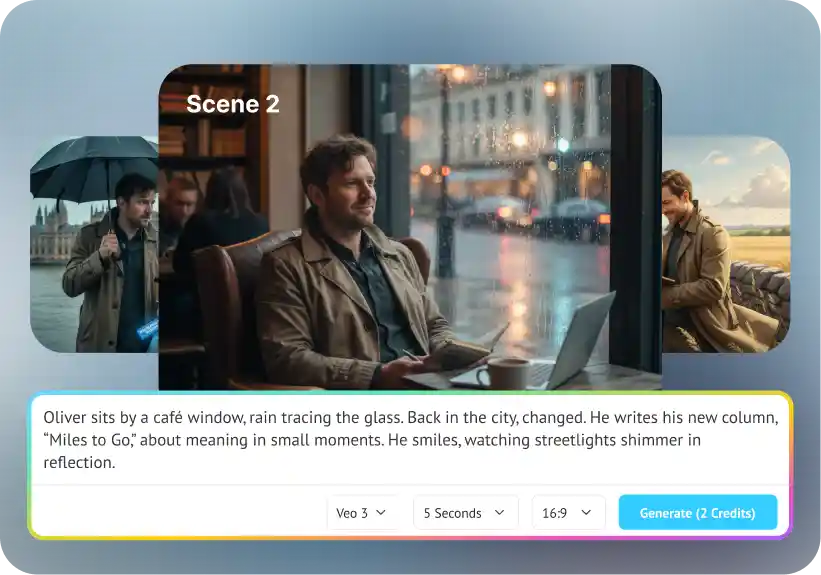
Step 1: Describe your scene in detail

Step 1: Describe your scene in detail

Open the Steve AI prompt box. Type your vision exactly as you see it.

Step 2: Choose your clip settings

Step 2: Choose your clip settings

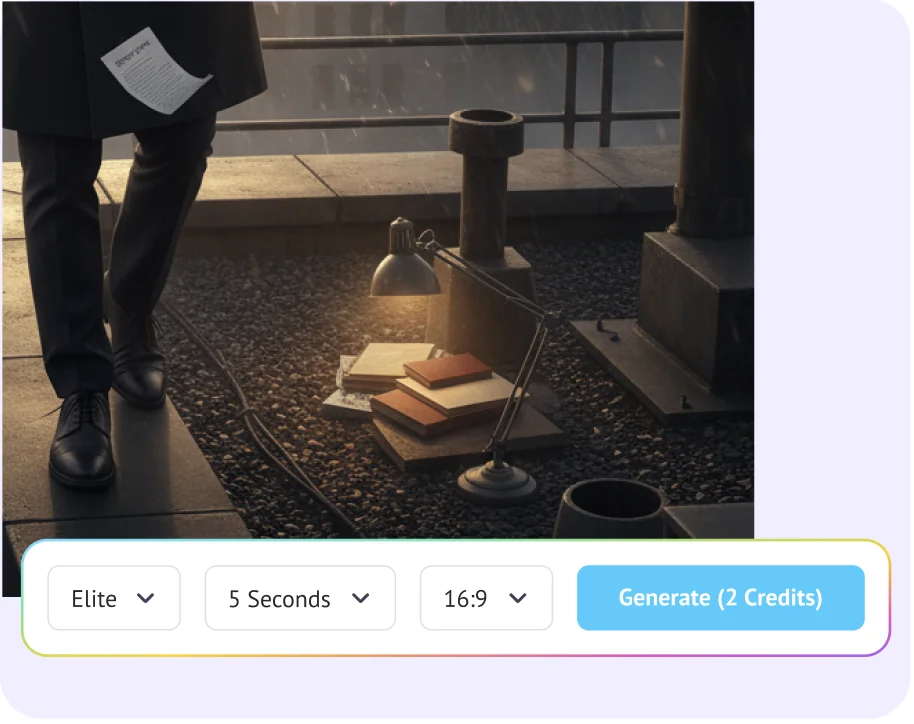
Steve AI offers three distinct styles: live-action stock footage, generative AI visuals, or animated scenes. You can also choose your clip duration depending on your needs. Select your voice and language and then hit generate.

Step 3: Export, and use

Step 3: Export, and use

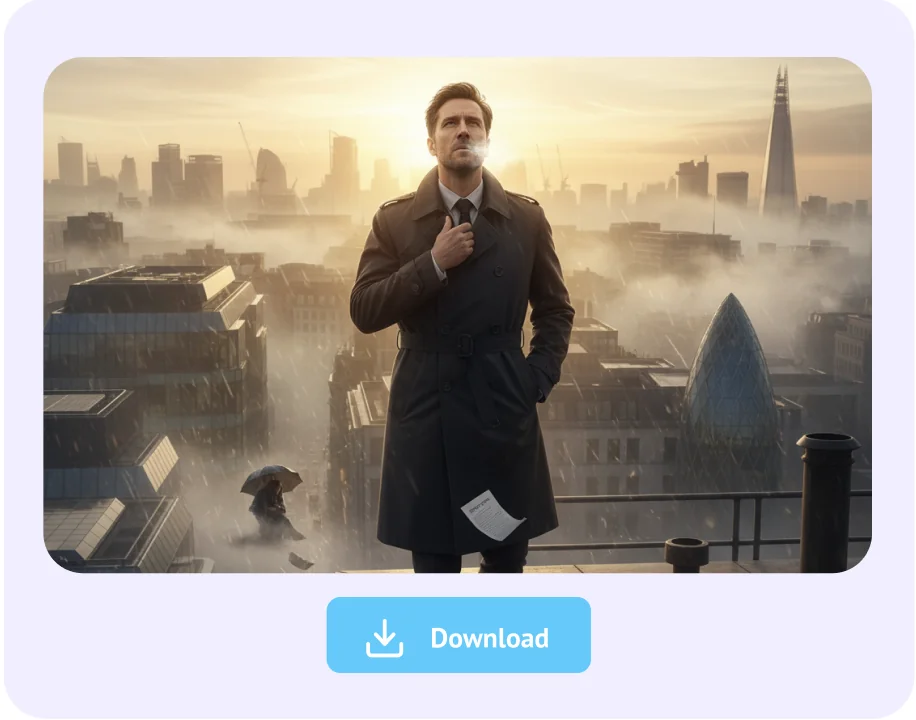
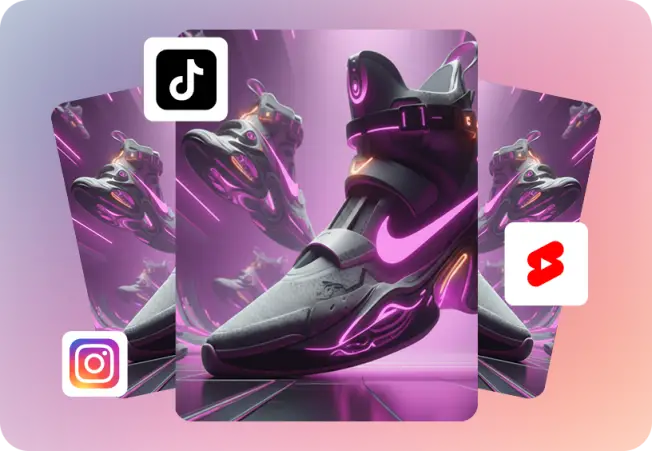
Export your AI clip in HD quality without watermark and share on TikTok, YouTube Shorts, or Instagram Reels.

Join 7+ Million Creators Making Videos in Minutes!

top-user-logo
brand-assets.softwareadvice
brand-assets.capterra
brand-img-5
brand-img-4
brand-img-3
brand-img-1
brand-img-2

Trusted by leading brands across the world

brand-logo

Try these Video Editing Tools

Frequently Asked Questions on Automatic Clip Generator

How to make short clips with AI?
You can create short clips with AI by typing your idea or uploading a video into Steve AI. The platform automatically generates engaging clips with text, visuals, and voice. You can then download them in the right format for TikTok, Instagram Reels, or YouTube Shorts without needing editing skills.
Steve AI is designed to make video creation fast and simple. It turns text prompts into clips in seconds, supports multiple formats, and offers customization with voices, styles, and branding. This makes it one of the most versatile tools for marketers, creators, and businesses.
Yes, Steve AI can automatically generate clips from either text prompts. The AI handles script writing, scene selection, and timing, so you don't need prior editing experience. This automation ensures your clips are ready quickly and optimized for social platforms, saving you time and effort.
Steve AI offers a forever free plan that includes 1200 seconds of AI video generation each month and 200 free AI credits. This allows you to experiment with creating clips without cost. The free plan also gives access to several features so you can start publishing right away.
Steve AI is one of the best tools for TikTok because it creates vertical clips tailored to the platform. You can add AI voices, text overlays, and branding elements, then export directly in TikTok format. This makes it easy to produce short, engaging videos that match TikTok style and audience.
Steve AI is an online clip maker that requires no downloads. You can access it from any device, enter a prompt or upload a video, and get clips ready to share. Being online means updates are automatic, and you always have the latest features without installing anything.
Steve AI's free plan lets you turn YouTube videos into short clips without cost. Upload the video, and the AI will generate highlights in vertical or horizontal formats. With 1200 seconds of free video generation and 200 credits, you can repurpose YouTube content into engaging social clips.
Steve AI is a web-based platform, so you don't need an APK or installation file. You can access it directly online, type your idea or upload a video, and generate clips instantly. This makes it safer and more convenient than downloading third-party APKs from unverified sources.
Hear it from our Happy Users

I've examined all of the software I could find online, and like Steve.ai the best. It works well for my use and creates videos that are excellent.

Richard Becker

Business Owner

I have had an amazing experience with Steve.ai! I highly recommend Steve.ai to anyone looking for a reliable and user-friendly platform with top-notch customer service!

Debbie Ogunfuye

Director

Everything everyone else does - in one place for one price. What else do you need to know? Buy it?

Peter A.

Digital Marketing Manager

end section

Create your next viral clip with Steve AI

Steve AI’s AI Clip Maker helps you go from idea to viral-ready clip in minutes. Add energy, motion, and story to your content without spending hours in an editor.

The internet doesn’t wait — why should you?

Tips, Trends & Tutorials
Worth Reading