






Steve AI gives you access to Google’s Veo 3 model with more control, flexibility, and workflow advantages than using a raw model alone, and creates stable 4–12 second clips from a prompt or image. Instead of just generating a clip, within Steve AI, you can generate, refine, and build full videos in one place.
There are 2 ways to create videos using Google’s VEO model within Steve AI.

Generate sharp, realistic clips with synced audio in a single render.
Be it dialogue, effects, or sounds, Veo3 adds them automatically.
Your word is a command. Veo3 follows lighting, actions, and subjects with precision.
Use it alongside existing tools for drafts, final clips, or anything in between.
Try different styles, animate your characters, and combine elements in unexpected ways. See how ideas can take shape.
Turn inside jokes, memes, or special moments into short, engaging videos that are ready to post or share anywhere you like.
Test concepts, storyboard sequences, or prototype ideas quickly. Visualize your scenes and get results in seconds.
Start with an image to lock in the look and composition. Then add your prompt where you define action, sound, and motion, and Google Veo3 Video handles the rest.

Build from scratch or build on what you already have! It's that simple. With Google Veo3 in Steve AI, generate fresh scenes and instantly blend them into your current projects. You can also swap scenes, refine timing, and replace scenes in just a few clicks.
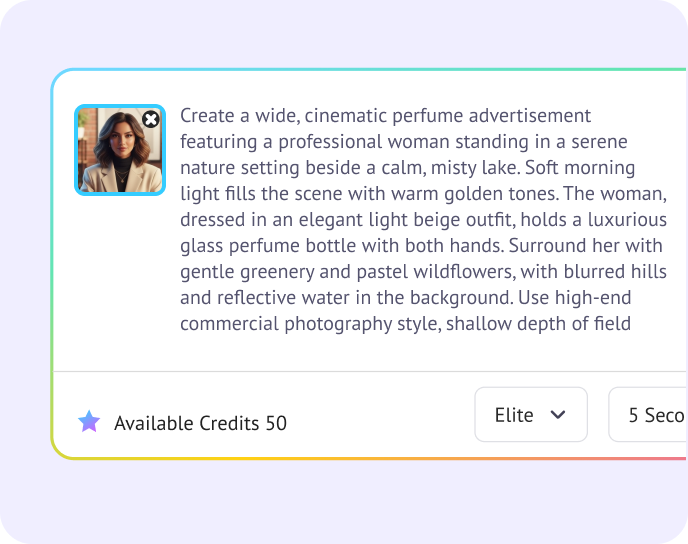
Pick an image and describe the action, pacing, camera movement, or sound you want. Keep everything in one prompt and include visuals, style, and audio cues.
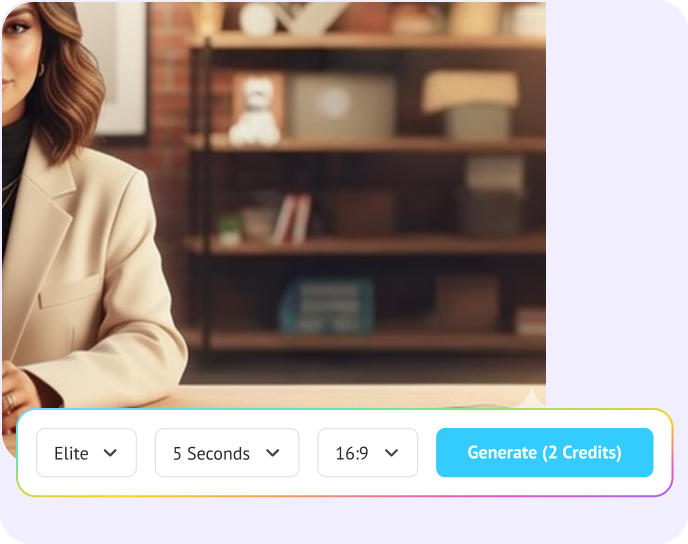
Choose Veo3 as your model. Veo3 is built for short, stable clips, so you get predictable movement and clean detail from the first frame onward.
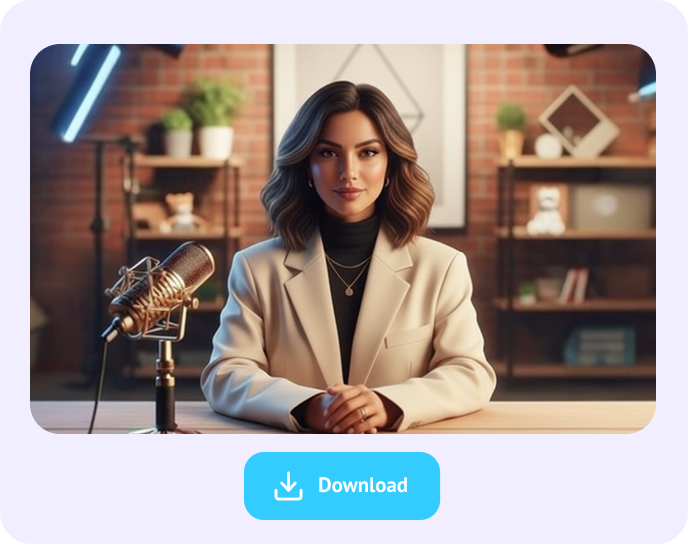
Steve AI renders the clip, syncs motion and audio, and lets you preview instantly. Download your final video in high quality or use it directly in your next edit.
Small Business Founder, CA
YouTuber, NYC
Dr.Sebastian
Online Educator, CA
