Kids’ Online Movie Maker for Fun Learning
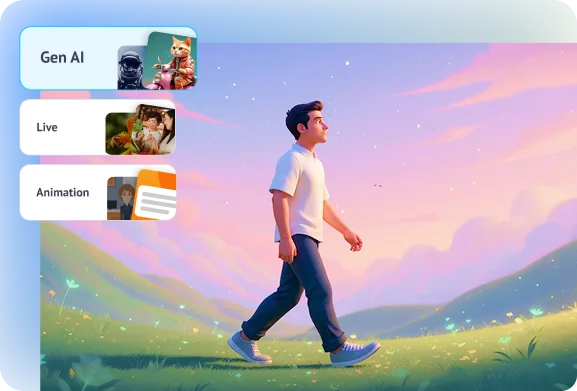
Turn learning into play with the kids’ online movie maker. Parents and teachers can upload drawings or photos and add motion to them and turn short scripts into colorful, engaging videos with music and narration. It’s perfect for storytelling, school projects, or creative play.
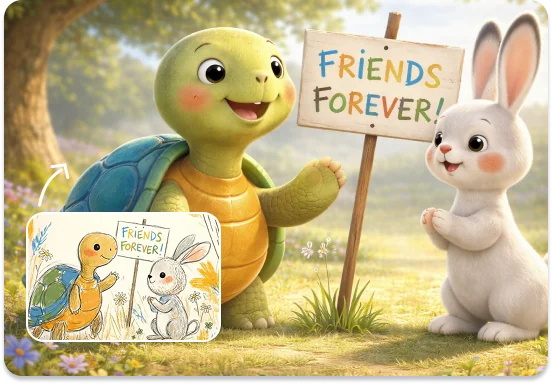
How to Use Steve AI Online Movie Maker
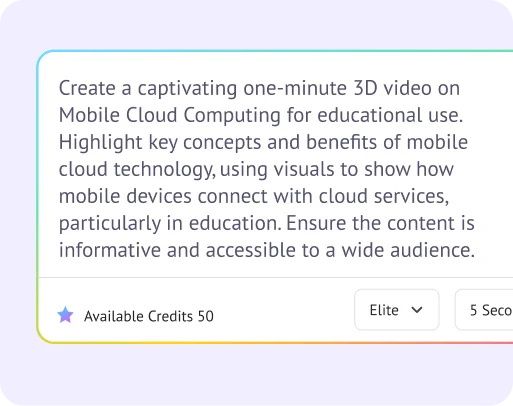
Step 1: Share your script or brief your idea
Type your idea, or paste a script. Describe visuals, pacing, and audio cues in one prompt.
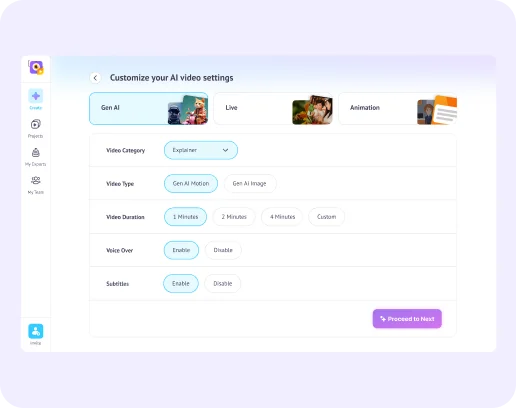
Step 2: Pick a style and format
Incorporate a style and format of your liking and Steve AI delivers precise visuals, smooth transitions, and professional detail.
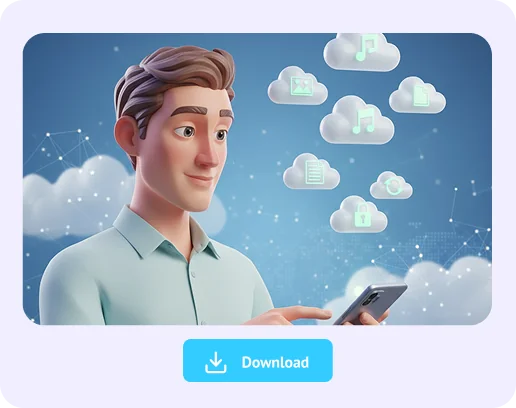
Step 3: Generate, review, and export
Steve AI renders your movie, syncing visuals, voices, and music seamlessly. Preview instantly, adjust if needed, and export in HD, ready to share anywhere.
Join 7+ Million Creators Using Steve AI's AI Text to Video Generator Everyday!
Try these video editing tools




Trusted by leading brands across the world

FAQs about
Online Movie Maker AI
Hear it from our happy users
Steve AI’s AI movie maker tool helped me see my storyboard in life and produce short episodes with recurring characters. What used to take a full team now happens in hours, and the quality is pretty classic! I used the 2D animation.Elena
Creative Director
Elena
Creative Director
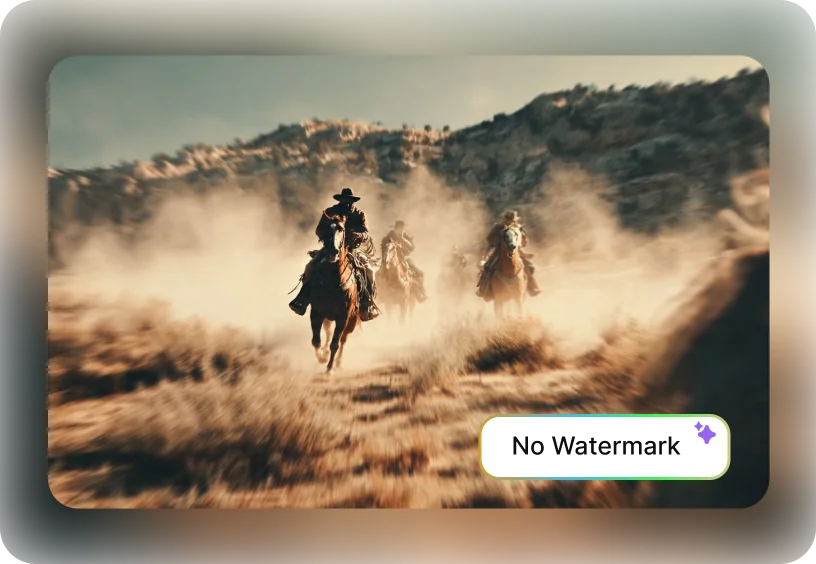
I usually do a lot of kids videos for my clients alongside running a youtube channel. Steve AI's the online movie maker free no watermark helped me a lot to achieve these faster with the help of AI. Adding photos, music, and subtitles is effortless, and my clients and audience both love the professional finish.
Jonathan
YouTuber
Steve AI makes one of the best 2D animation generators I used so far. It lets me turn drawings and lessons into fun, animated stories. My students are more engaged, and parents love how creative the videos look. Its a win win situation.
Maya
Kids Channel Educator