Home > Montage Video Maker
AI Montage Video Maker from Simple Prompts

Most montage tools ask you to upload your own clips and photos and drag them into a timeline. Steve AI works differently. Describe your montage - the scenes, the mood, the story and the AI generates the full video using cinematic stock footage or generative AI visuals. It's the fastest way to go from an idea to a polished, shareable montage.
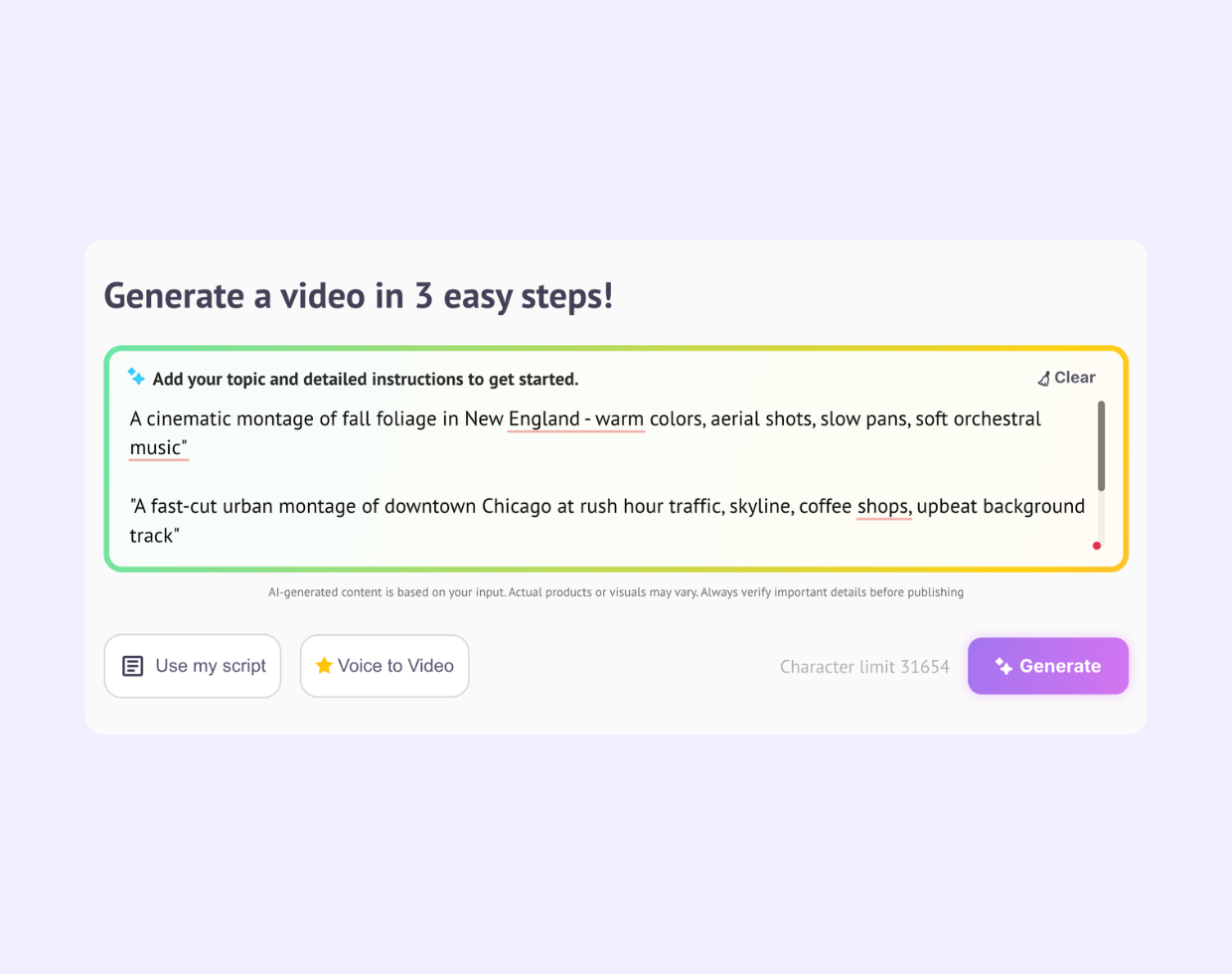
Think of Steve AI as your personal video production crew. Type out your montage concept "a sunrise road trip through the American Southwest" or "a fast-cut city montage of New York at night" and the AI generates a complete video: scenes selected, music synced, transitions timed. Your idea becomes a montage in minutes.

Road trips from coast to coast. National Parks at golden hour. City breaks in Chicago or New Orleans. You don't need to have been there or have footage. Describe the destination, the vibe, and the pacing and Steve AI sources stunning stock visuals or generates cinematic scenes using AI, then assembles them into a travel montage that looks like it was shot by a pro.
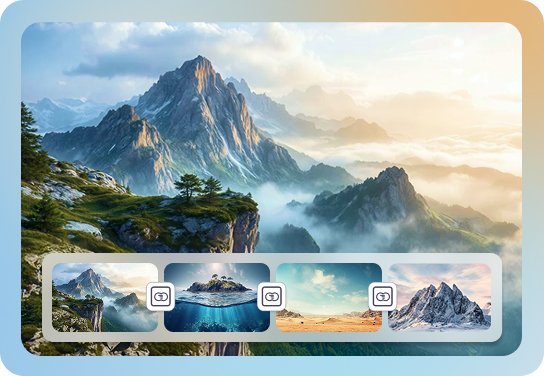
Hollywood directors work from storyboards to plan every scene. With Steve AI, your text prompt does the same job. Describe the sequence of moments - the establishing shot, the action, the close-up, the final scene and the AI maps those descriptions to real cinematic clips and paces them into a cohesive montage.

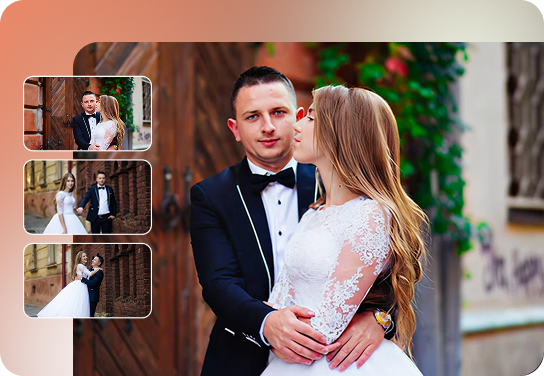
Steve AI gives you two visual engines in one tool. Pull from a library of 10M+ cinematic stock clips - landscapes, cityscapes, lifestyle, nature or go fully generative and let AI create original visuals from your description. Either way, the AI sequences, transitions, and syncs everything to your chosen audio track.
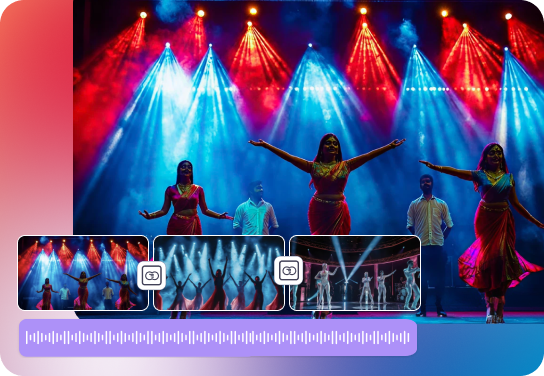
A great montage is more than clips stitched together. It has pacing, a narrative arc, a soundtrack that hits at the right moment, and narration that ties it all together. Steve AI handles every layer from writing the script, selecting scenes, timing the cuts, adding music and voiceover so the finished product feels intentional, not assembled.
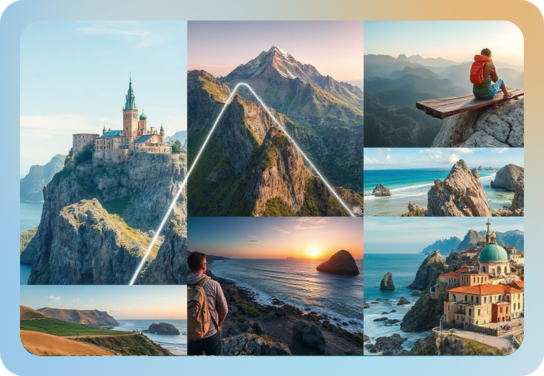
From the Grand Canyon to the Florida Keys, creators are using Steve AI to produce cinematic travel content without ever picking up a camera. Describe the destination and the story, AI handles the production.
Vloggers use Steve AI to generate b-roll montages for their YouTube intros, episode transitions, or standalone destination content assembled from a storyboard prompt.
Agencies and brand teams use Steve AI to generate lifestyle montages for product launches, social campaigns, and pitch decks, fast, without hiring a production house.
Match a visual montage to a specific genre, tempo, or mood. Describe the energy you want, golden hour, gritty city, serene nature and Steve AI syncs the cuts to the music.
Educators and YouTubers create cinematic explainer montages with voiceover narration and contextual visuals generated from a script, not sourced manually.
In a traditional montage editor, you upload your own clips and photos, drag them to a timeline, add transitions, and export. Steve AI flips that completely. You start with a description of your montage like the scenes, the tone, the story structure and the AI generates the video from that description using stock footage or generative visuals.
Think of it less like video editing and more like directing. You tell the AI what you want to see; it casts the visuals, sets the pacing, and rolls camera.
This works especially well for:
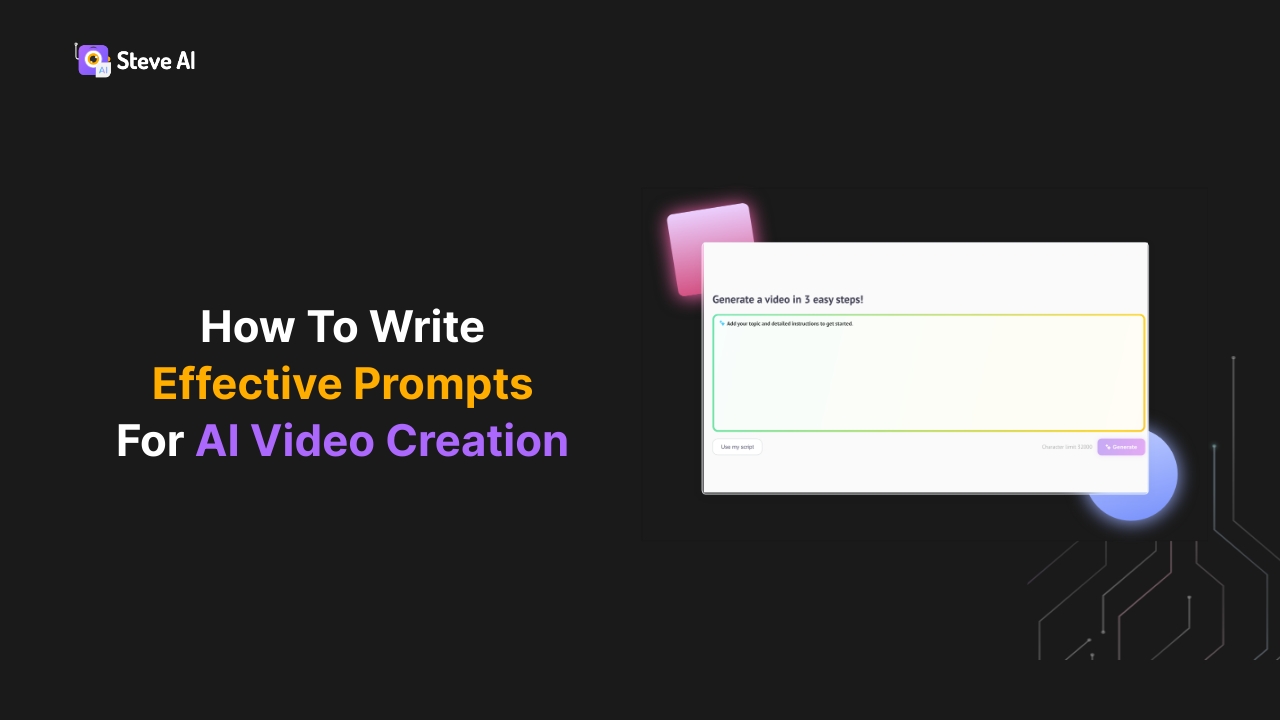
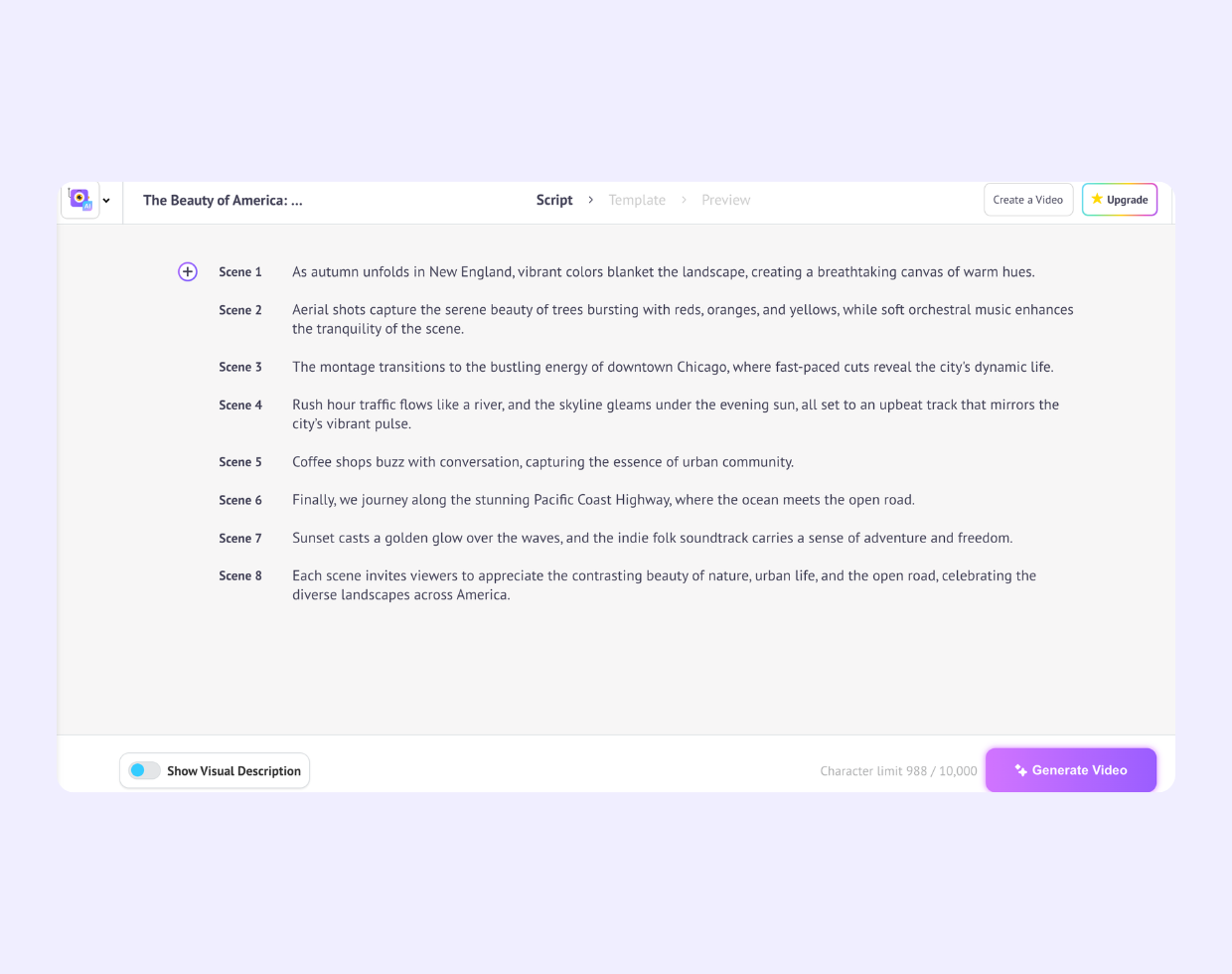
Type your concept into the Steve AI prompt box. Be as specific as you want like location, mood, pacing, visual style, story arc. The more detail, the more cinematic the result.
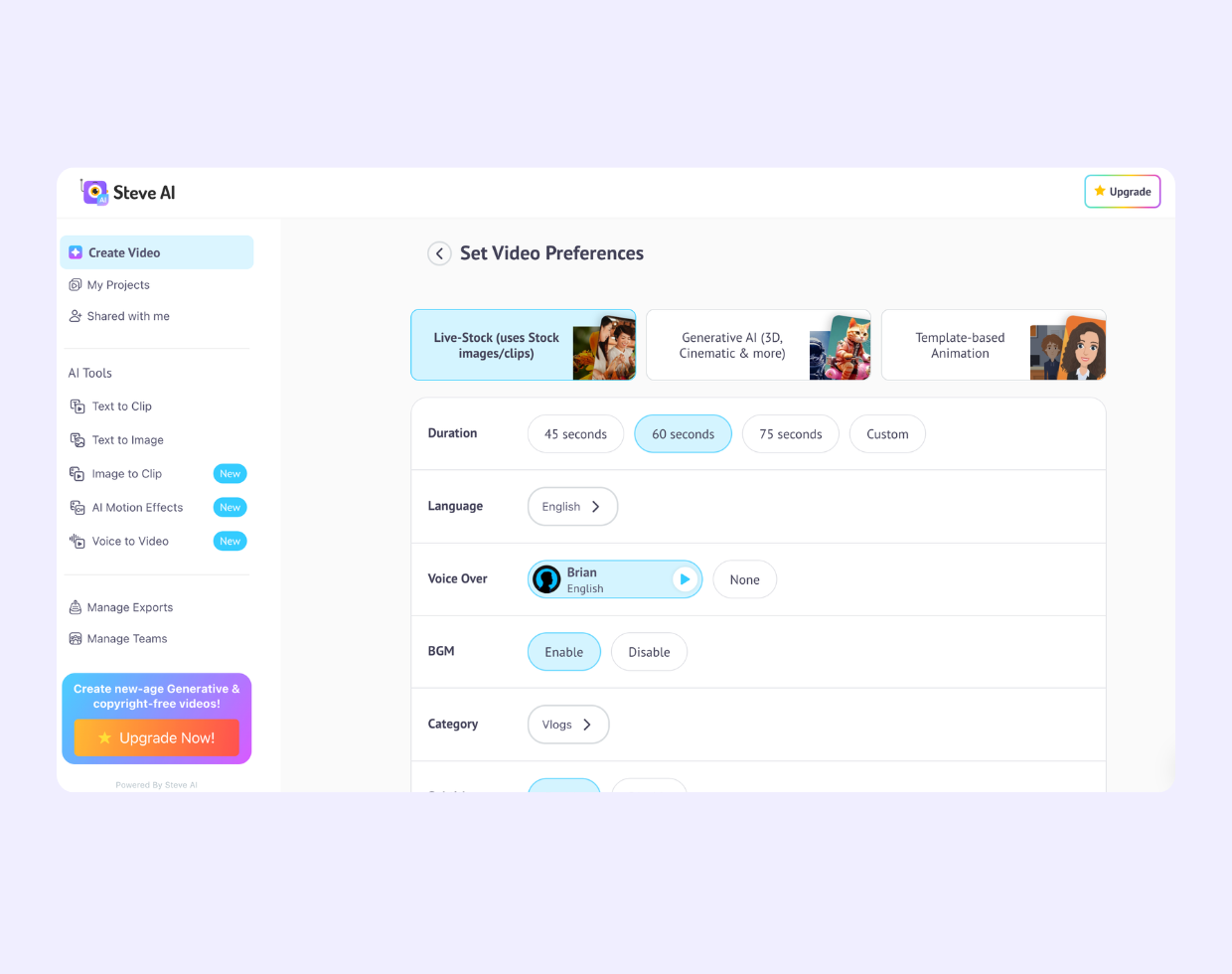
Pick stock footage (from 10M+ cinematic clips) or generative AI visuals. Choose your music genre, narration voice, and output format.
Steve AI writes the script, selects and sequences the scenes, times the transitions to the music, and adds voiceover narration automatically.
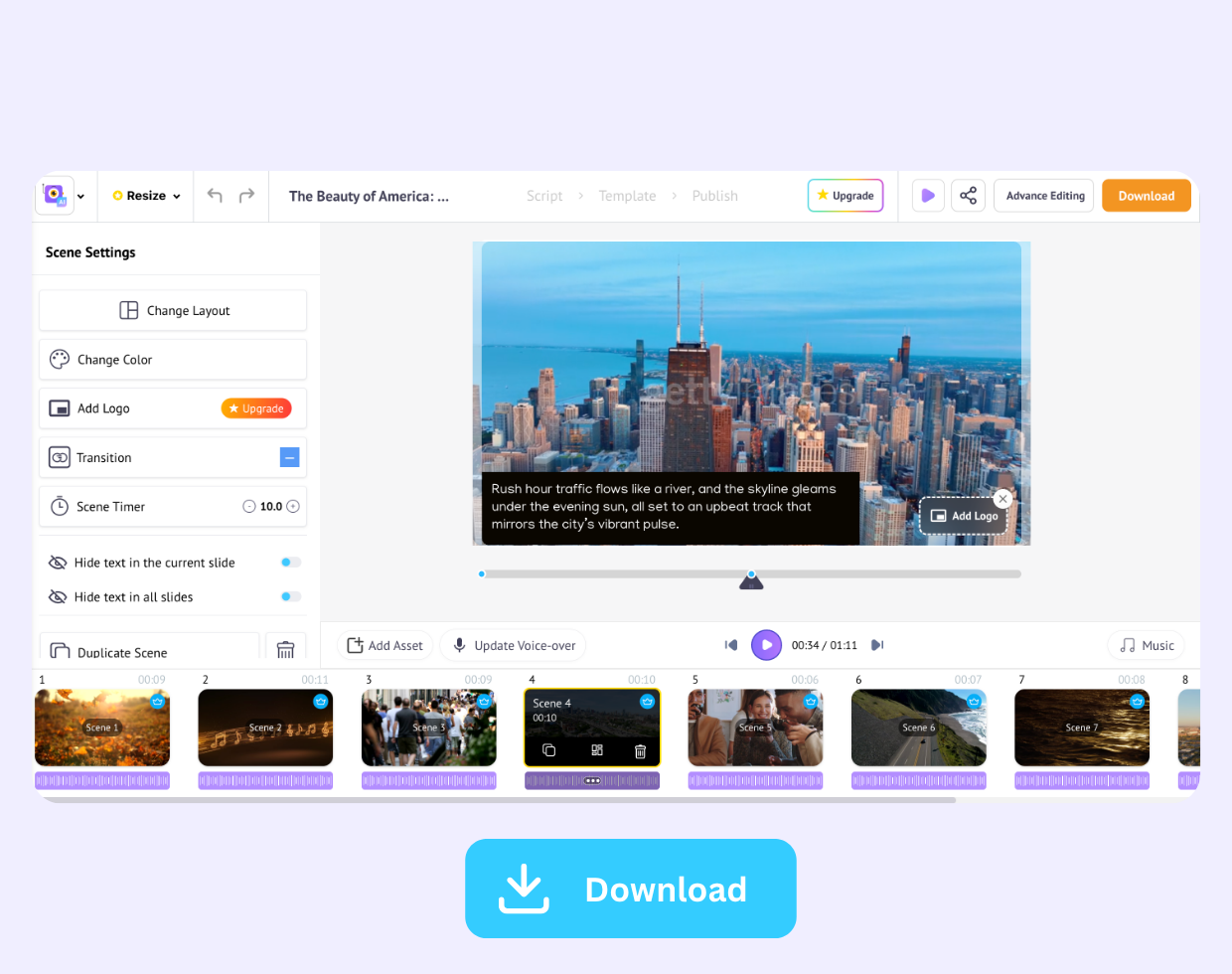
Preview your montage in the browser. Swap clips, adjust narration, or tweak the pacing with simple text commands then export and publish.
| Feature | Steve AI | Traditional montage editors |
|---|---|---|
| Create montage from a text prompt |  |  |
| No own footage required | | |
| 10M+ stock footage library included | | Limited/paid |
| Generative AI visuals from description | | |
| Auto script + voiceover generation | | |
| Music sync with auto-timed cuts | | Manual |
| Upload your own clips for editing | (use our video editor) |  |
| Runs in browser, no software download | | Varies |









Developer
Telecommunications Specialists
E-learning Tutor