Text to Speech AI Voices and Accents

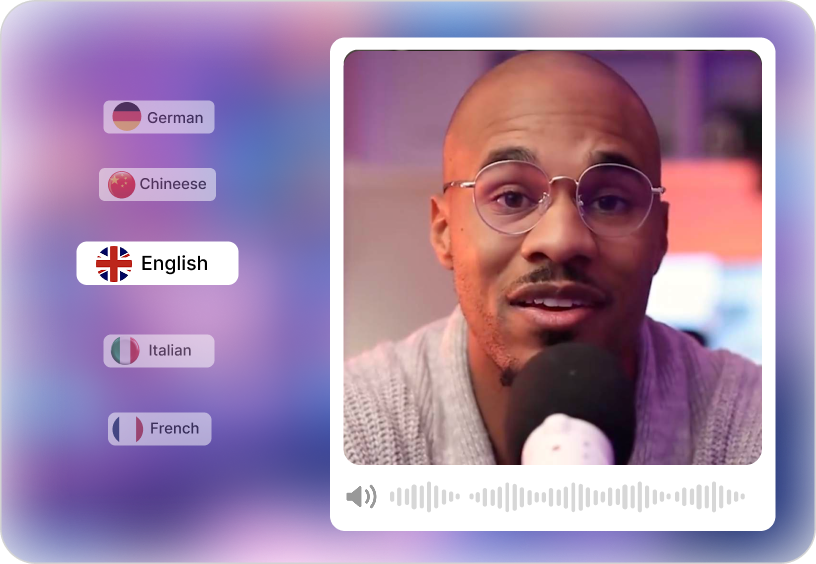
Choose from male and female voices across 10+ languages and accents. With the text to speech tool deliver, 100% human‑like narration for global projects.

Voices and Accents for Every Story

Text to Speech AI

Unlike other tools, Steve AI automatically coverts content into video scripts and matches visuals accordingly. You can add captions automatically for better accessibility and clarity within the tool.

Script‑to‑Video in Minutes

Vast Library of Stock Footage

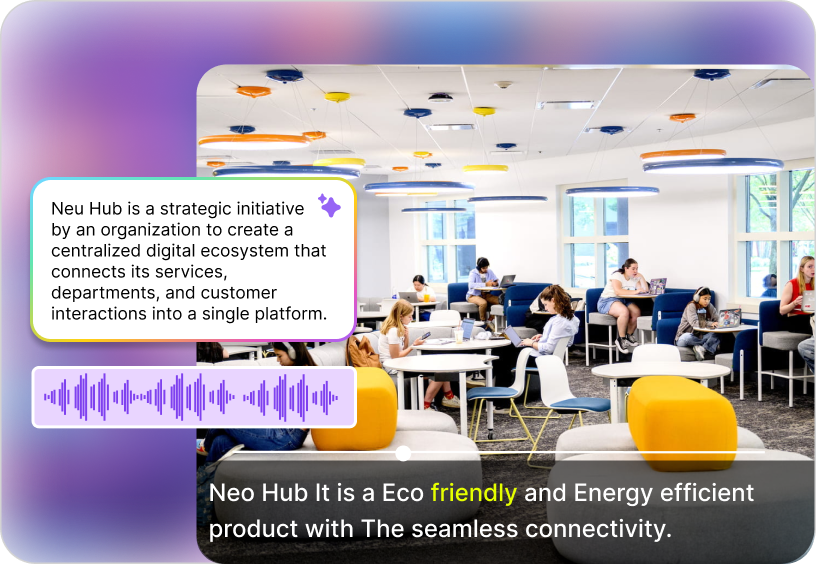
Access 10M+ stock clips to pair with your narration. The AI text to speech converter free integrates seamlessly with visuals for professional storytelling.

Vast Library of Stock Footage

Choose Your Text to Voice Video Style

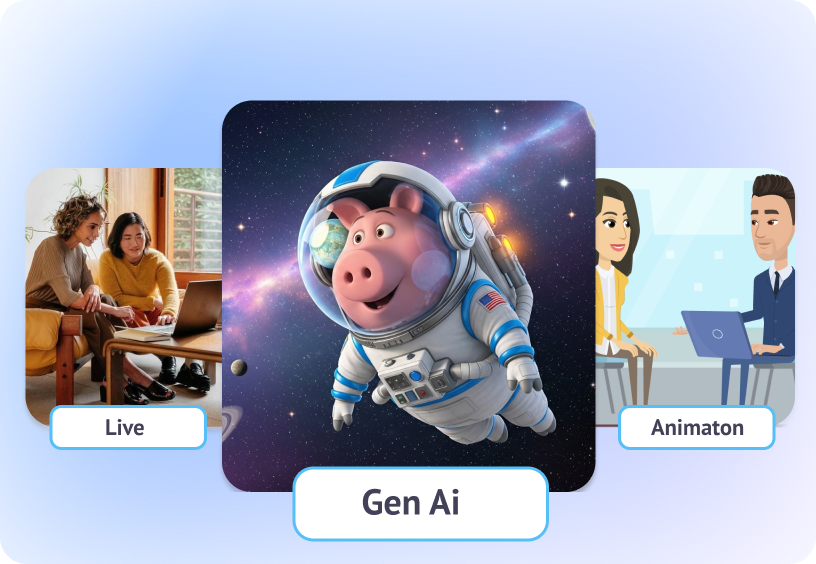
Select from live‑action, Gen AI, or animated video styles. The text to speech video maker online adapts to your creative vision with three distinct formats.

Choose Your Style

Global and Local Reach

Reach audiences worldwide with multilingual narration. The Steve AI text to speech free tool lets you generate AI videos, choose templates, and voices that fit local narratives and global campaigns.

Global and Local Reach

How to Create Text to Speech Videos?

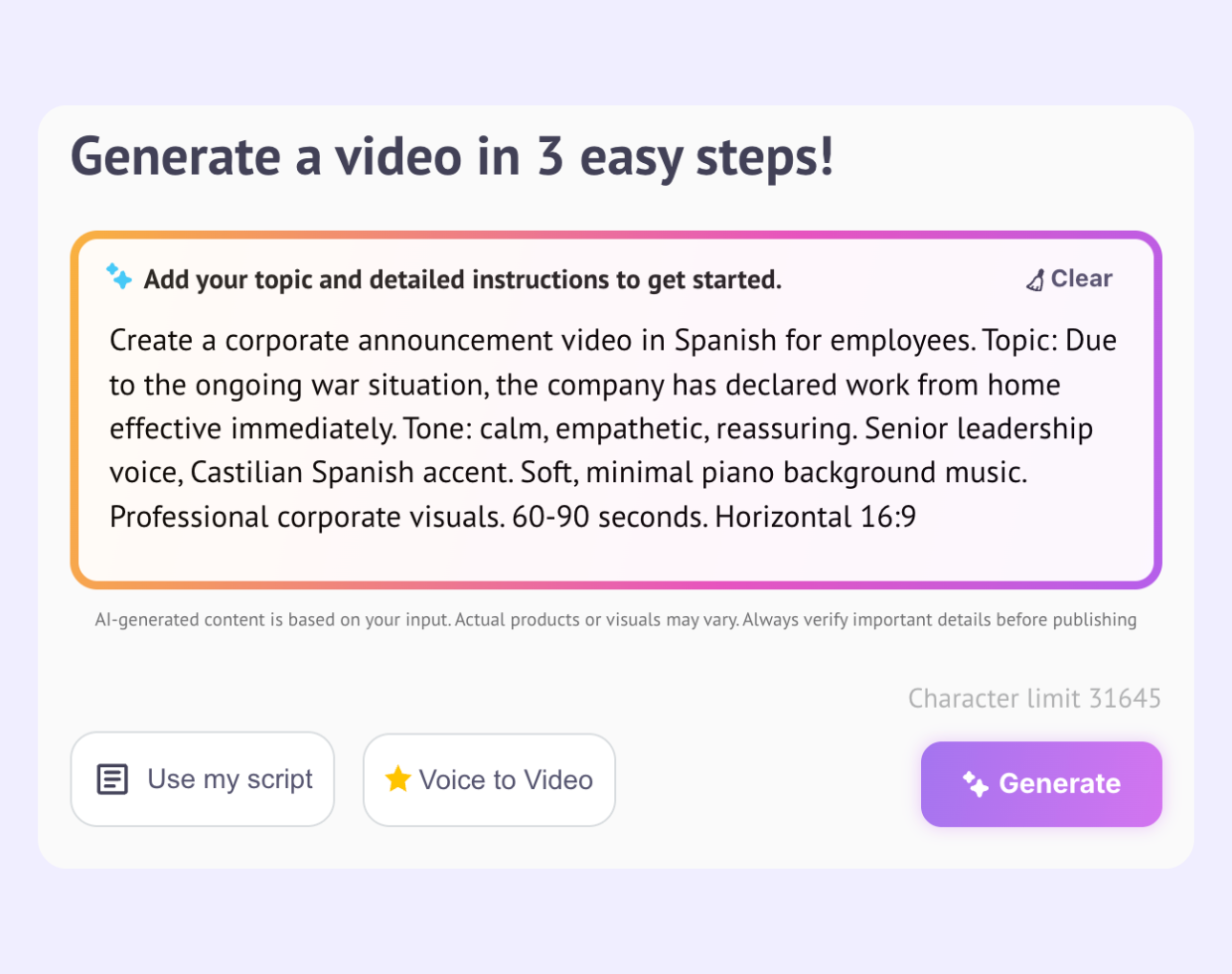
Type Your Prompt

Step 1: Enter Your Text in the Prompt Box

Type or paste your announcement, content, or text in the prompt box.

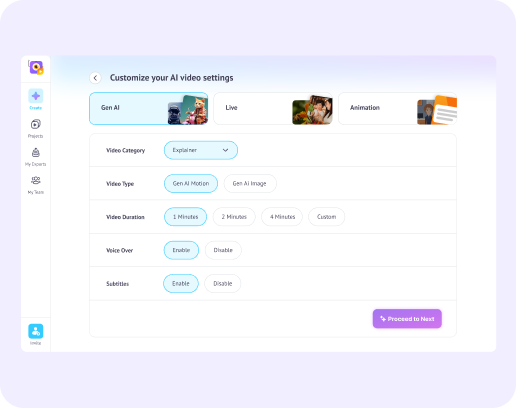
Pick Your Style & Format

Step 2: Customize Style, Motion, and Effects

Choose between video formats. Adjust accents, languages, voices, and auto sync captions using the text-to-speech video maker.

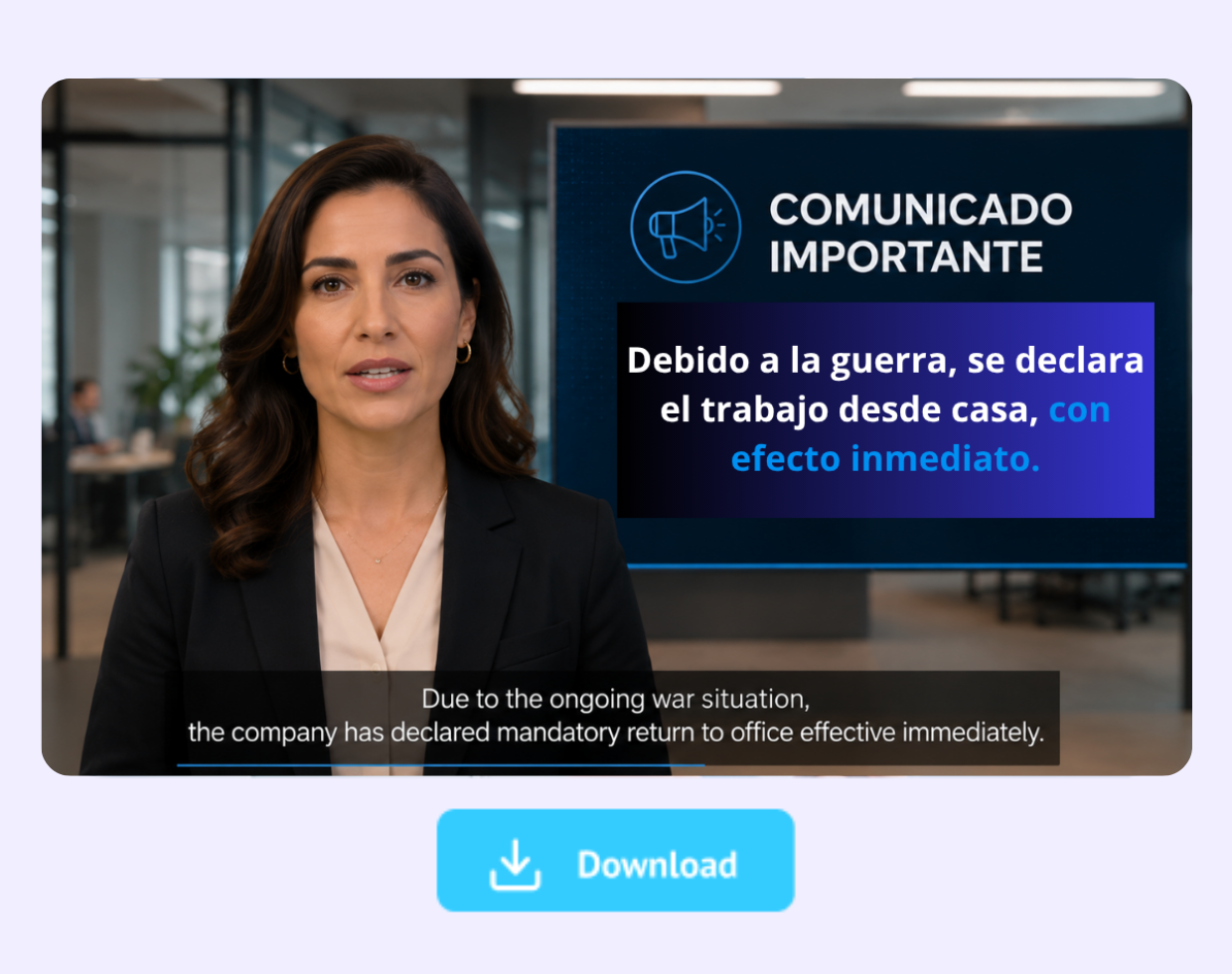
Download & Share

Step 3: Generate and Share your AI Video

Preview your AI video, customise it, and share across presentations, social media, eLearning platforms, or business communications.

Join 7+ Million Creators Using Steve AI

Try these video editing tools

top-user-logo
brand-assets.softwareadvice
brand-assets.capterra
brand-img-5
brand-img-4
brand-img-3
brand-img-1
brand-img-2

Trusted by leading brands across the world

brand-logo

FAQ's on our Text to Speech Tool

How is Steve AI different from other text to speech tools?
Unlike competitors, Steve AI integrates narration directly into videos. With text to speech feature, you don’t just get audio, you get complete creator-focused video content.
Yes, Steve AI offers 1200 seconds of video generations for free plan users. With no caps and hidden fees, you get ready-to-share AI videos along with 100% human-like voices.
Steve AI text to speech supports 10+ languages such as English, French, Spanish, Hindi, Tamil, and more. It supports several accents such as American, British, African, etc.
Steve AI lets you use your own audio, image, and video assets directly inside created projects. It transcribes audio and syncs narration seamlessly with visuals, with no manual editing needed.
Yes, videos created with AI text to speech voices are eligible for monetization. Steve AI meets YouTube’s content guidelines, and the generated content is copyright-free and ready to use.
Definitely. Steve AI text to speech is widely used for training, education, and podcast narration, making it versatile for multiple formats. You can generate AI videos that can be downloaded and shared anywhere.

Hear it from our happy users

The thing I liked most about Steve AI was its Animation and quality of price and animation 10/10.

Miabella C

Manager

With Steve AI we were able to boost our online presence with quick and easy to understand videos of our products and new features while keep our cooperate identity and the cartoon charme.

Marvin A

Consultant

Steve AI Video Maker has been a delight. I enjoyed the experience and would recommend to others too. Prices are reasonable than many other competitors.

Asim R

Animator

Tips, Trends & Tutorials
Worth Reading

end section

Create Smart with AI Text to Speech Converter

Don’t settle for robotic tones. Create human-like narration with text to speech voices.