How Image-to-Video Simplifies Video Creation for Non-Designers
Register now

Steve AI

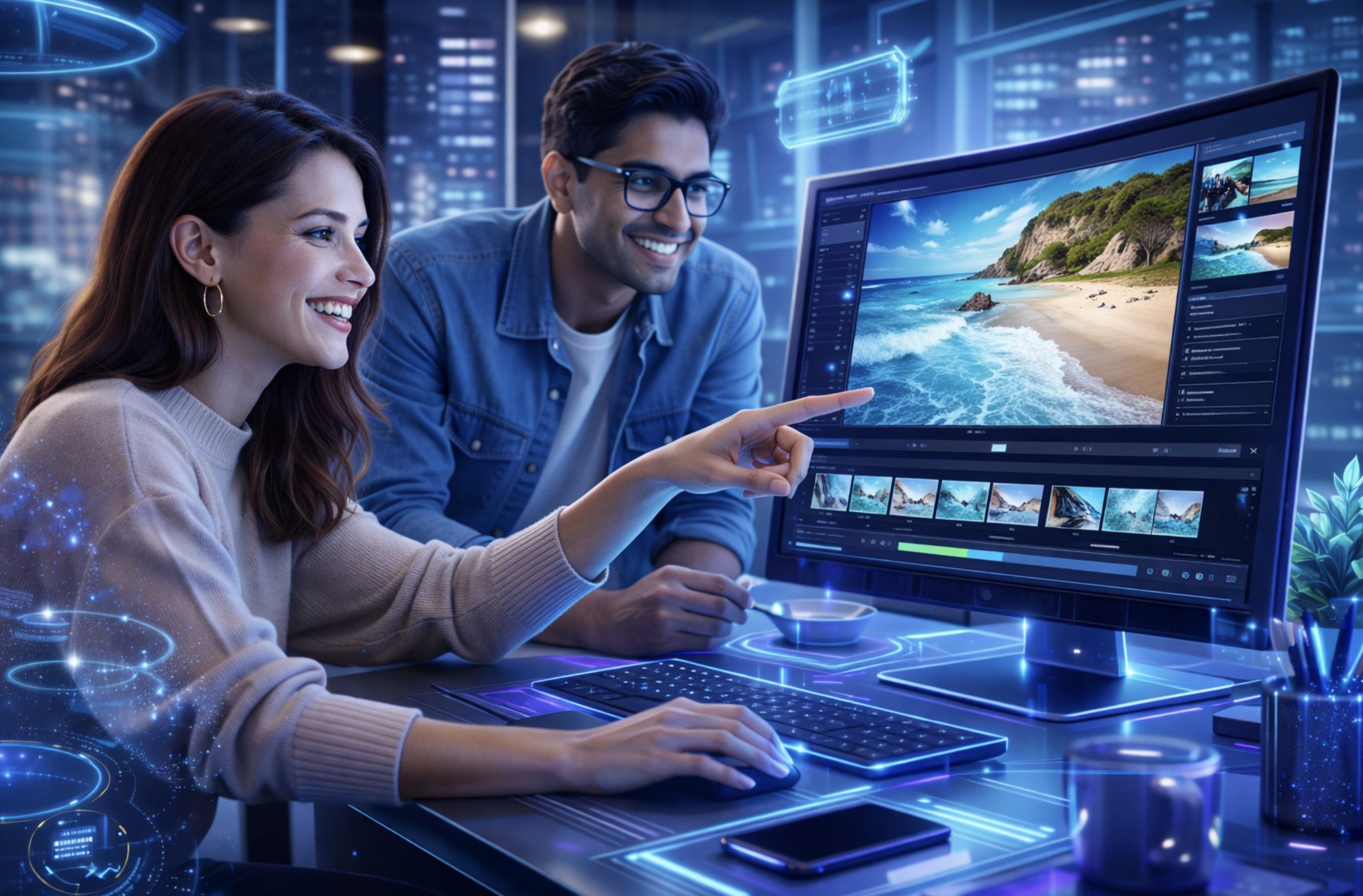
Create professional-looking videos without design or editing skills

You do not need to be a designer.

You do not need to learn timelines, keyframes, or complex tools.

If you can work with images, you can now create videos.

This webinar is designed specifically for non-designers who need videos for everyday work but do not want the learning curve of traditional editing.

What this webinar is about

Video creation often feels hard because it starts with tools built for experts.

Image-to-video flips that approach.

Instead of learning how to design videos, you start with what you already have: images, visuals, screenshots, product photos, or creatives and let AI handle motion, transitions, and flow.

In this session, we will show how image-to-video makes video creation simple, fast, and accessible for everyone.

What you will learn

  • Why traditional video editing feels difficult for non-designers
  • How image-to-video works in a simple, beginner-friendly way
  • How AI adds motion, depth, and storytelling to static images
  • When image-to-video works better than starting from scratch
  • Everyday video use cases that do not need design skills
  • How to create clean, professional videos in minutes

Who This Is For

This webinar is perfect for:

  • Non-designers and non-editors
  • Marketers and content managers without a design background
  • Founders and operators creating content on their own
  • L&D and internal communication teams
  • Anyone who says, “I am not a designer, but I still need videos”

No prior experience required.

Why image-to-video works so well for beginners

  • You start with images instead of a blank canvas
  • No manual animation or editing decisions
  • AI handles motion and structure
  • Fewer tools, fewer steps, less confusion
  • Faster output with consistent quality

We will break this down with real examples so it feels practical, not technical.

Live walkthrough included

See how a simple image is converted into a video using Steve AI, and understand what actually makes the output look polished and natural.

Date & Time:

Date: 2nd January, 2026

Time: 09:00 AM PST

Duration: 45 minutes

Format: Live webinar + Q&A
Meet Your Host

Anupama

Product Marketer

Translating AI workflows into simple, usable steps for non-designers

Shrinidhi

Content Marketer

Sharing how the product simplifies video creation from the ground up

What you will take away

  • Confidence to create videos without design skills
  • A simple mental model for image-to-video workflows
  • Practical ideas you can apply immediately
  • Faster video creation with less effort and stress

Reserve your seat

If video creation has ever felt overwhelming, this session will change how you think about it.