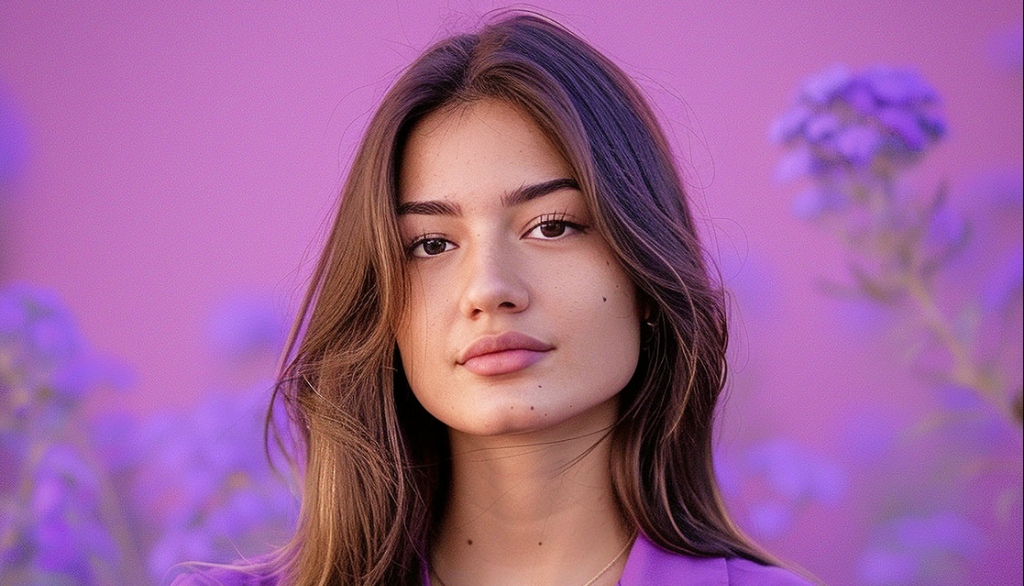
Human Realism: The Diffusion Transformer + 3D Variational Autoencoder understands how bodies move, how fabric drapes, how light hits skin as continuous physics, not frame-by-frame prediction.
Kling AI is the world's #1 ranked AI video generator. Inside Steve AI, it becomes something more: a complete video creation platform where you can generate AI footage, add BGM, voiceovers, transitions, subtitles, and control every scene, all without touching a video editor.
Create with Kling AI Video Generator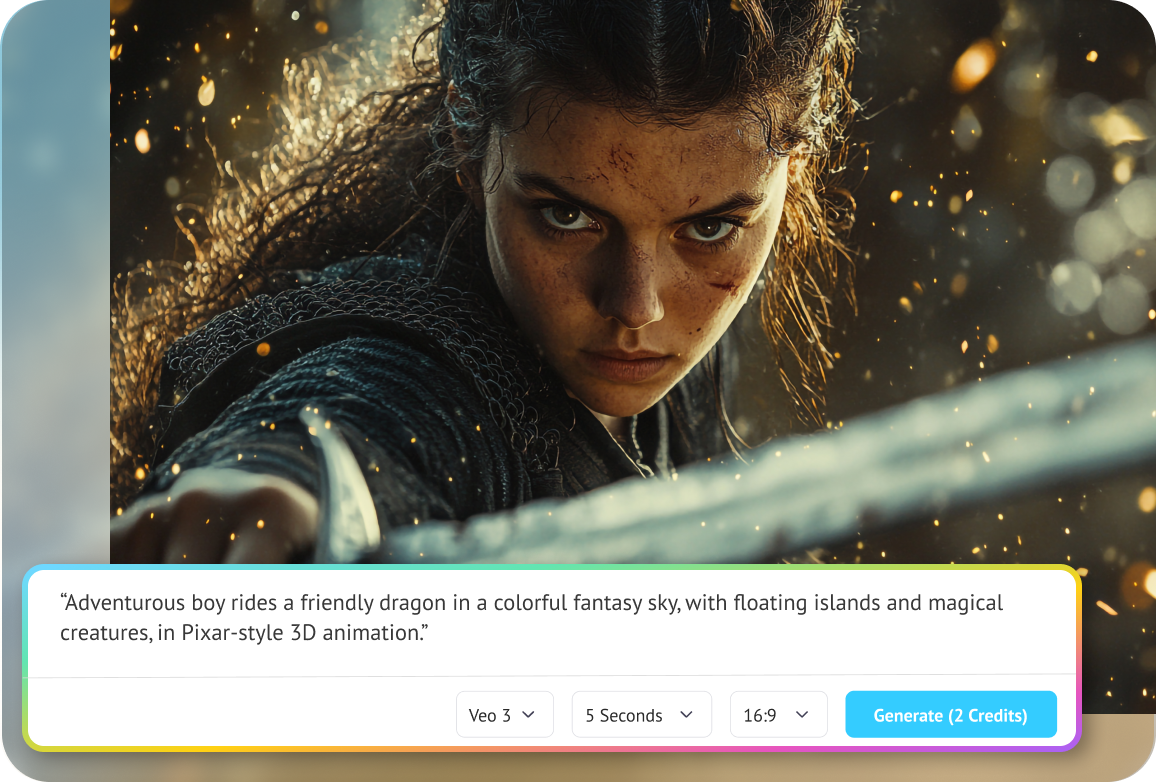
Kling AI is a generative AI model built by Kuaishou Technology. You give it a text prompt or an image, and it produces high-quality AI video footage photorealistic motion, accurate physics, synchronized audio. It is, by every major benchmark, the most capable AI video model available in 2026. But here is what matters for creators: Kling AI on its own is an API. It generates clips. Individual segments of AI footage with no BGM, no voiceover, no transitions, no subtitles, no scene controls. It is a raw ingredient. Steve AI is where that ingredient becomes a finished video. When you use the Kling AI video generator inside Steve AI, every clip gets wrapped in a complete production layer with background music, narration, transitions, captions, consistent characters across scenes, and scene-level editing without re-generating from scratch.

Write your prompt or paste your script: into Steve AI, describe your scene, your characters, your audio intent
Steve AI formats your input: into Kling's optimal 3-layer prompt structure: scene composition + motion + audio
Edit at the scene level: change any individual clip without regenerating the entire video later
Kling 3.0 generates your footage: cinematic, physics-accurate, up to 15 seconds at 4K resolution
Steve AI assembles your video: adding BGM, voiceover, transitions, and auto-generated subtitles
Export and publish: one file, ready for YouTube, Instagram Reels, TikTok, or LinkedIn
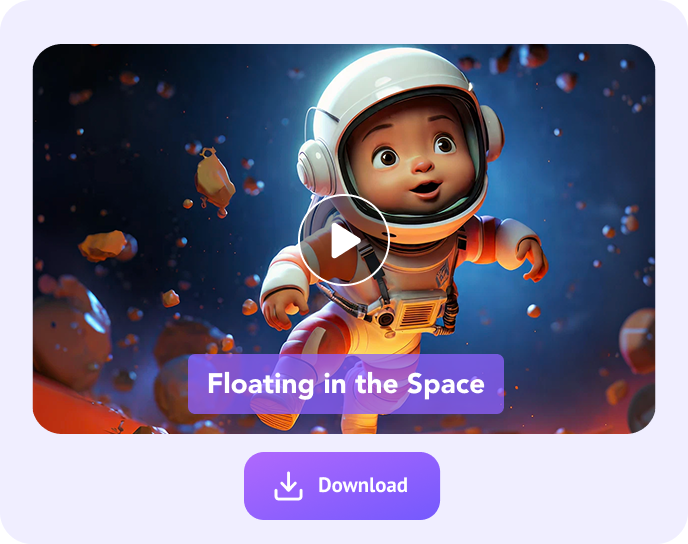
Kling AI 3.0 released in February 5, 2026 holds the highest ELO benchmark score (1,243) of any AI video model in the world. This score is derived from head-to-head blind evaluations where independent reviewers rate pairs of generated videos without knowing which model produced them.
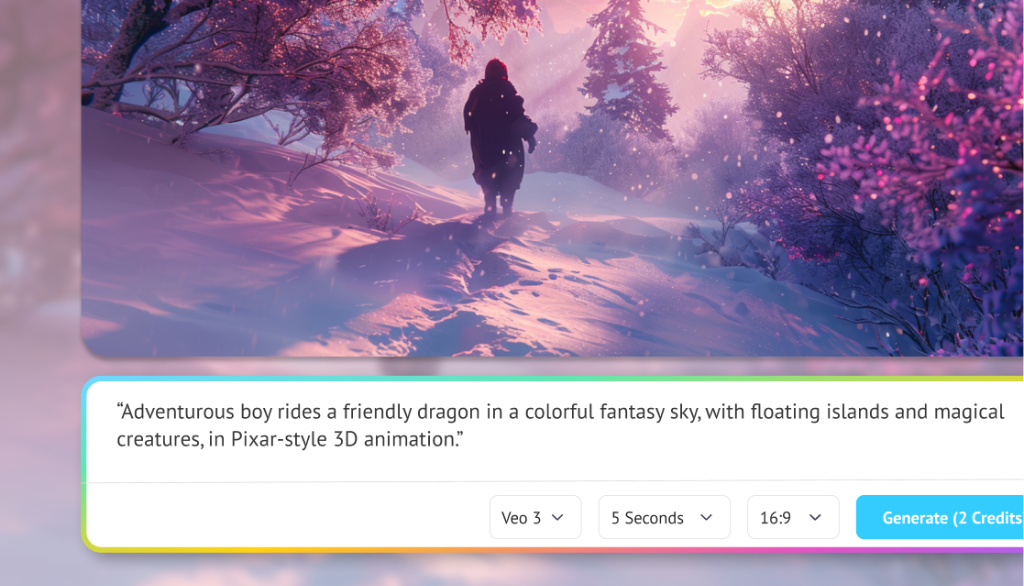

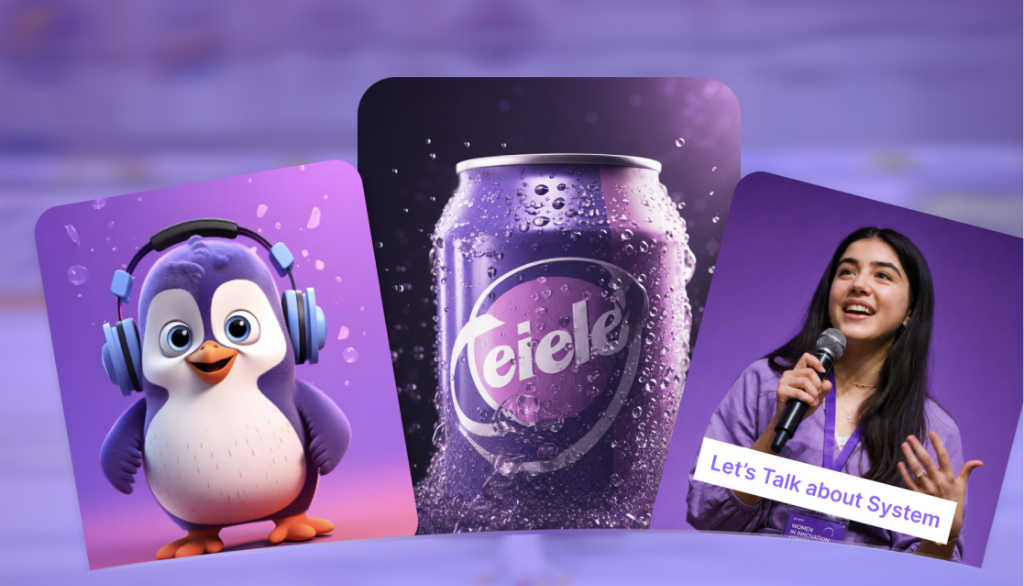
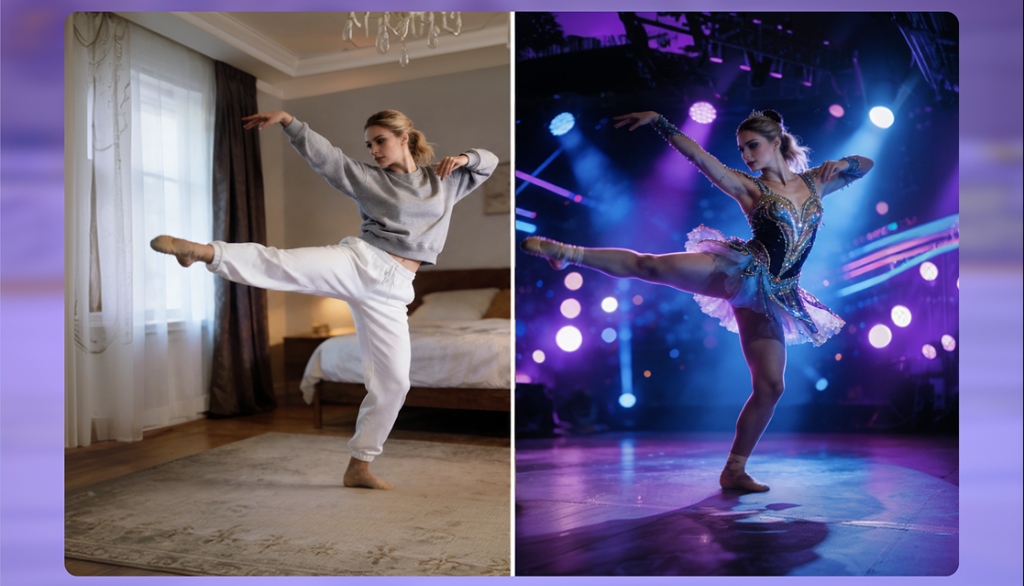
Steve AI is built for creators who produce video for an audience. The Kling AI integration serves four primary creator types:
Faceless YouTube channels: where the creator never appears on camera are among the fastest-growing content categories of 2025–2026. Kling AI video generation via Steve AI is the primary production stack for this use case.
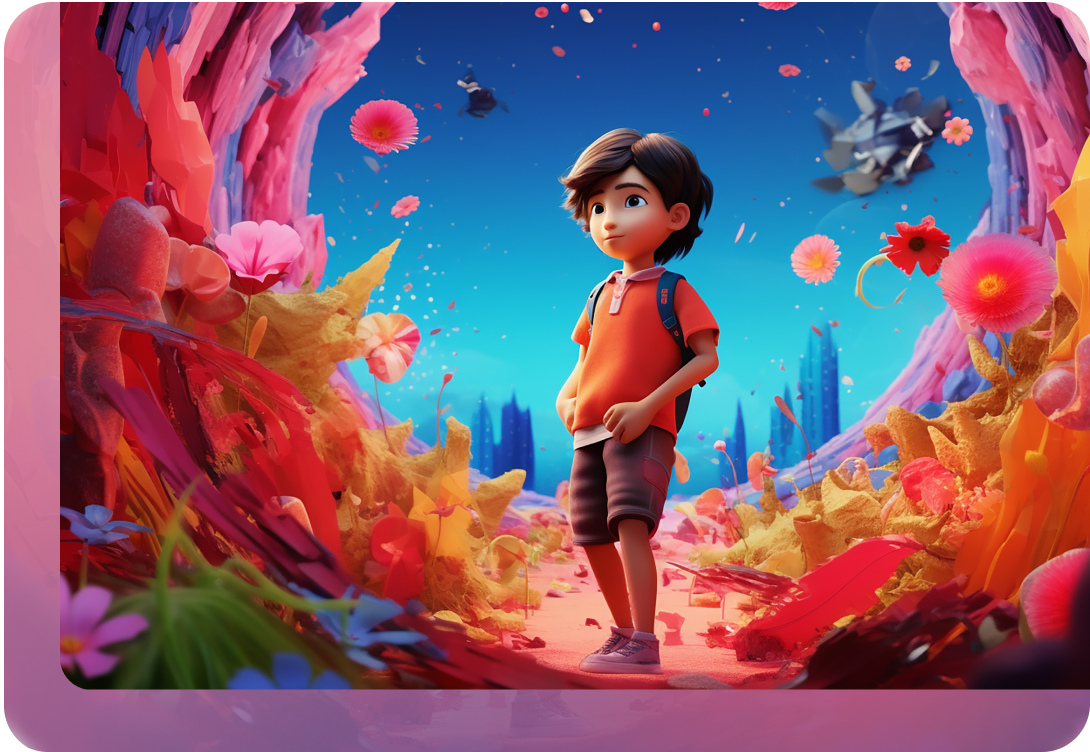
Cost comparison: Traditional 60-second video: $800–$2,500 and 3–5 business days. The same output using Kling AI + Steve AI: ~$6–$14 and 22–35 minutes. That is a 94–99% cost reduction for comparable visual quality across most marketing use cases.

Steve AI's 6-shot narrative sequencing, first/last frame chaining, and Motion Control give independent storytellers production-grade control over AI-generated content.
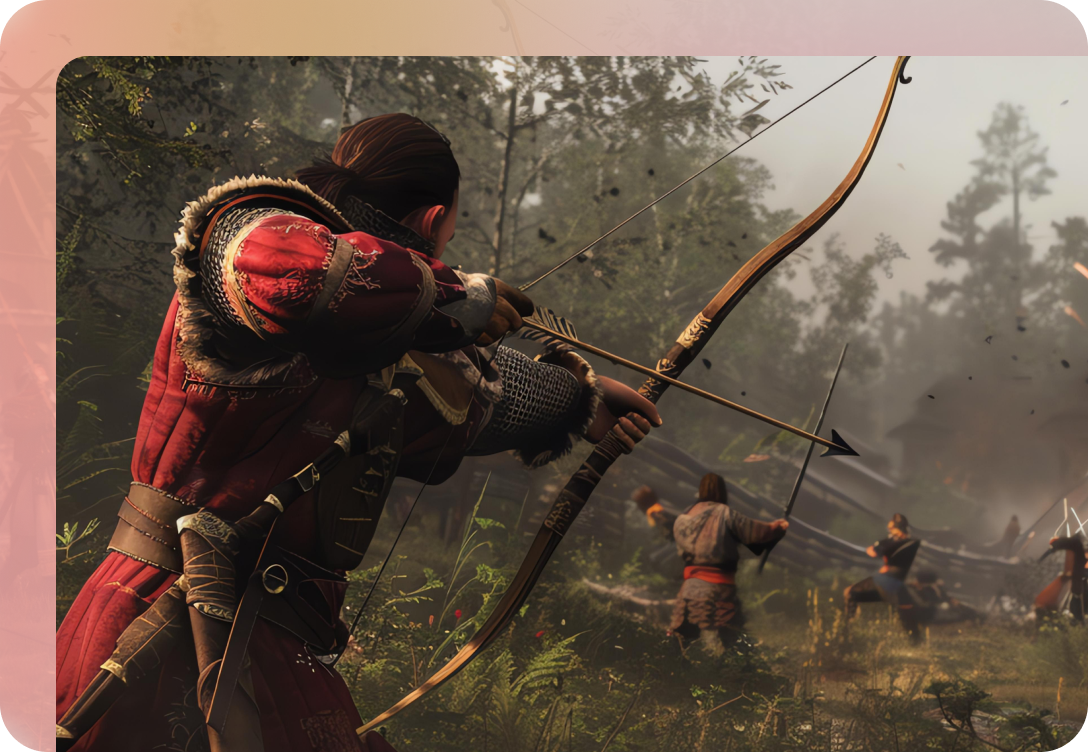
Turn lesson scripts into animated or cinematic video modules without filming equipment, editing software, or on-camera presence.

Based on Steve AI-generated content distributed across social platforms, peak engagement correlates with these clip lengths:
“Steve AI does what it promises, it gives you quick, professional-looking animated content at a reasonable price. It's got practical features, the interface works well and the scripts are created pretty fast. Overall positive experience.”
“Amazing Ai feature - All-in-one platform. You can create stunning cartoons without any experience.”
“Steve AI makes it very easy to create an animated video! One of the best AI video generation tool.”
Common questions about using the Kling AI video generator inside Steve AI.

Kling AI is a generative AI model by Kuaishou Technology that creates video from text prompts or images. It produces photorealistic, physics-accurate footage with synchronized audio. Kling 3.0, released February 2026, is the highest-ranked AI video model by ELO benchmark score (1,243 points).
Kling AI directly or via its standalone API generates individual video clips. You receive raw footage: no background music, no voiceover, no transitions, no subtitles, and no scene-level editing. Steve AI uses the Kling API and wraps it with a complete production workflow. You get BGM, narration, transitions, captions, consistent AI characters, and scene editing in one place, producing a finished, publish-ready video, not a clip.
Kling 3.0 generates clips up to 15 seconds at 1080p (standard) or 4K via the Omni architecture. Kling 2.6 generates up to 10 seconds at 1080p. Inside Steve AI, multiple Kling clips are assembled into longer-form videos, course modules, YouTube episodes, marketing videos with no hard length ceiling.
Kling 3.0 generates synchronized native audio within the clip: dialogue, ambient sound, and music, across 5 languages. Steve AI adds a second audio layer, background music (BGM) and separately recorded or AI-generated voiceover, giving full audio production control on top of Kling’s generated audio.
Motion Control is Kling AI’s feature for transferring movement from a reference video to any subject. You upload a reference clip, a dance, a gesture sequence, or a walking pattern and Kling extracts the full motion signature (body movement, facial expression, lip-sync) and applies it to your subject. No other major AI video platform offers this natively in 2026.
Kling AI generation via Steve AI costs approximately $6–$14 per finished production-ready video minute including generation, BGM, voiceover, transitions, and export. Individual clips run ~$0.42–$2.20 depending on length and model tier. This compares to $800–$2,500 per finished minute via traditional production workflows, a 94–99% cost reduction.