Leo Vesper . English . Male
Whether it's a bedtime tale, a YouTube series, or your next big idea,
Steve AI helps you turn stories into videos faster than ever.
 The Dragon's Egg
True treasure is not what you keep, but the kindness you give away.
🐉 The Dragon’s Egg
Deep in an enchanted forest, a curious boy named Leo finds a mysterious glowing egg hidden beneath an old oak tree. It’s warm and humming — like it’s alive!
But before he can figure out what it is, three tiny dragons burst out of the bushes! They buzz around him, chirping and snapping, trying to get the egg back. Leo is scared — but he realizes this egg isn’t his to keep.
He follows the tiny dragons deeper into the forest until he meets their enormous mother — a great emerald dragon with golden eyes full of worry.
Even though his knees are shaking, Leo steps forward and returns the egg. ‘It wasn’t mine to keep,’ he tells her bravely. ‘It belongs with its mom.’
The Mother Dragon is so moved that she gives Leo a magical shimmering scale from her own chest. She tells him: ‘Whenever your heart is kind, this scale will let you fly.’


Narration: The Dragon's Egg

Narration: Deep in the enchanted forest, where sunlight barely touched the mossy ground, a curious boy named Leo spotted something glowing beneath a twisted oak tree.

Narration: He knelt down and gasped.

Narration: It was an egg — shimmering with golden light, warm to the touch, and humming softly like a tiny heartbeat.

Dialogue: Leo: "Whoa. What are you?"

Narration: Then he heard it — a rustling, a chirping, and three tiny dragons burst through the ferns, their little wings buzzing like hummingbirds.

Narration: They circled Leo, snapping and squeaking, their eyes locked on the egg.

Narration: The tiny dragons hissed and darted closer.

Narration: Leo's heart pounded. He could run. He could keep this magical treasure forever. But then the egg pulsed warmly against his chest, and he understood — this wasn't his to keep.

Dialogue: Leo: "Okay. I'll bring you home."

Narration: He followed the tiny dragons deeper into the forest until the trees parted.

Narration: And an enormous dragon stood waiting, her scales like emeralds and her golden eyes filled with worry.

Narration: Leo's knees trembled, but he stepped forward.

Dialogue: Leo: "I think this belongs to you."

Dialogue: Mother Dragon: "You could have kept it, little one. Most would have."

Dialogue: Leo: "It wasn't mine to keep. It belongs with its mom."

Dialogue: Mother Dragon: "And that is exactly why you deserve this."

Narration: Whenever your heart is kind, this scale will let you fly.

Dialogue: Leo: "Really? I can actually fly?"

Dialogue: Mother Dragon: "Kindness is the rarest magic in this world, dear boy. And you carry it well."

Narration: Leo clutched the scale and laughed as his feet lifted gently off the ground.

Narration: He soared above the treetops, the wind in his hair, the three tiny dragons chirping happily around him.

Narration: And he knew that the greatest treasure he'd ever found was the one he gave away.

Narration: When you give back what isn't yours, the world gives you something even greater in return.
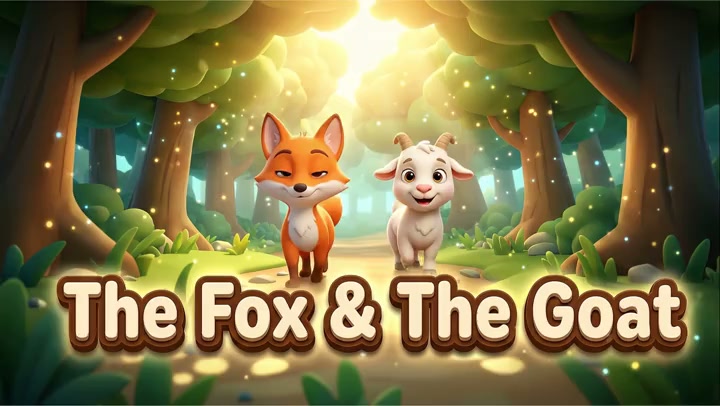
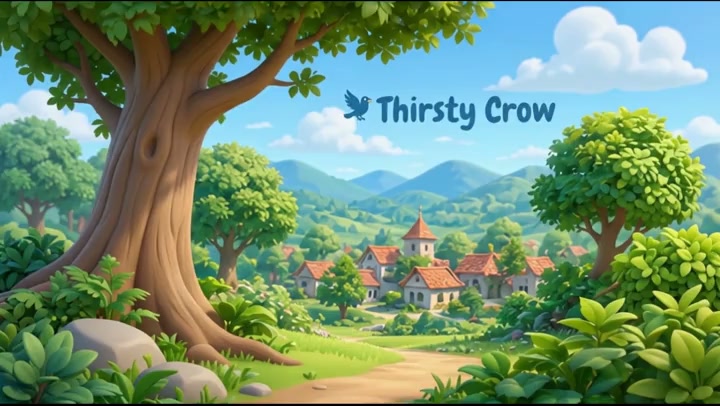
Scene 1.1Scene 2.1Scene 2.2Scene 2.3Scene 2.4Scene 3.1Scene 3.2Scene 3.3Scene 3.4Scene 3.5Scene 4.1Scene 4.2Scene 4.3Scene 5.1Scene 5.2Scene 5.3Scene 5.4Scene 5.5Scene 5.6Scene 5.7Scene 6.1Scene 6.2Scene 6.3Scene 7.1Here's what creators are making with Steve AI and the kinds of channels that could be built entirely with this tool.
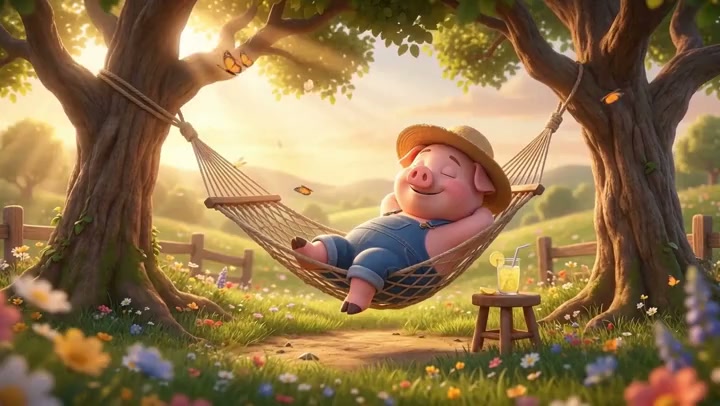

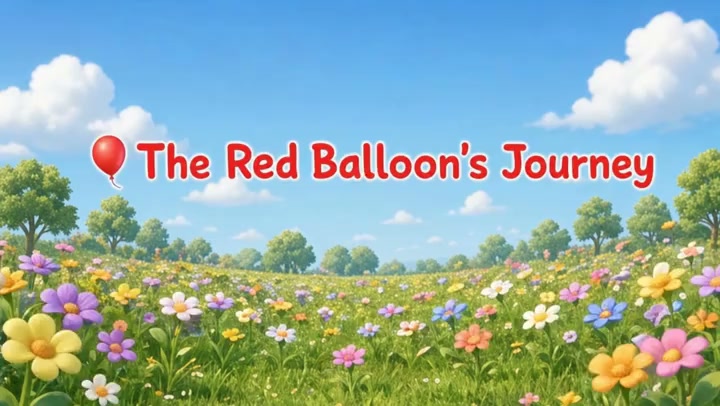
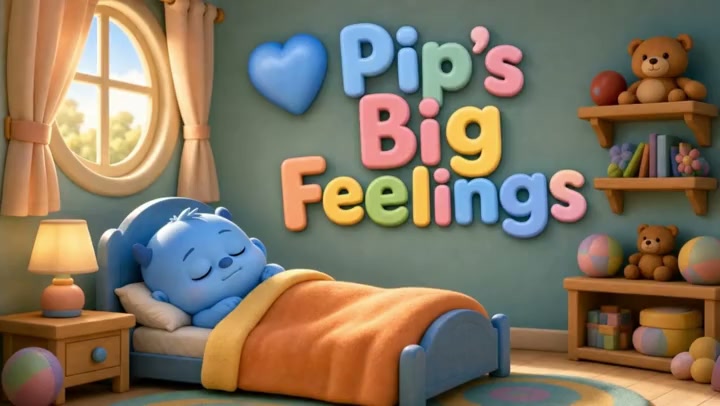
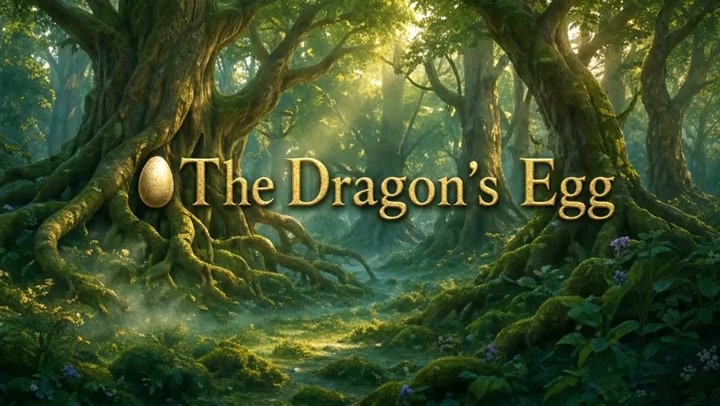

This isn't autocomplete. It's a patented reasoning engine that understands narrative structure, child-appropriate storytelling, and cause-and-effect story logic built in at the prompt level.

No plugins, no third-party tools, no 'export then edit somewhere else.' Every feature kids' content needs ships inside Steve AI.
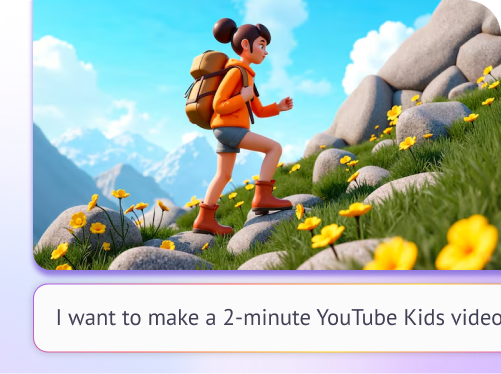
Paste a rough idea or topic. Steve AI writes a structured kids' story script with a beginning, middle and end at the right reading level.
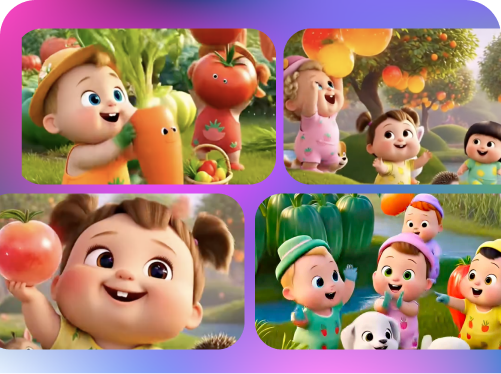
Steve AI reads your script and generates visuals that match each moment, bright and colorful for kids. No searching stock libraries.
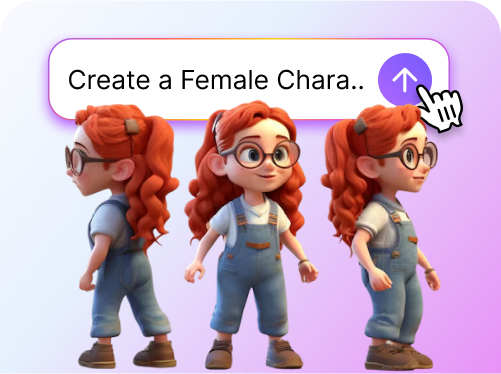
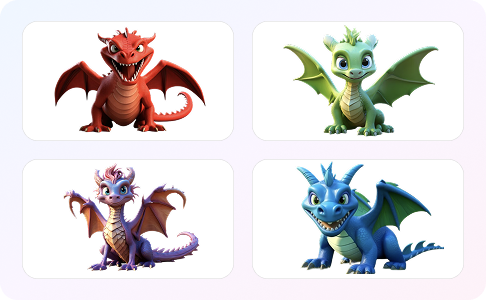
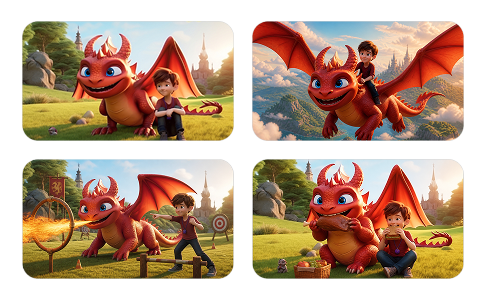
Steve AI understands your script and generates consistent characters, their appearances, emotions, and angles for the video.

Characters have unique voices for their age and role. A shy dragon differs from a bold explorer, while a grandmotherly narrator contrasts with an excitable sidekick.
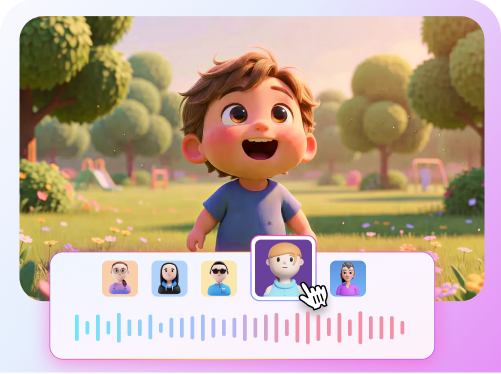
Assign AI voices to characters. Use warm narrators for stories, energetic voices for learning. 10+ languages, ideal for bilingual families.
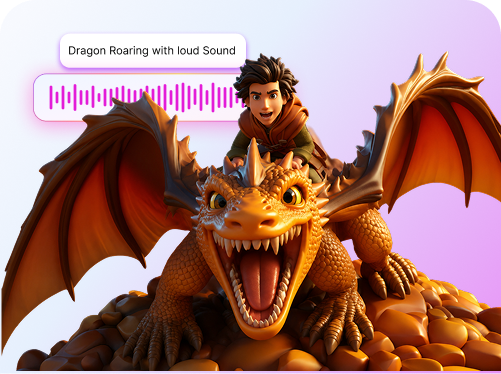
Steve AI creates unique music and sound effects for your video. These assets match your story's tone. No stock tracks or reused music.
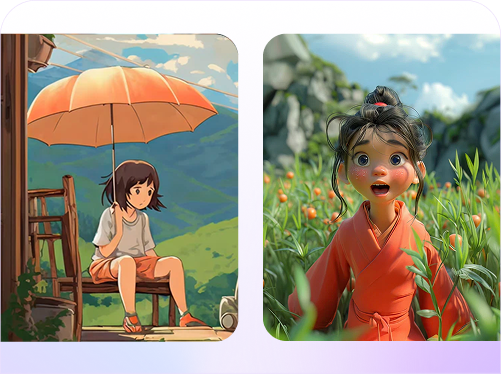
Steve AI kids videos have rich 3D animation that kids love. Characters are dimensional, making the world feel real.
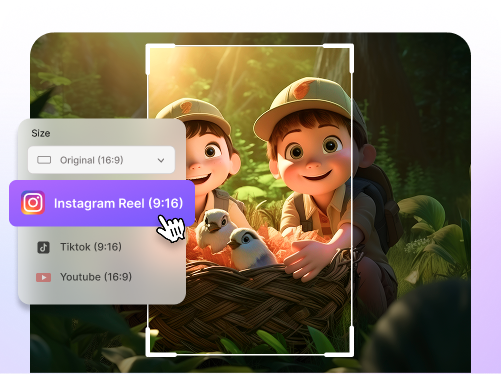
YouTube (16:9), Shorts (9:16), Instagram Reels, TikTok export up to 4K. One session, all formats covered.
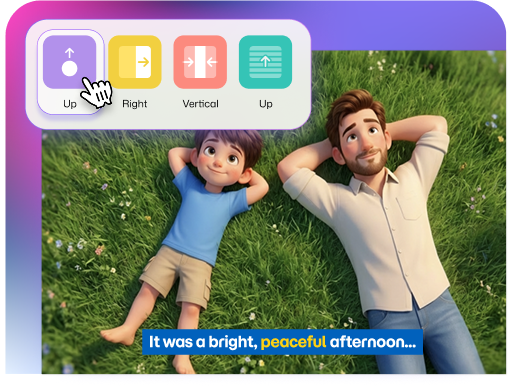
Paste a rough idea or topic. Steve AI writes a structured kids' story script with a beginning, middle, and end at the right reading level.
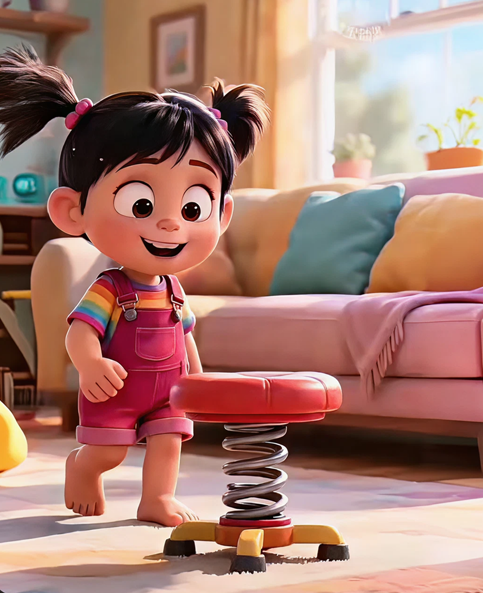
You're publishing 2–4 times a week and need a production pipeline that doesn't eat your whole schedule. Steve AI handles the heavy lifting so you can stay on your upload schedule.
Go from story idea to finished video in under 20 minutes
Export directly in YouTube-ready 16:9 or Shorts format
Consistent animated style across every single episode
No studio, no team, and no complex editing software needed

Your lesson needs to land with a 7-year-old. Walls of text don't cut it. Steve AI turns your curriculum topic into an animated story that kids actually want to watch.
Turn any lesson plan into a narrated story video
Safe, school-appropriate visual styles built in
Add animated text and captions for comprehension
Works for pre-K through 6th grade content
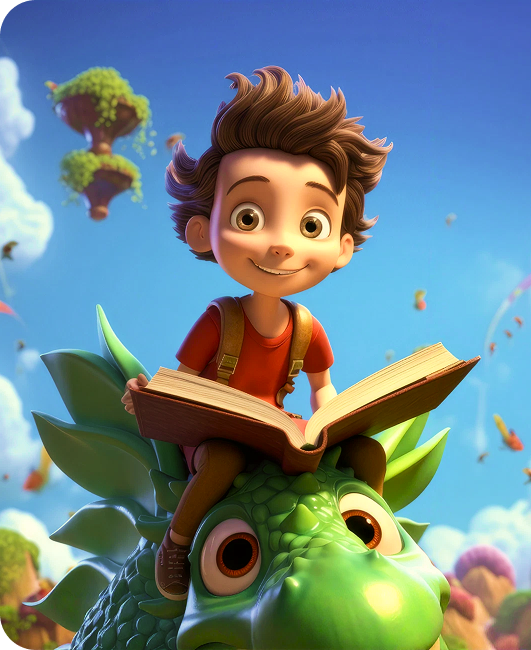
Your story deserves to move. Steve AI turns your written story into a visual experience with characters, scenes, and narration so readers become viewers too.
Animate your existing picture books or manuscripts
Customizable characters that match your story's world
Multiple AI voice styles for different character voices
Share on YouTube, Instagram Reels, or embed anywhere
No video editing background needed. No timeline to drag clips around. Just your idea and Steve AI's engine.
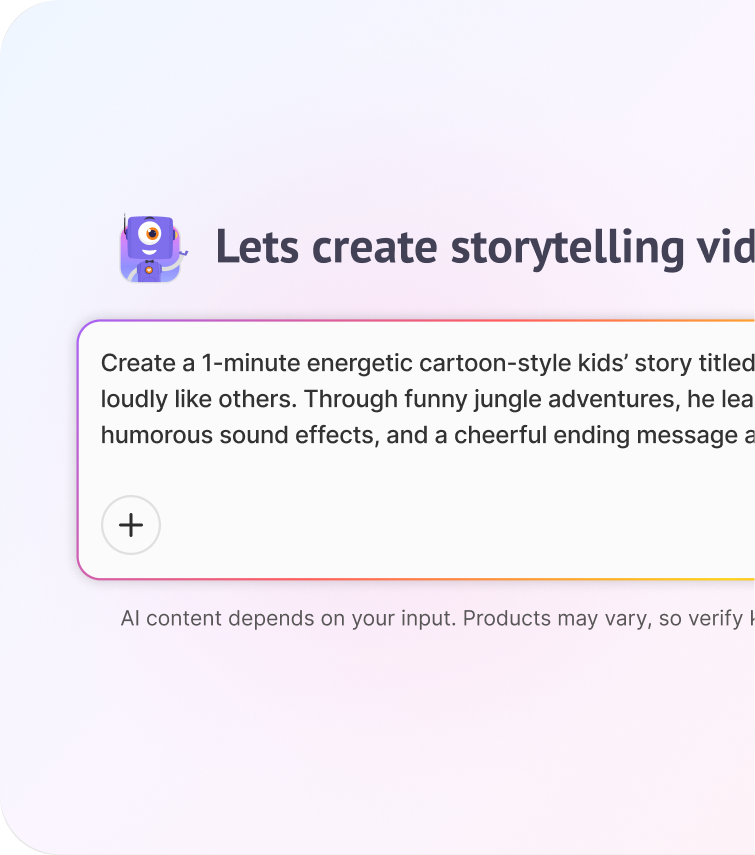
Enter a story idea or script. Steve AI creates a structured kids' story arc, detailing characters, their goals, obstacles, and resolution. If unclear, Steve AI will ask clarifying questions. You can review and edit the story arc before proceeding.
No video editing background needed. No timeline to drag clips around. Just your idea and Steve AI's engine.


ToonTales Kids
Story Time Sprouts
Creative Director, Chrome Digital