Built for Technical Clarity
Visualize systems, steps, and flows without screen recordings.
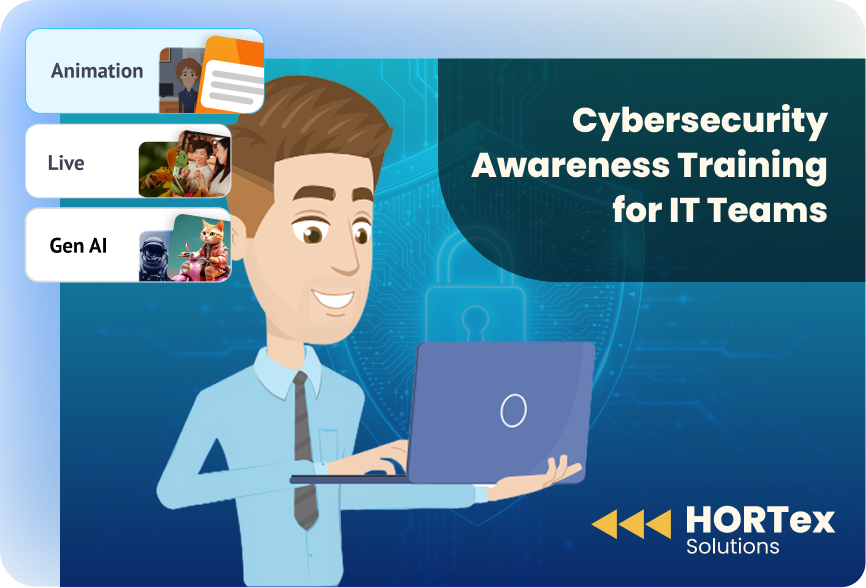
Turn IT documentation, SOPs, policies, and text into engaging training videos using AI with Steve AI without any fragmentation. Automate IT industry training, technical training videos, and workforce training videos without relying on any video specialists.
Maintain accuracy, consistency, and compliance. Ideal for organizations managing frequent system updates, audits, security changes, and onboarding cycles for the IT sector.







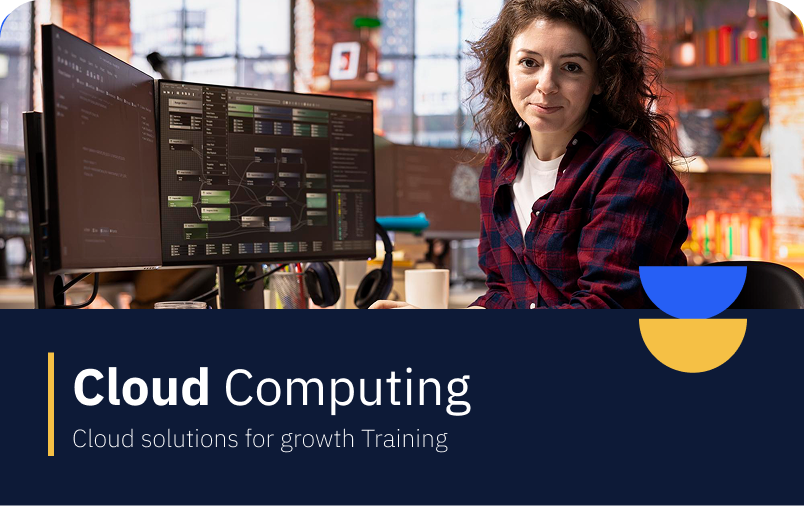
Convert IT documents into training videos. Simplify system walkthroughs and internal guides that explain both process and logic, without rewriting content from scratch.
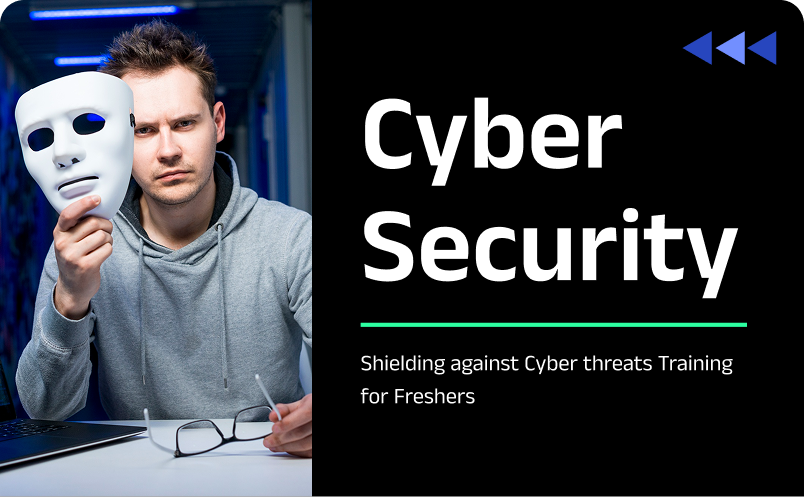
Create IT training videos that reflect access controls, security standards, and internal policies while keeping content consistent across onboarding, audits, and compliance programs.
When tools change or workflows evolve, update scripts or steps, not entire videos. Keep training current without reshoots, screen recordings, or rebuilding content.
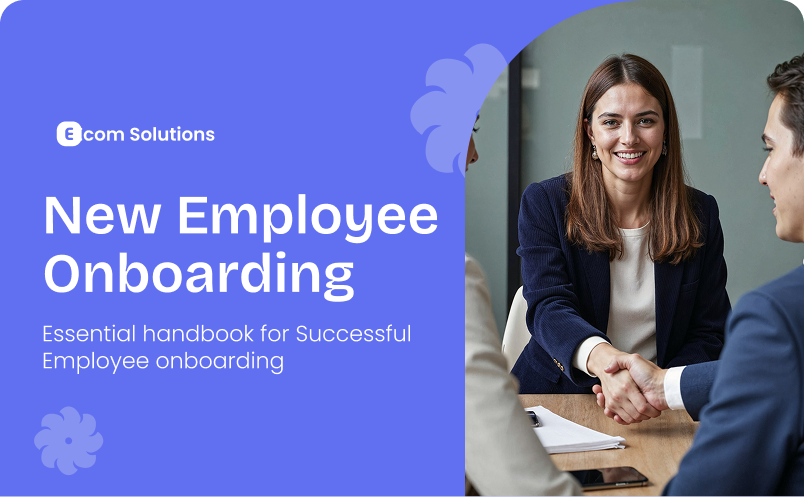
Auto-generate narration, visuals, and step-by-step flows so subject matter experts spend less time repeating explanations across teams and sessions.

Create reusable, modular IT training videos that work across distributed teams, multiple tools, and evolving tech stacks, without fragmentation or version chaos.

The IT industry demands role-specific, accurate training, but managing multiple tools for different needs slows teams down. Steve AI brings everything into one IT training video maker, built to support diverse IT use cases without added complexity.








We prioritize data privacy, ensuring all IT training content aligns with EU regulations and enterprise data handling standards.

Your IT documentation and training videos are protected by audited information security management practices.

Trusted third‑party risk management ensures IT teams can confidently scale training across tools, stacks, and distributed teams.
Steve AI is a well-known software to create IT onboarding videos. Users have converted 3M+ IT documents to training videos and also generated IT training videos from text.

Critical system knowledge often sits with a few senior engineers. Steve AI helps turn that know-how into repeatable employee video training so onboarding, handovers, and escalations don’t depend on who’s available.

Screen recordings break the moment a UI changes. Steve AI lets IT teams create system-agnostic training videos that explain process and logic, and not just the flow, so the content stays relevant longer.

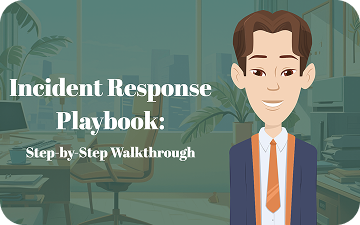
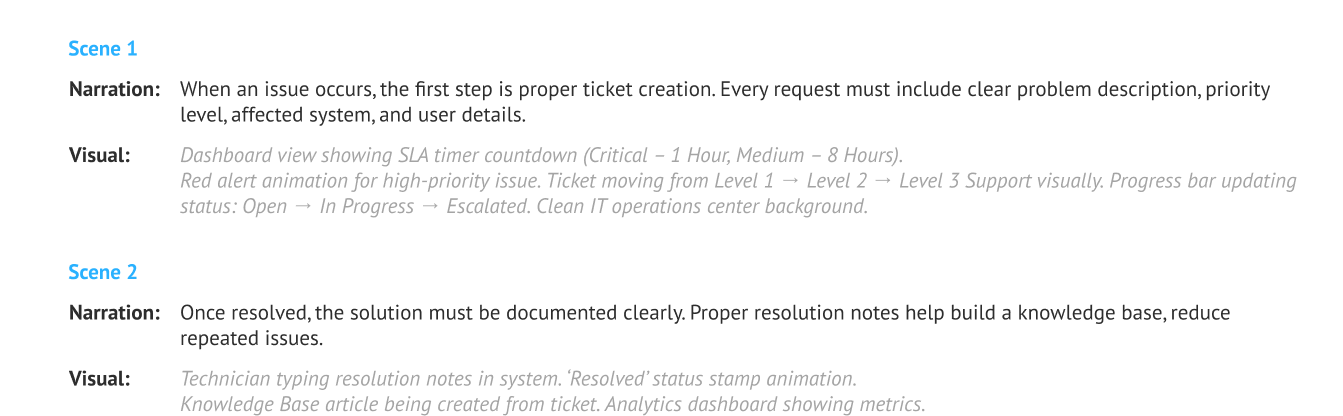
Multi-step processes like access provisioning, incident response, or deployment workflows are hard to explain in text. Steve AI converts them into structured, visual walkthroughs that teams can actually understand and reuse.

Instead of explaining the same setup, tool, or policy in tickets, calls, or chats, create one clear video and share it across teams, locations, and time zones.
Steve AI replaces corporate video agencies for 80% of use cases. You get,
Visualize systems, steps, and flows without screen recordings.
Train global IT teams with voiceovers and captions.

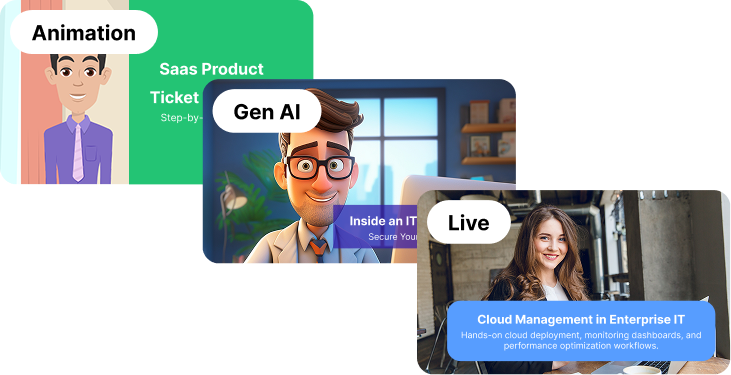
Pick Gen AI, live-action, or animation formats.
Turn long technical docs into training videos in minutes.
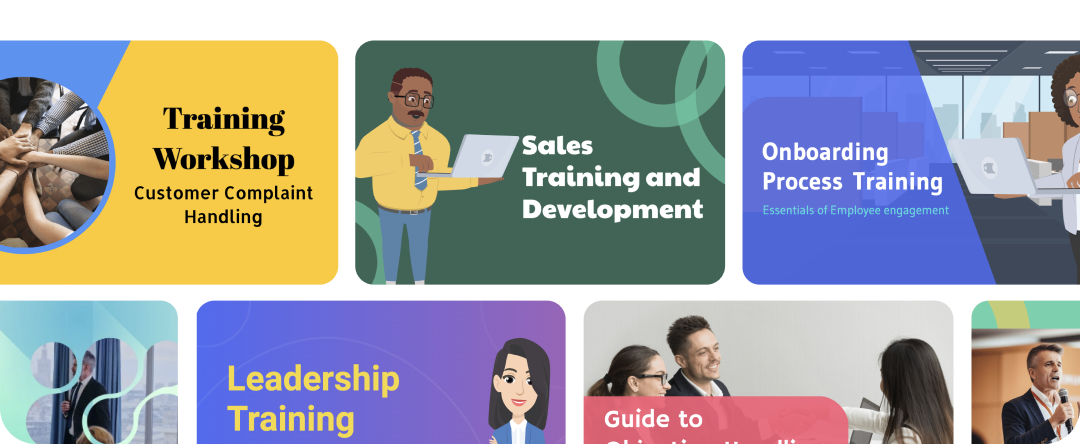
Publish videos ready for LMS, intranets, and portals.

Anyone can create and update training content in real-time.
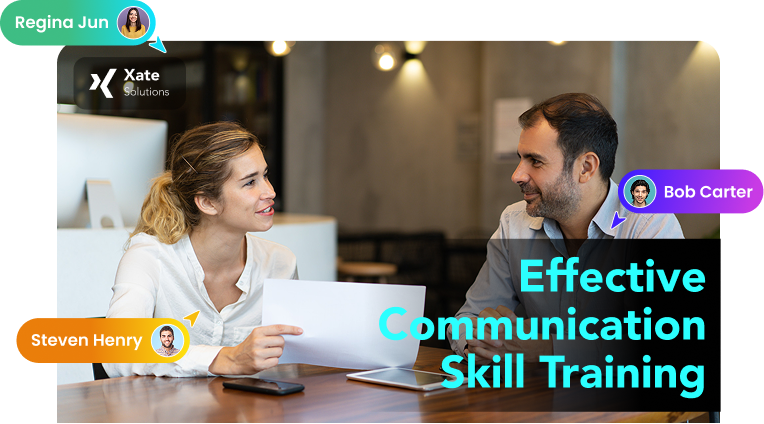
Enable SMEs and trainers to edit and review together.
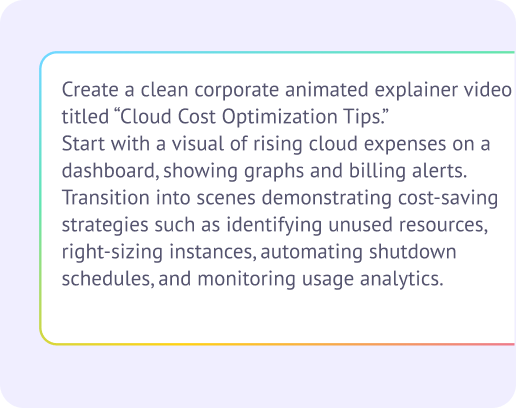
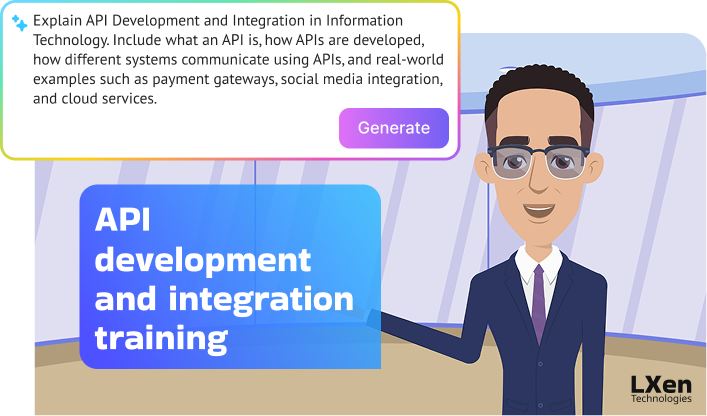
Add a topic, document, or text. Steve AI generates a customizable script with editable narration and visual descriptions.
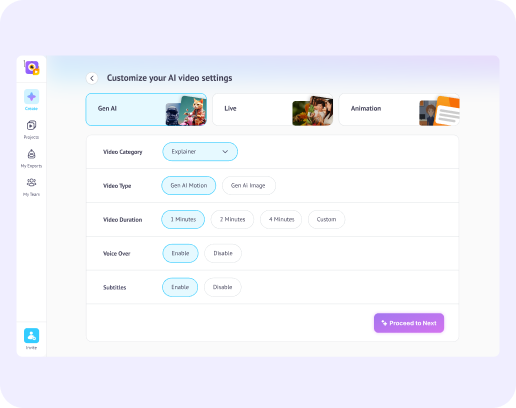
Choose your format, be it live, animated, or Gen AI. Fine-tune visuals, voice, and timing to match your audience.
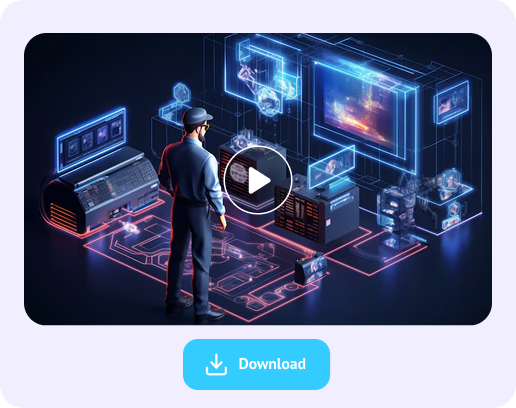
Instantly export high-quality 4K videos. Either embed them into your LMS or share across platforms.
Independent Creator, US
Marketing Lead and Podcaster, US
Andrew Collins
Coach and Educator, US
Use existing IT workflows, internal tools, or documentation and convert them into short, structured videos using Steve AI. Focus on one task per video so teams learn exactly what to do.
The best tools support fast updates, clear visuals, and scalability. Steve AI combines scripting, visuals, voiceovers, and editing in one AI video maker built for IT training.
Reuse internal docs, knowledge base articles, or SOPs and turn them into repeatable video templates with Steve AI. Update once and scale across teams instantly.
Software that’s easy to edit, LMS-ready, and scalable works best. Steve AI lets teams create and maintain training videos without re-recording or manual editing.
Define the task outcome first, then show the exact steps visually. Steve AI helps turn complex IT processes into clear, role-specific training videos.
Break SOPs into steps and convert each step into a visual scene. Steve AI turns written processes into easy-to-follow training videos.
Use real scenarios like access control, data handling, and incident reporting. Steve AI helps explain correct actions clearly through visual training videos.
Security policies, user responsibilities, and real-world actions. Steve AI helps create short compliance videos that teams can actually understand and remember.
Yes. Steve AI helps create onboarding training videos for tools, systems, and workflows, making new hires productive faster.
Yes. Steve AI supports multiple languages, AI voiceovers, and subtitles, making it easy to deliver consistent IT training across regions and teams.
Screen recordings are hard to update and scale. Steve AI creates editable, modular IT training videos that stay current without re-recording or starting over.
