Educational Video Maker AI

Try Educational Video Maker Now

No Credit Card required

Educational Video Maker for Educators, Trainers, and Teachers

Simplify Lesson Modules

Turn lesson plans or text prompts into videos with an AI education video maker.

Build Complete Courses

Create curriculum-based learning paths from lessons to full online programs.

Break Down Complex Topics

Deliver microlearning units with AI-powered visuals, narration, and animation.

Fit Any Classroom or LMS

Whether in person or online, integrate content smoothly with classroom and e-learning platforms.

Educational Video Maker

Educational Video Maker Use Cases

Teachers and Educators

Teachers and Educators

  • Create engaging lesson videos
  • Turn text or notes into visual lessons
  • Make interactive classroom content
  • Simplify complex subjects for students
  • Improve attention with visual storytelling
  • Support both online and offline classes
Trainers and Skill Developers

Trainers and Skill Developers

  • Create professional training modules
  • Design microlearning units easily
  • Produce explainer videos without editing skills
  • Build structured employee training content
  • Improve knowledge retention with visual learning
  • Develop scalable learning programs
Course Creators and Online Instructors

Course Creators and Online Instructors

  • Create complete online courses
  • Turn lessons into full learning programs
  • Build structured e-learning content
  • Generate videos with AI-powered tools
  • Design scalable learning modules
  • Launch online training programs faster

Scene by scene Flexibility for Educators

GDPR

GDPR Compliant

Our educational video maker is fully GDPR-compliant, ensuring lesson content and learner data are handled with care and aligned to EU standards.

ISO 27001

ISO 27001 Certified

All educational videos are protected under ISO 27001-certified practices, giving teachers and institutions confidence in secure content creation.

CyberGRX

CyberGRX Verified

With verified third-party risk management, schools and training providers can safely scale video-based learning across classrooms and e-learning platforms.

Access Educational Video Maker AI

Why Choose Steve AI Educational Video Maker

Edit-free AI Video Creation

Create explainer videos that make lessons engaging and memorable.

Swift 4K Rendering

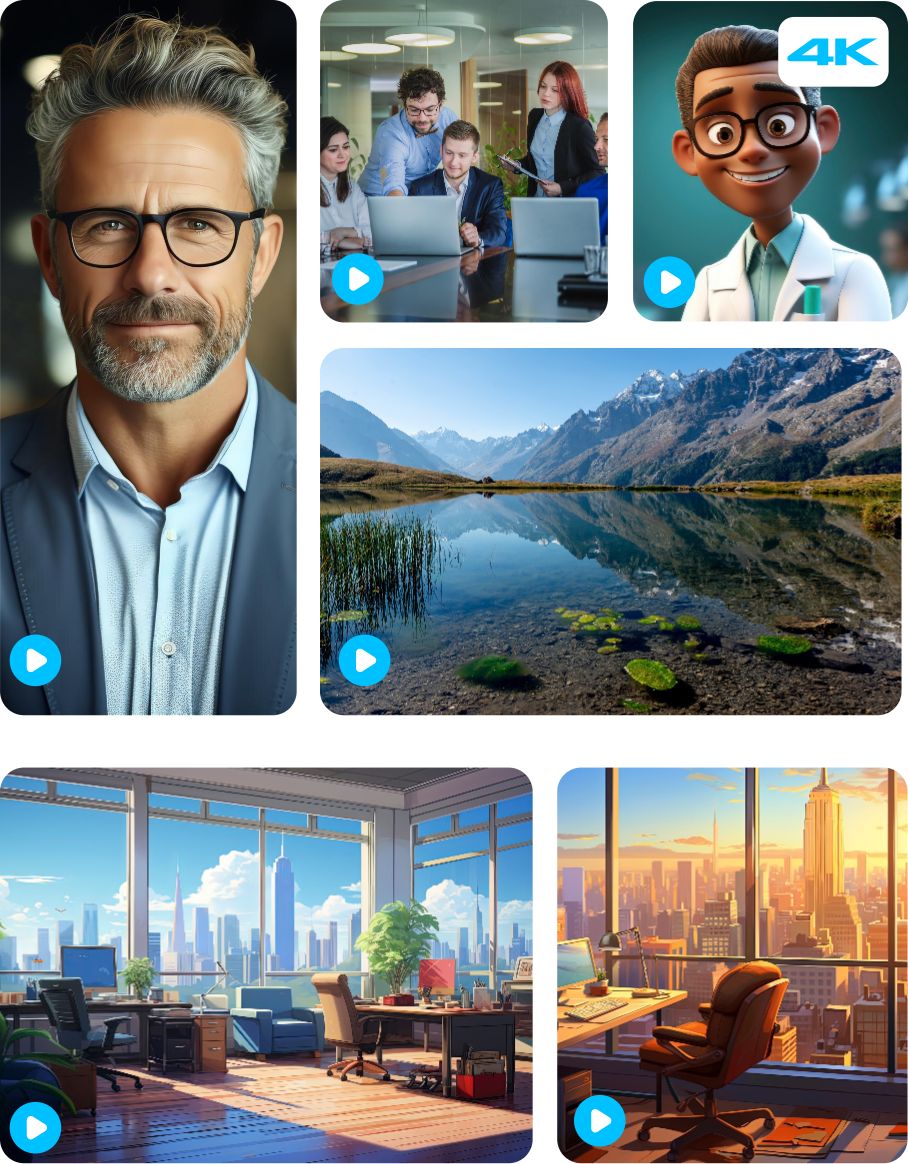
Produce 4k quality educational videos from 1000+ custom templates.

Rich Assets & Easy Customization

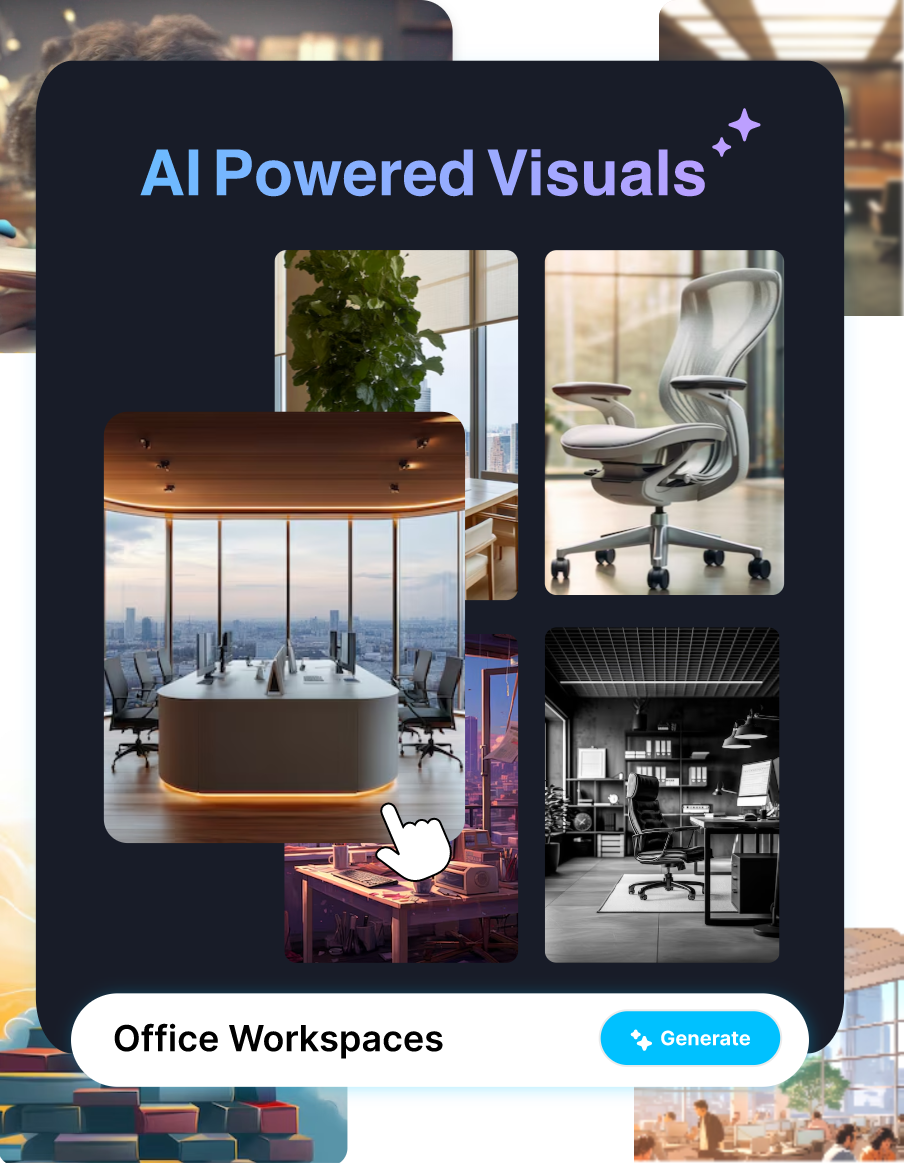
Access animations, graphics, music, and edit seamlessly across devices.

Personalise it to Your Brand

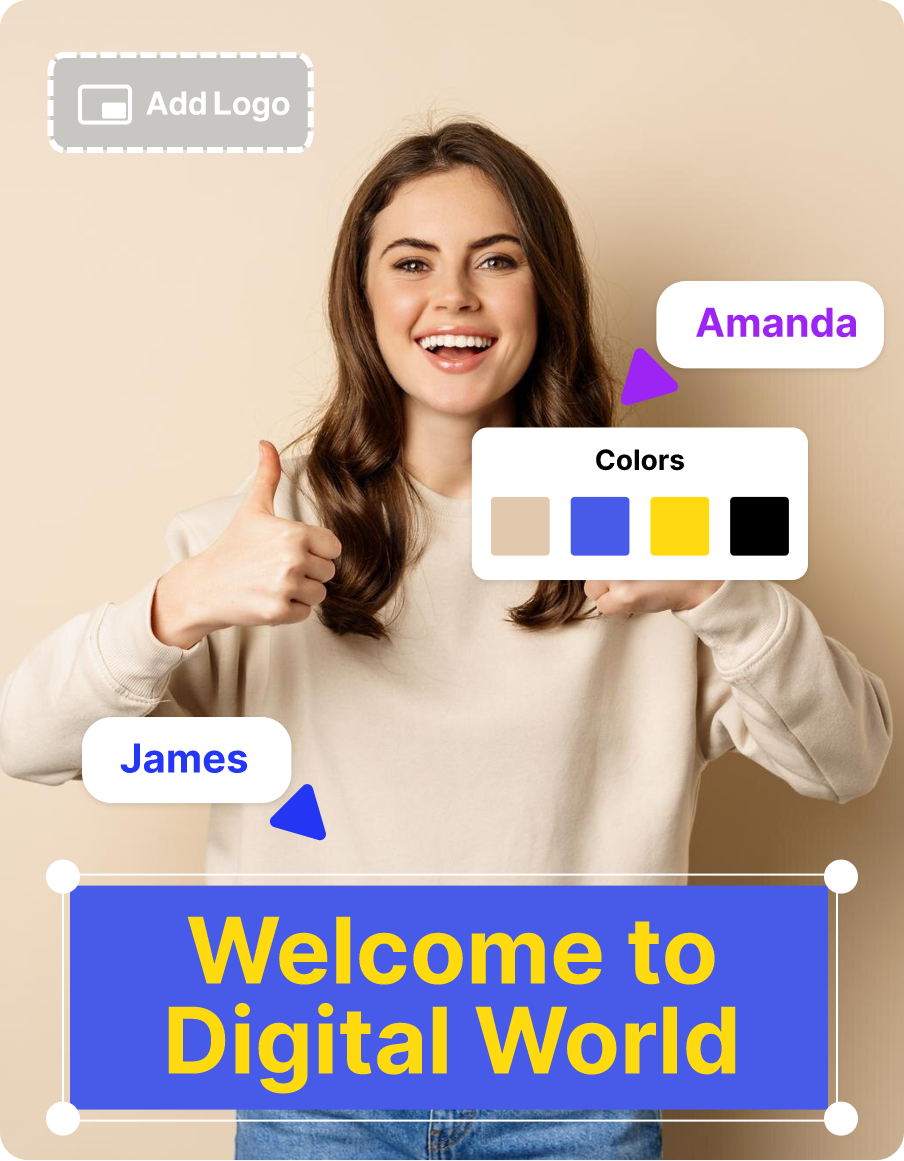
Deliver educational videos that stay true to your brand style, with consistent logos, colors, and messaging across every lesson.
Why Use our Educational Video Maker?

AI Voiceovers

AI Voiceovers

Use human-like AI voices in 10+ languages and accents.

Fast Creation

Fast Creation

Save hours with automated AI video generation tools.

Edu Focused

Edu Focused

Features and templates designed for teachers and learners.

Smart Design

Smart Design

AI auto-selects visuals, animations, and voiceovers.

Multi-lingual Tool

Multi-lingual Tool

Create engaging educational videos in 10+ languages.

Easy Interface

Easy Interface

Simple, intuitive platform for all skill levels.

Scalable Use

Scalable Use

Perfect for classrooms, e-learning, or enterprises and download in 4K.

Creative Edge

Creative Edge

Embrace unique storytelling with AI assistance.
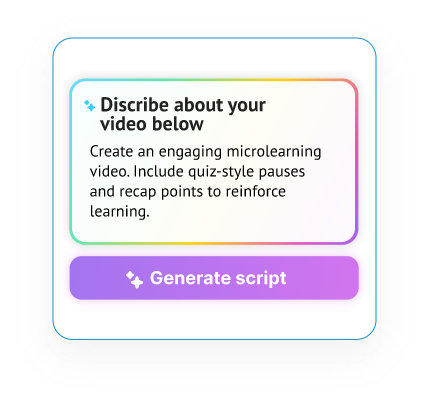
Generate an Educational Video in 3 Simple Steps

Step 1

1. Start with a Prompt

Add a topic, lesson notes, or text. Our educational video maker creates a script with narration and visual cues.
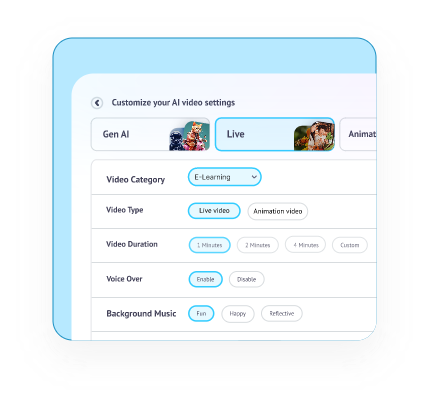
Step 2

2. Customize Your Video

Pick animated or live formats. Adjust visuals, voice, and timing to fit your class or course needs.
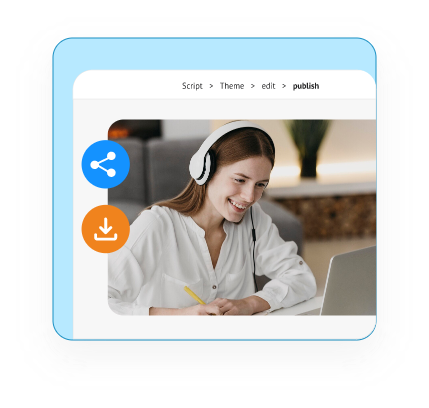
Step 3

3. Download & Share

Export high-quality 4K videos instantly. Embed in your LMS or share across platforms with ease.

Join 7+ Million Educators Making Videos in Minutes!

What Videos Can I Create with Steve AI?

Student Onboarding
Student Onboarding

Welcome to Our University: Campus Life, Policies, and Resources

Classroom Safety Training

Best Practices for Lab Safety and Emergency Preparedness

Subject Tutorials
Subject Tutorials

Understanding Algebra: A Beginner’s Guide to Core Concepts

Tool Usage Instructions

How to Use Microsoft Excel: Step-by-step Guide for Students

Academic Compliance Refresher

Annual Academic Integrity and Plagiarism Guidelines Review

Exam Preparation Tips

Smart strategies for acing finals and managing study stress

Career Guidance
Career Guidance

Exploring STEM careers: Pathways, skills, and opportunities

Faculty Enablement
Faculty Enablement

Introducing the New LMS: Features, Benefits, and Teaching Tips

top-user-logo
brand-assets.softwareadvice
brand-assets.capterra
brand-img-5
brand-img-4
brand-img-3
brand-img-1
brand-img-2

Trusted by leading brands across the world

brand-logo

Hear it from our happy users

I enjoy creating videos ,and I mean like any story video I want to create.

Mahlatse V.

Stock taker and till Operator

It’s is an amazing AI website that helps you share your imagination with the rest of the world.

Brandi M.

Business Developer

Everything everyone else does - in one place for one price. What else do you need to know? Buy it?

Peter A.

Digital Marketing Manager
Boost Training using Educational Video Maker

Frequently Asked Questions

How to create educational videos with AI?
With an AI education video maker, you add lesson notes or text, and the tool generates scripts, narration, and visuals. Steve AI makes it easy to create educational videos with AI that are engaging and ready to share.
The educational video creator AI from Steve AI is among the best options. It offers 1000+ templates, multiple languages, accents and voice-overs along with text-to-video automation, and secure compliance.
Yes. Steve AI's online course video maker can build full modules in minutes. Educators can embed these videos into LMS platforms or share them across devices without any hassle.
Teachers prefer using tools such as AI explainer video for educational video creation. These tools simplify complex topics with characters, animations, and voiceovers, making lessons more engaging.
With automated educational video software, you upload text or documents, and AI instantly converts them into structured lesson videos. This is ideal for teachers who want to convert text to educational video quickly.
An AI training video creator lets you generate professional training content without manual editing. It’s perfect for trainers who need scalable e-learning content without intervening or putting manual efforts for video editing.
A classroom video creation tool like Steve AI provides scene-by-scene control, rich assets, and collaboration features. It’s designed to help teachers produce edit-free, easy to use, AI videos for their class based on curriculum.
Use a microlearning video creator or AI video lessons generator to produce short, focused clips. These bite-sized videos improve retention and fit perfectly into modern microlearning strategies.